
Idea Statica
Steel
Concrete
BIM & Workflows
Support & Learning
Pricing
Company
14-Day Trial
New version indicator
Licensing
What licensing system does IDEA StatiCa use?
Where to download installation files
Activating your user account
Setting up a commercial license
System requirements for IDEA StatiCa
Single Sign-on (SSO)
Set-up guide for Single Sign-On (SSO)
How to set which products I take from the license pool?
Do we have to do something special to open the traffic between the license server and our network?
How to add users who are assigned to another license?
Who is using the license?
New version indicator
Deploying IDEA StatiCa with Intune
Off-line licensing
New version indicator
LicensingKnowledge baseLicensing

New version indicator

This article is also available in
ENCSDEESFRITPTNLHURO

The application will notify you when a new patch is released.

The application will inform the user whenever the new patch is available by the small "i" button in the top right corner. If the icon turns orange, your installed version is outdated. 

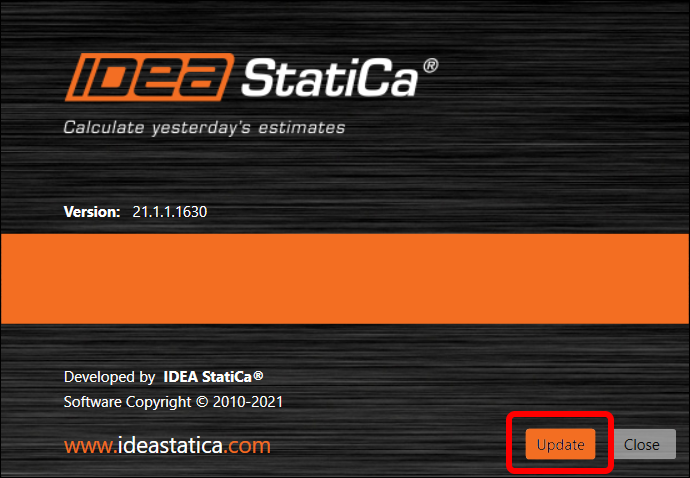
You can open the Download page directly by pressing the "i" button, which opens the About window. At the bottom, the Update button opens a browser where you can get the latest patch. Again, the orange color of the Update button symbolizes a newly available patch. 
The feature has been available since the 21.1.1 patch.

Available in both Expert and Enhanced editions of IDEA StatiCa Steel.