Note: Connection Browser was renamed to Connection Library with version 23.0 (April, 2023).
Latest tips for Connection Browser
Connection Browser feature is definitely the rising star among IDEA StatiCa developed tools to ease and boost the connection design. Surely, we didn't say the last word. So, in short, what are the hits for summer 2022?
Selection
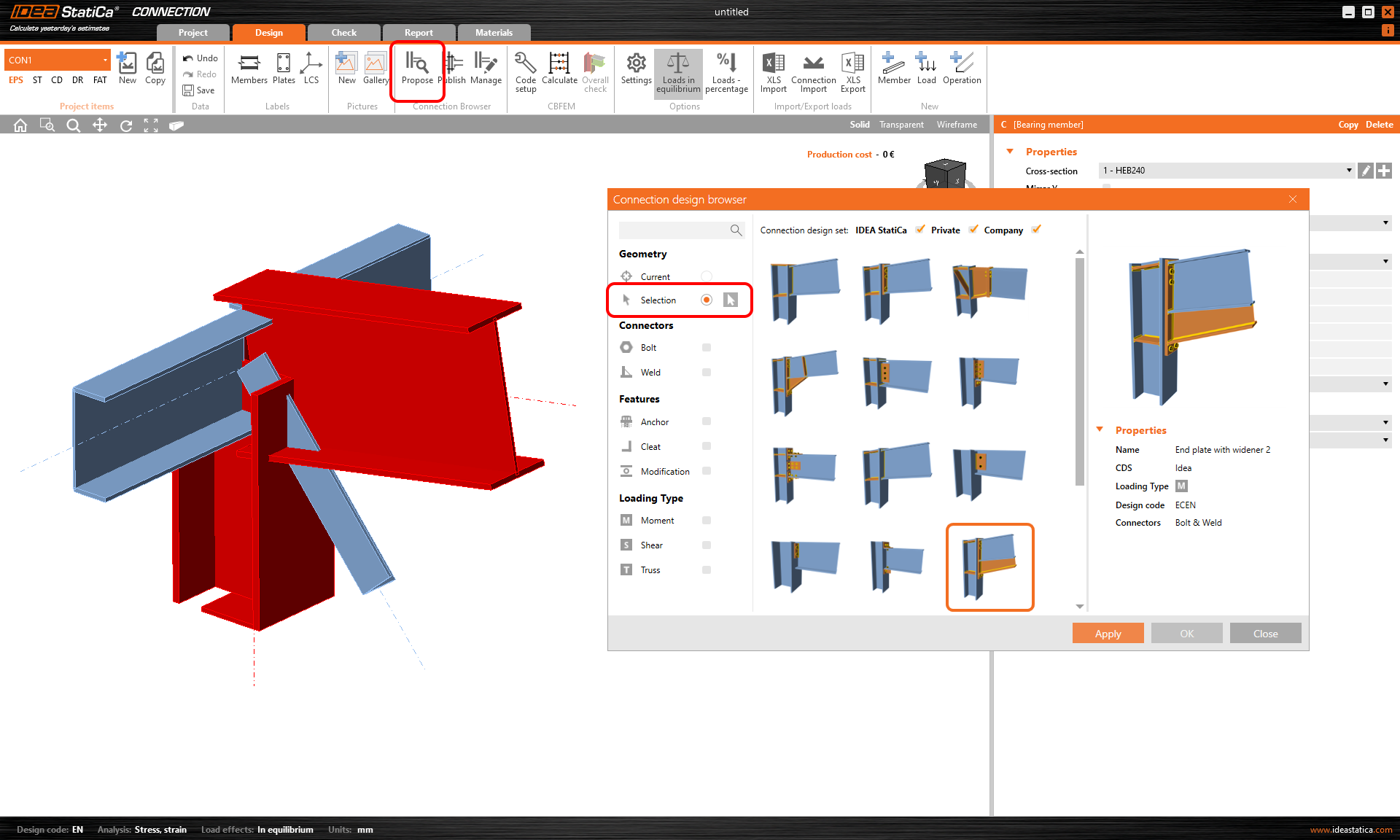
Complex connection with many members but didn't find any suitable design proposal? Switch to the Selection and pick just some of the members to add the set of operations, then do the rest. To select multiple members, drag the mouse over or hold CTRL, highlight each member in red, then press SPACEBAR or the confirm icon.
Filters
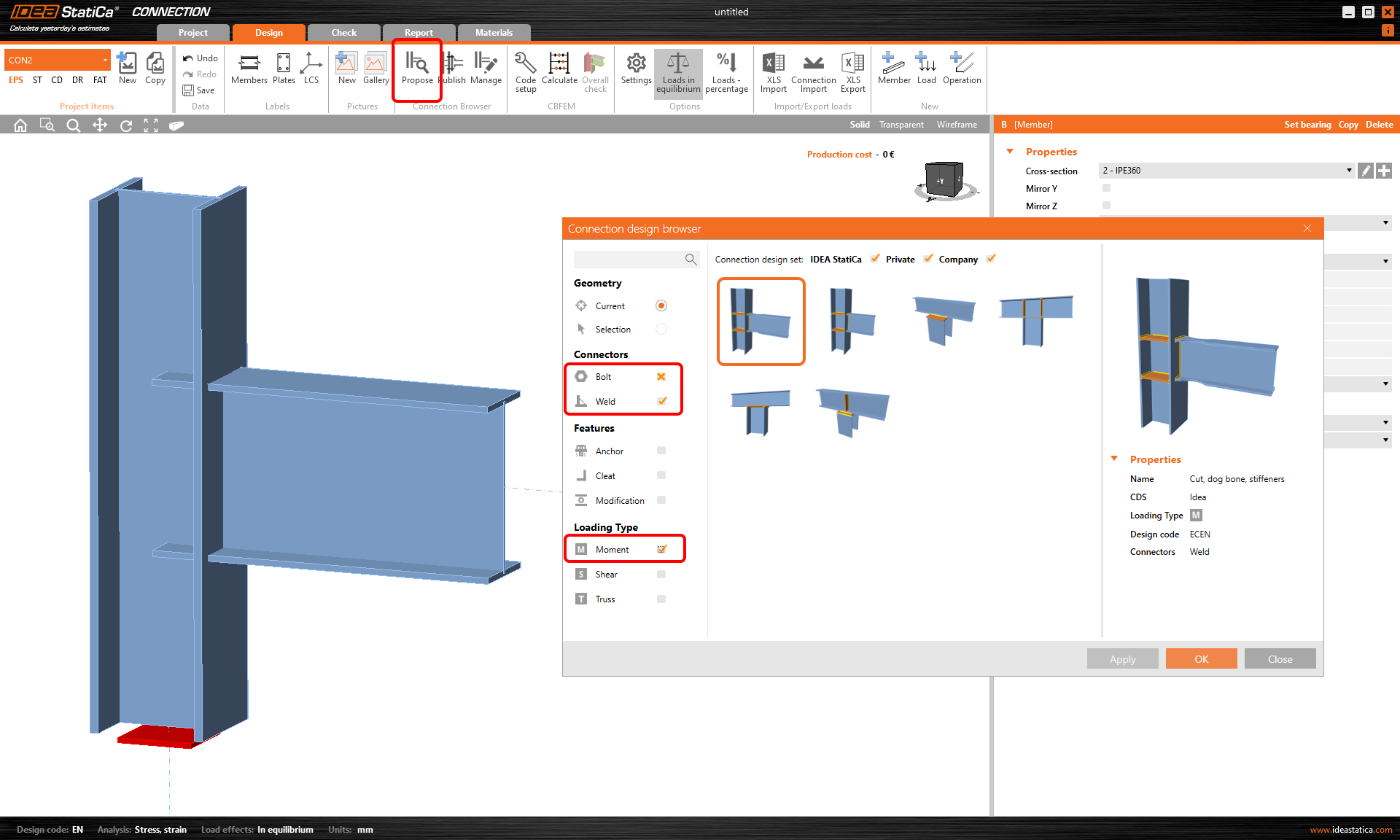
In case of the opposite situation - too many proposals for a given geometry, there are filters to kill the unwanted and help you out. You can choose what you want to use and also what you want to exclude. With one click you turn on the selected filter, while two clicks set the cross mark, which excludes that attribute from the proposals. E.g. you want only welded connection with no bolts at all - set yes for Weld and no for Bolt and there you go.
Design sets
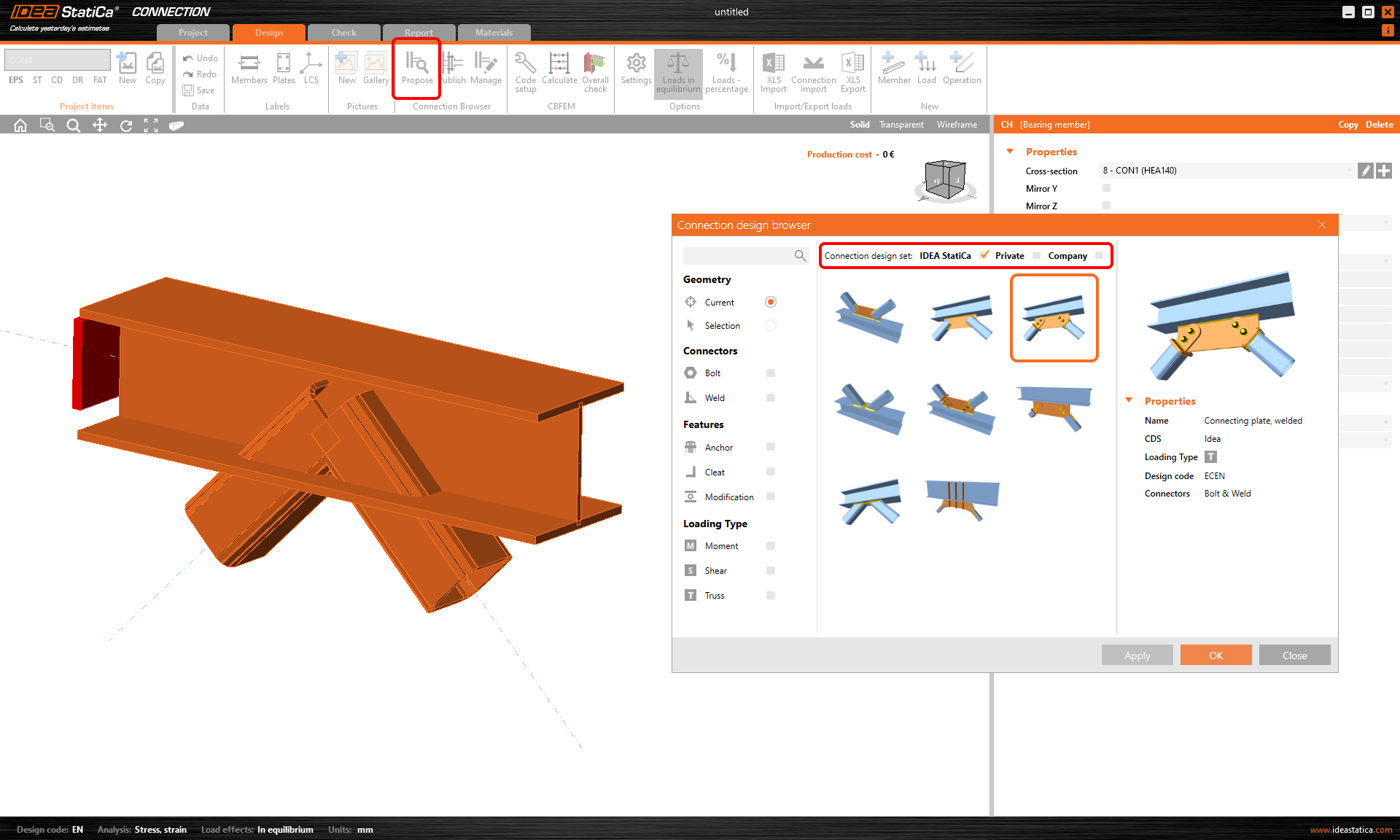
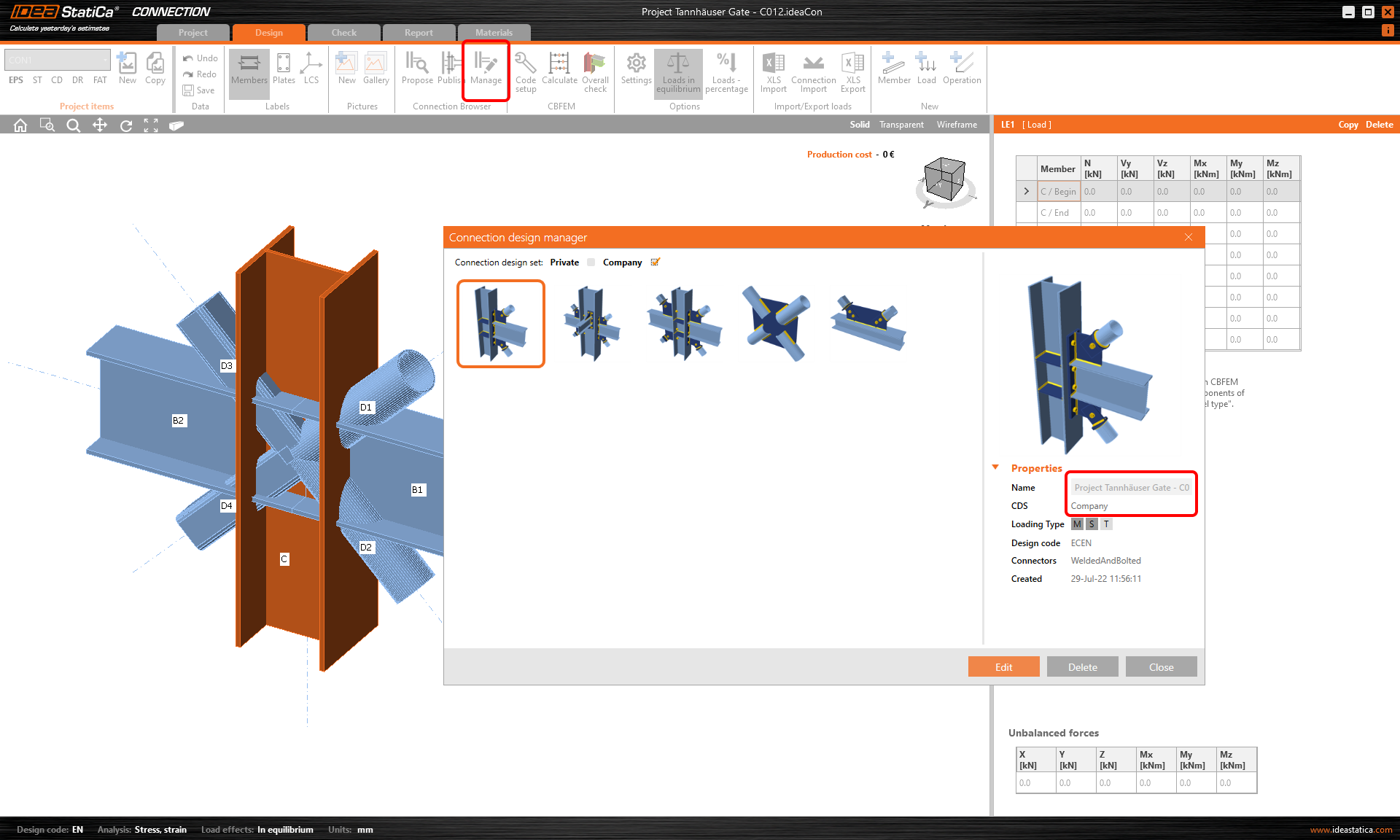
This is pretty simple. The contains design proposals that anybody can use and that in time should form a global public library of what our society can design and share. The is your own secret database for any wild experiments, while the is visible and accessible to your colleagues in your office.