


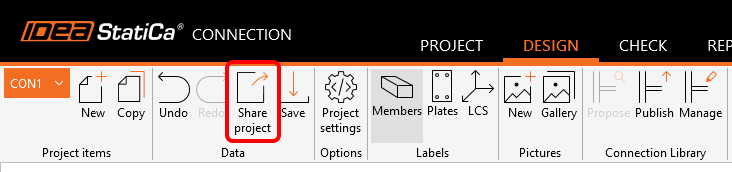
The top ribbon in IDEA StatiCa Connection has the possibility of sharing the project via our online Viewer.
This is the easiest way to send the project to anyone, even to persons without an IDEA StatiCa license. No more sending large .ideacon files that need to be manually uploaded to Viewer.
You can either copy the link onto the clipboard or open the project directly in IDEA StatiCa Viewer.
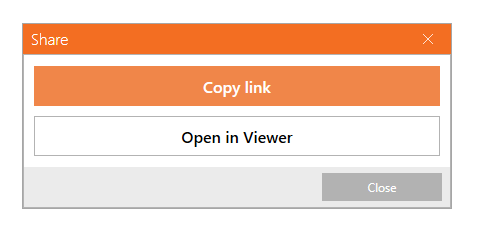
To open a shared project, you do not need to have an IDEA StatiCa license. However, to interact with the project in Viewer, you need to use your commercial, trial, or educational, license or register for the free IDEA StatiCa Basic account.
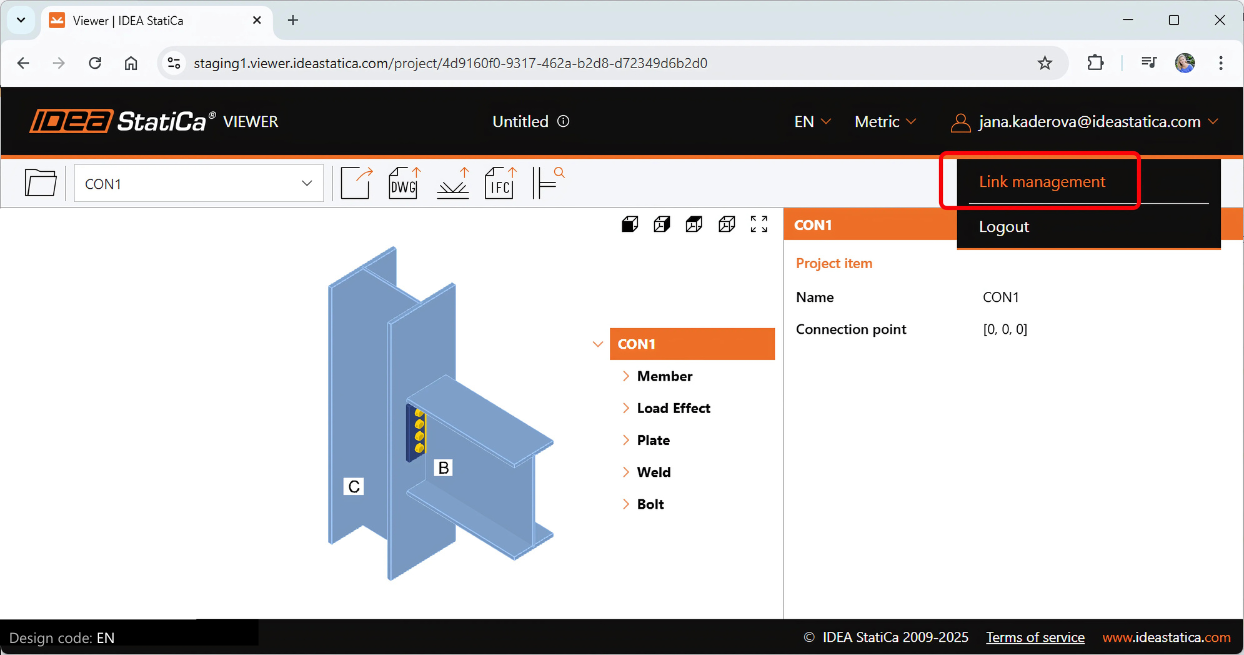
Link management
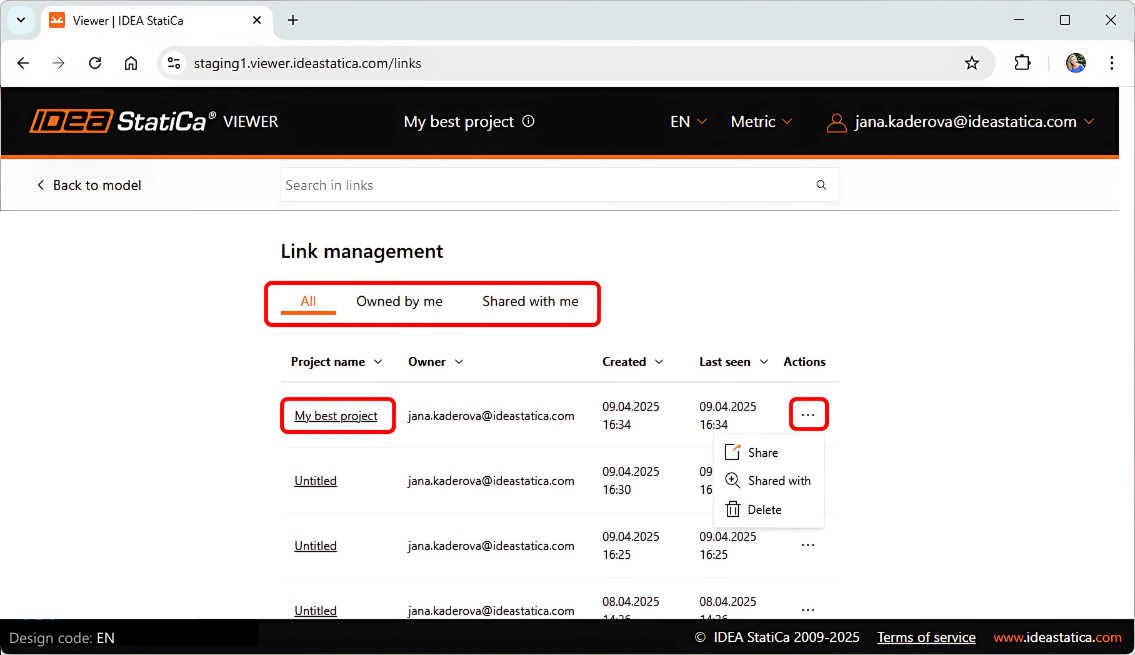
When logged into your user account, you can find all your links to Viewer models, both the ones created and owned by you as well as the ones shared with you.
Each project with a generated link is saved on the cloud server and the URL can be copied and sent again. Projects can also be deleted from the list.
Released in IDEA StatiCa version 25.0.
Share the link via email
The link to the Viewer can also be shared via email directly from the Connection app. This is possible for one or multiple email addresses at once.
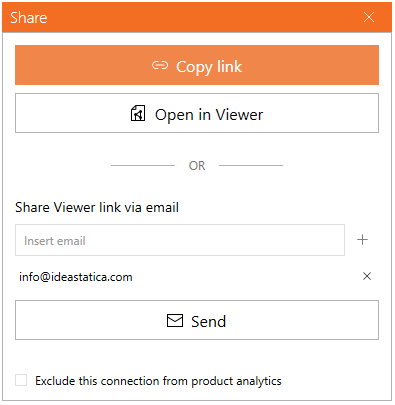
Limitation: The current limit of project links shared via one email address is set as maximum 20 per day.
Note:
- All project items of the shared file are sent to the Viewer (whole projects); the users can't choose a specific project item.
Updated in IDEA StatiCa version 25.1.
Get 14 days of full access, completely free.
Check out IDEA StatiCa for free