Idea Statica
Steel
Concrete
BIM & Workflows
Support & Learning
Pricing
Company
14-Day Trial
Changes in the tree of entities
How to change analysis type
Project item and material management
Cost estimation
Measuring tool
Autodesign of welds / weld sizing
Autodesign of bolts
In-app tooltips and links with Support Center
Multiselect and multiedit in the Connection app
All applications: Search box
Most common Dialog actions​
Changes in the tree of entities
How to create a section view
Direct link from Connection to Viewer
Changes in the tree of entities
SteelConnection designKnowledge baseConnectionGeometry

Changes in the tree of entities

This article is also available in
ENCSDEESFRITPTNLHURO

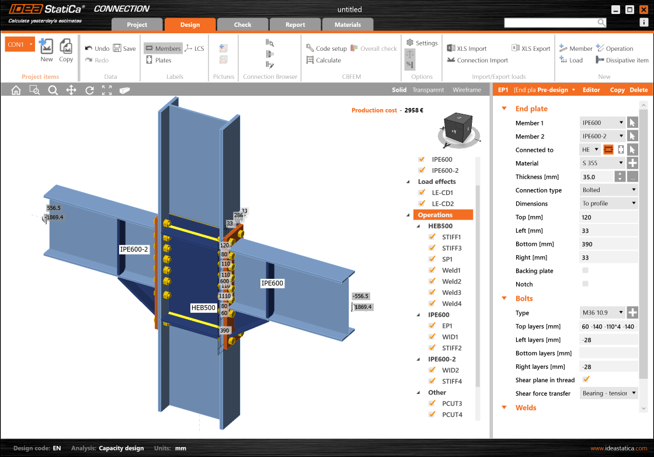
We like our UI to be well-organized and easy to understand, as you can see in the tree of entities presented in the 3D scene of Connection projects.

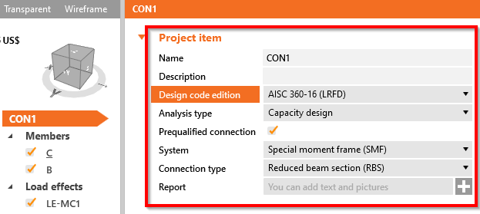
Project settings 

For each project, you can set the project name, description, analysis type and also the field with a detailed description to be presented in the report. For the capacity design under AISC, additional parameters are also set here.
Changes in the tree of entities

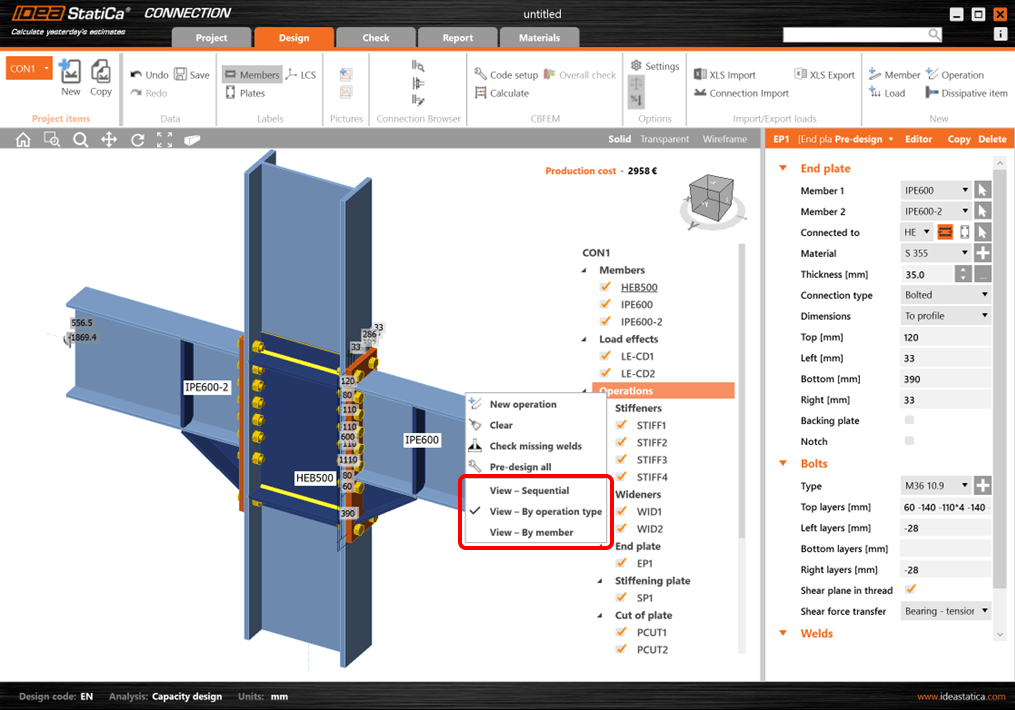
Groups of the manufacturing operations 

You are able to group the used manufacturing operations based on:

  • Operation type
  • Connected member

The function can be accessed using by right-mouse clicking Operations. There are three types of view. 
Changes in the tree of entitiesChanges in the tree of entities

The default (Sequential) refers to the original way of organization of the tree – the order is identical to the order of the addition of each operation. 

Please note that the grouping of operations does not change the principle of the application – the operations are always organized by order of appearance.

Available in both Expert and Enhanced editions of IDEA StatiCa Steel.

Download new version