
Advance Steel to IDEA StatiCa workflow
Autodesk Revit to IDEA StatiCa workflow
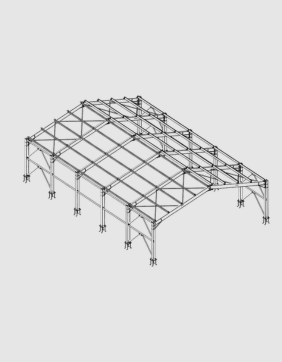
Model connection in CAD
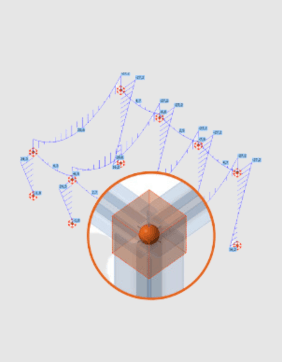
Import structure and apply loads
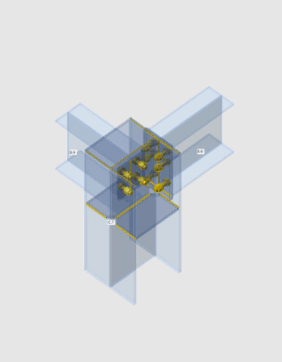
Design selected connections
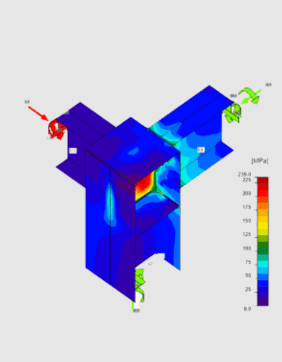


You can model connections in your CAD, export the connection directly to IDEA StatiCa from within Autodesk Advance Steel, apply the loads to the connection, and then code-check your connection. All beams, cross-sections, and operations (bolts, holes, welds, and cuts) are also completely synchronized if the Autodesk Advance Steel model changes. IDEA StatiCa and Advance Steel give you an efficient workflow for your structural steel design that saves time, minimizes errors, helps with optimization, and makes the data available to your colleagues or subcontractors doing detailing and fabrication.
The BIM link is managed by IDEA StatiCa Checkbot - an application for the management of BIM workflows. This means for you:
Read more about How Checkbot works.
Getting started is easy!
Please note that like with most software, there is always a short delay when new versions are released and the BIM links are updated. Please check out the list of compatible versions before installing the plugin.
You can find a list of known limitations here.
Общие проекты за последние 12 месяцев
Запущено на компьютерах за последние 12 месяцев
Клиенты по всему миру