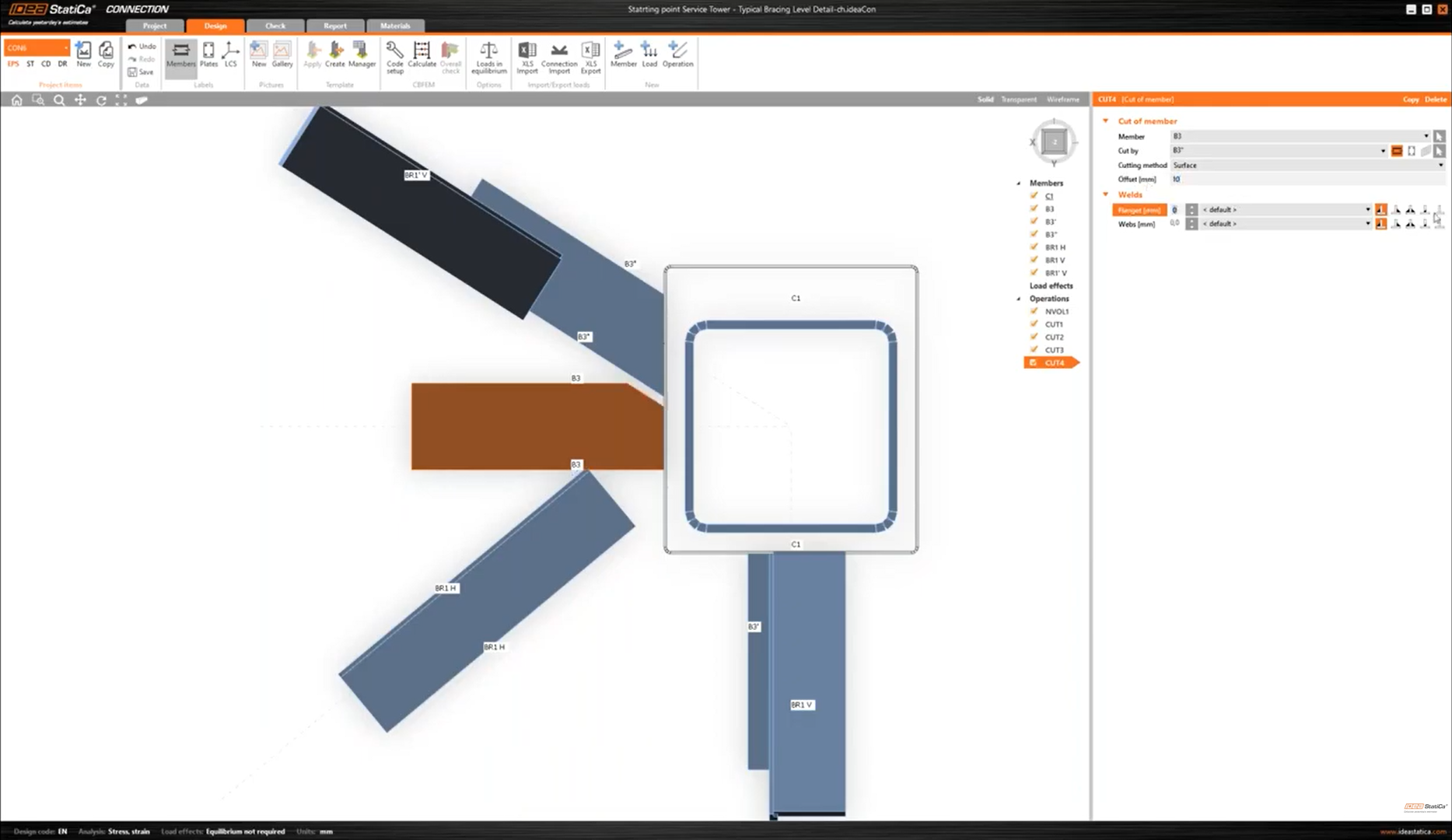
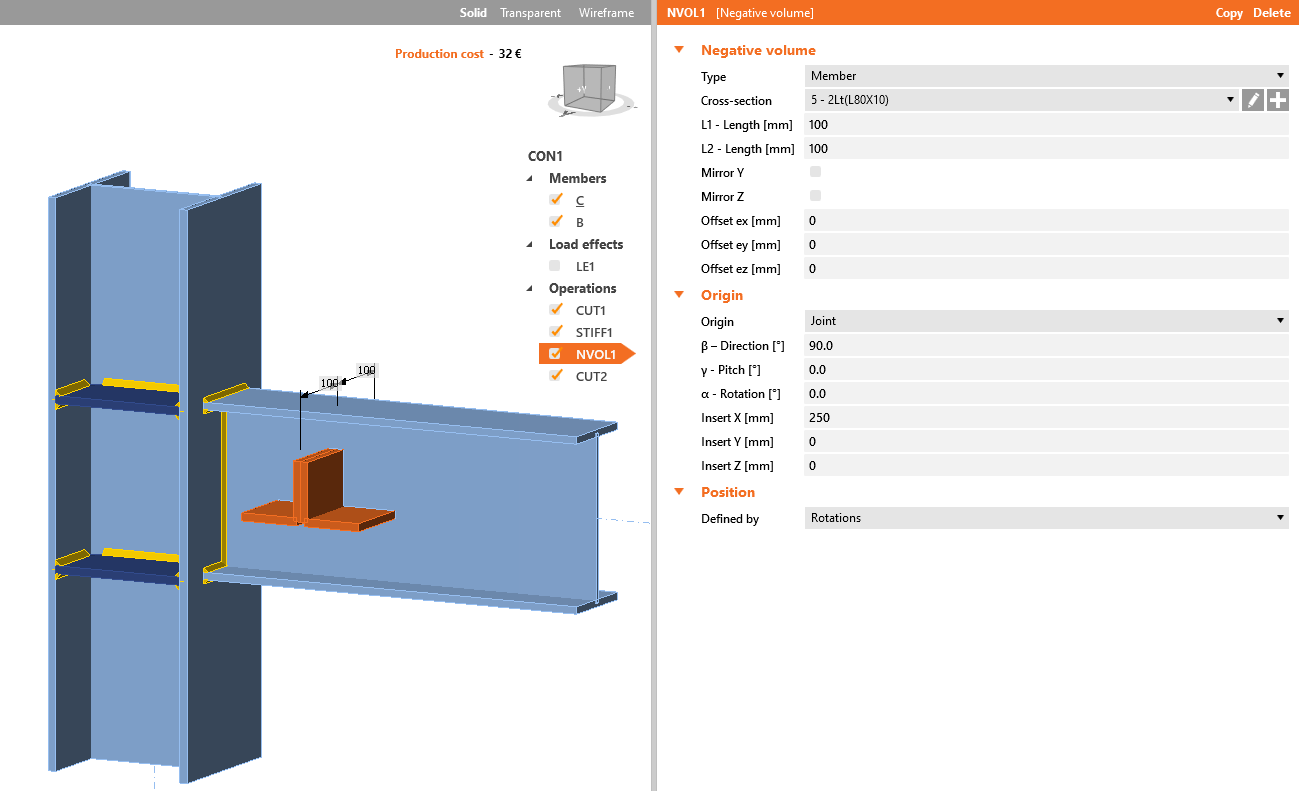
Using negative volume allows you to add a virtual member of any cross-section, either standard library sections or just general plate, or even user-defined or imported sections.
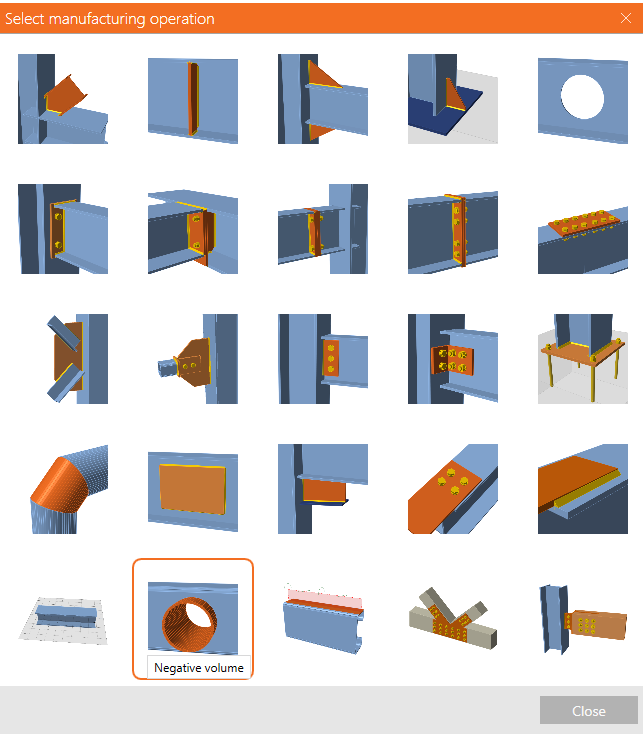
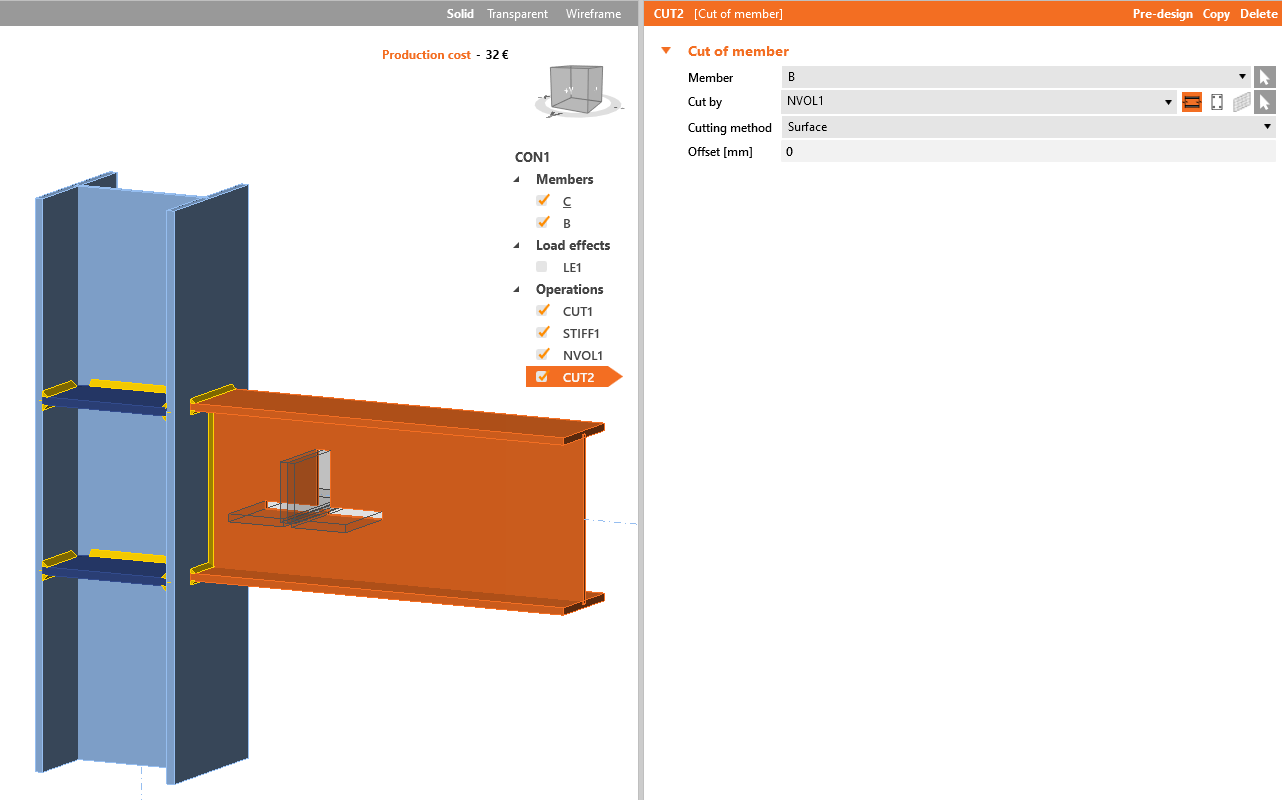
This is visualized in the 3D window as a solid member and can be used to cut out any part of members, stiffening members, and plates that intersect with the negative volume solid.
The 3D scene after applying the Cut operation
Watch the video for a deeper explanation.
When you need to add an offset to more members around one object like a column, you don't have to set the cut operation manually for each of them. Instead, use the negative volume operation to define the offset boundaries and set one cut operation and copy it for all the other members instantly.