1 Activation
Since version MIDAS GEN NX 2026 (V1.1) and newer, the API has been added, and due to this new possibility, the new link to IDEA Statica Checkbot was created.
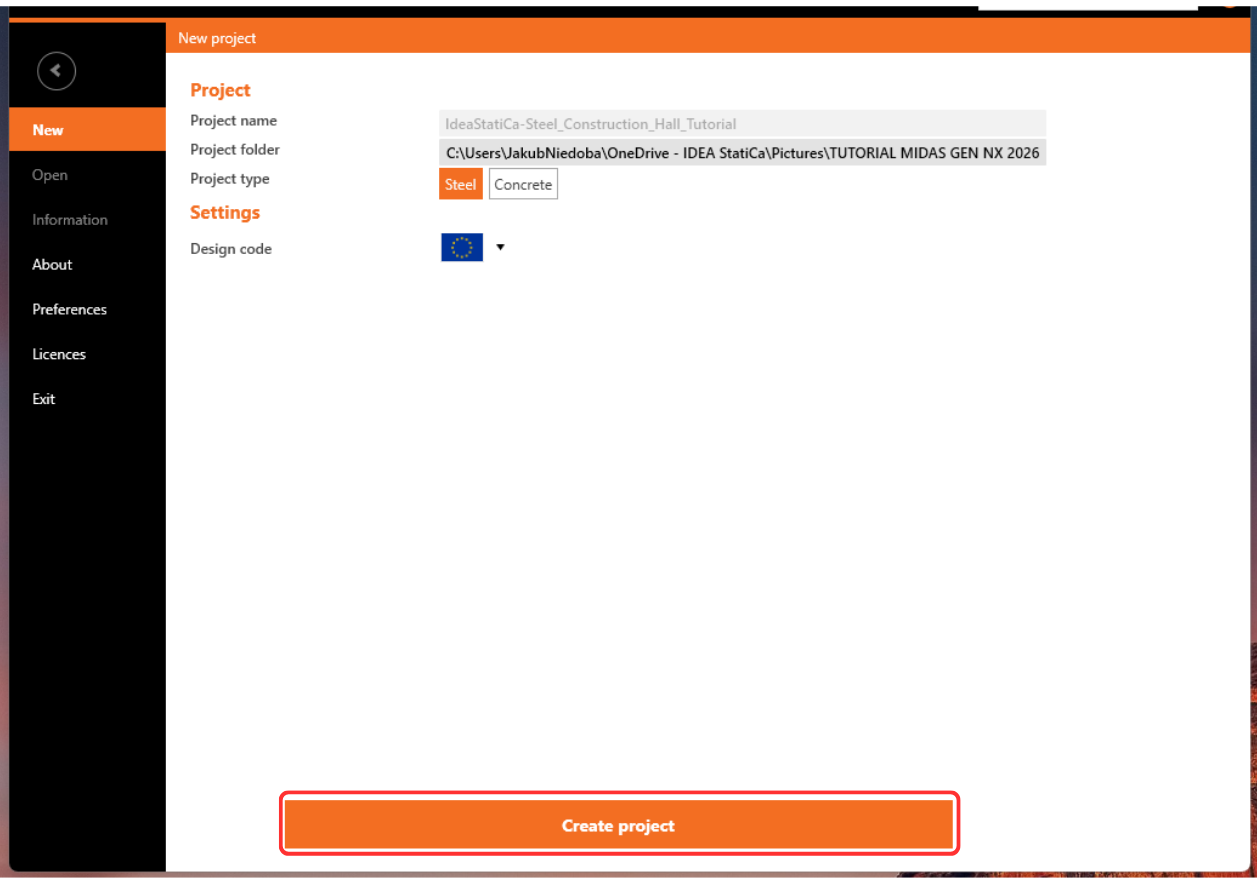
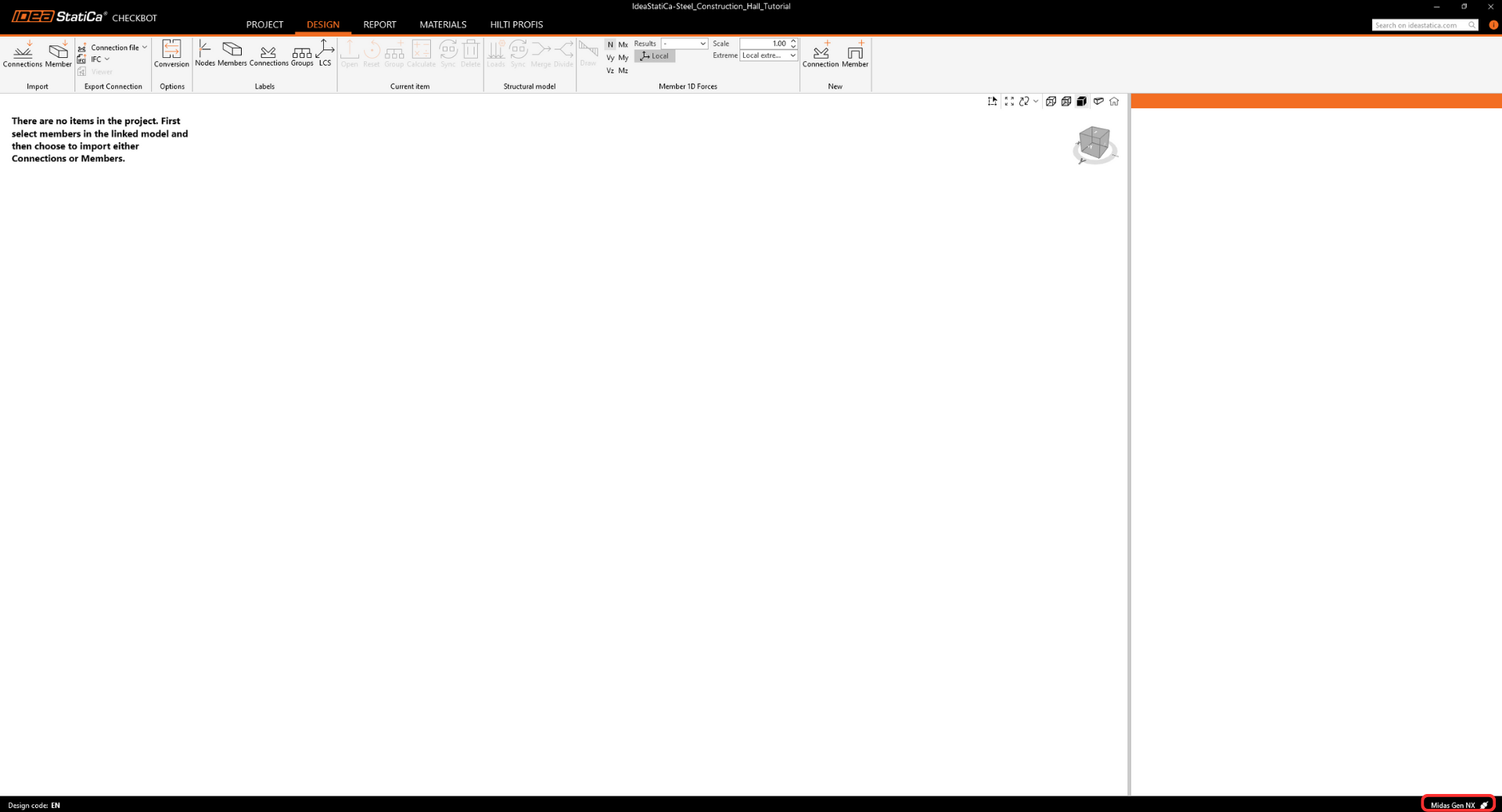
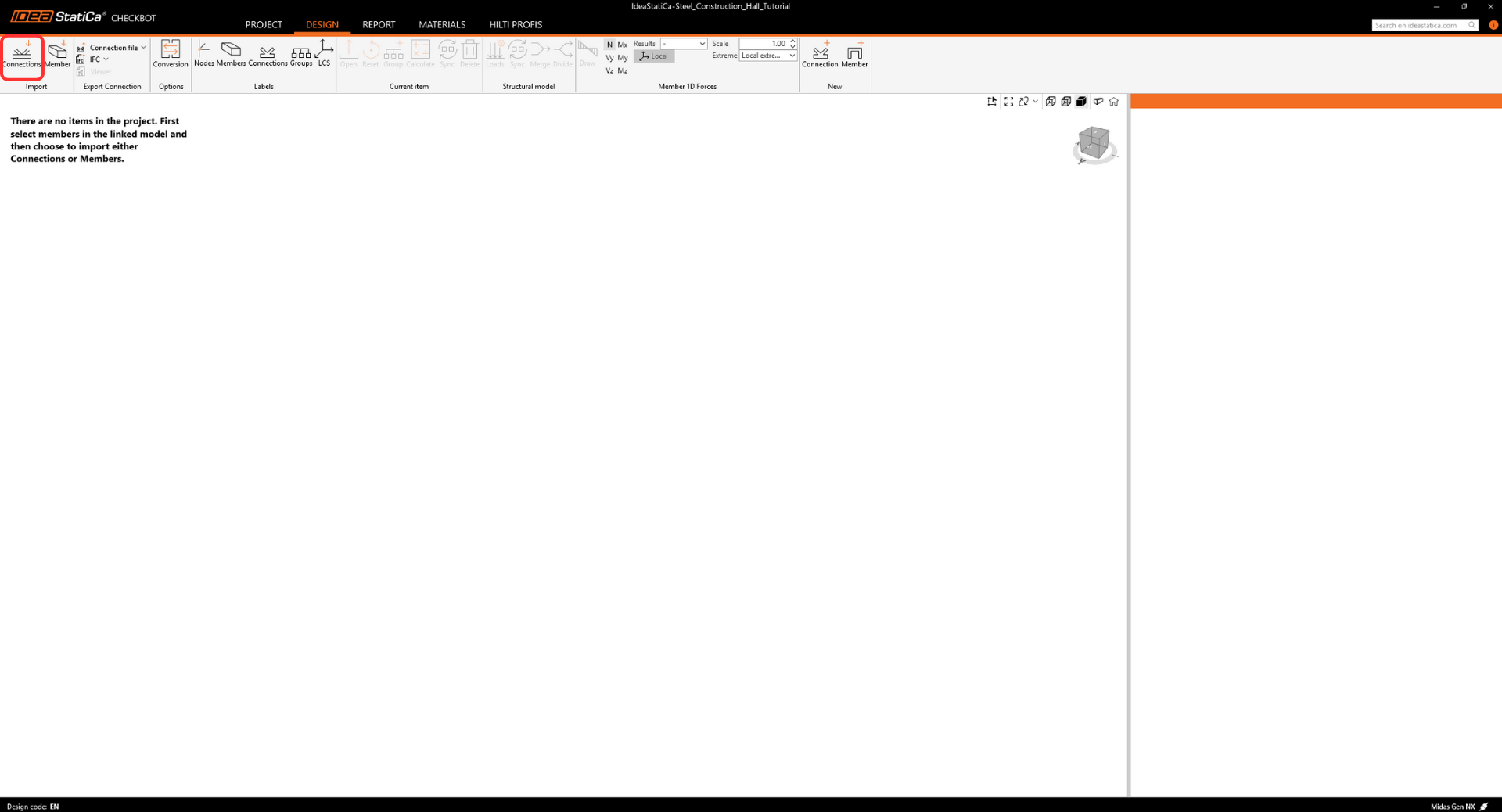
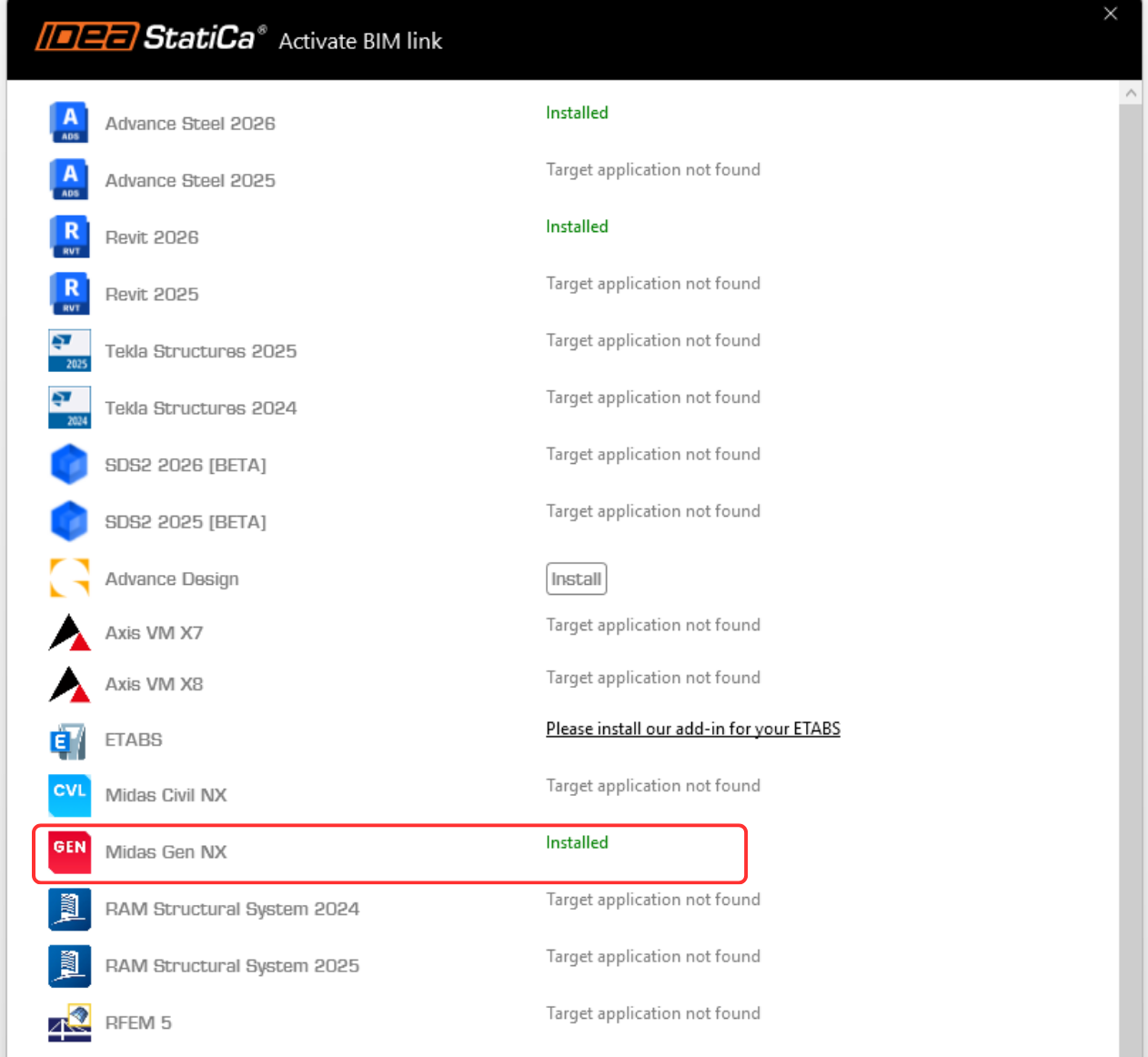
In the following figures, you can see how to activate the link.
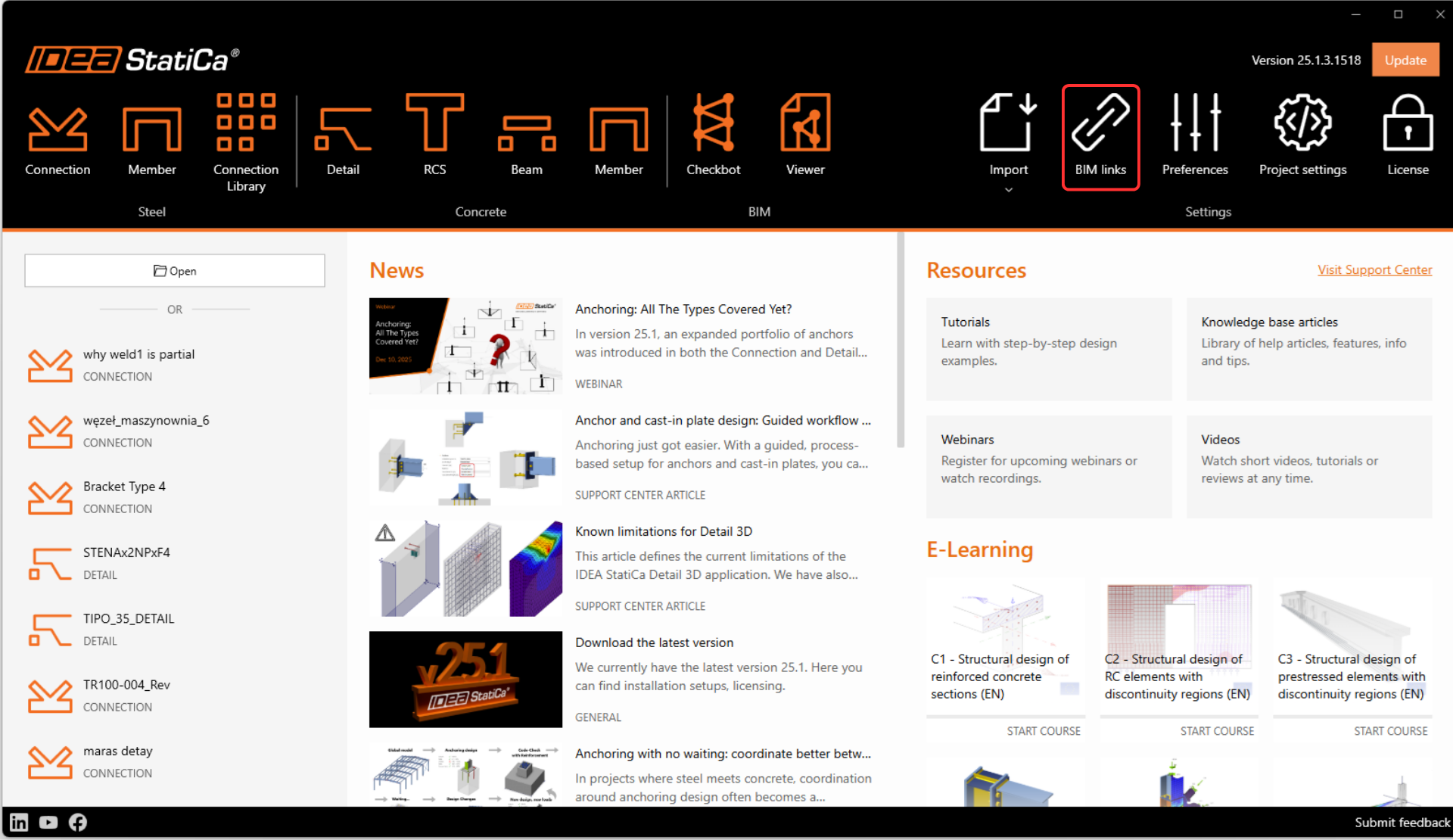
When prompted by Windows User Account Control, click Yes to allow installation.
Install the Midas GEN NX BIM link.
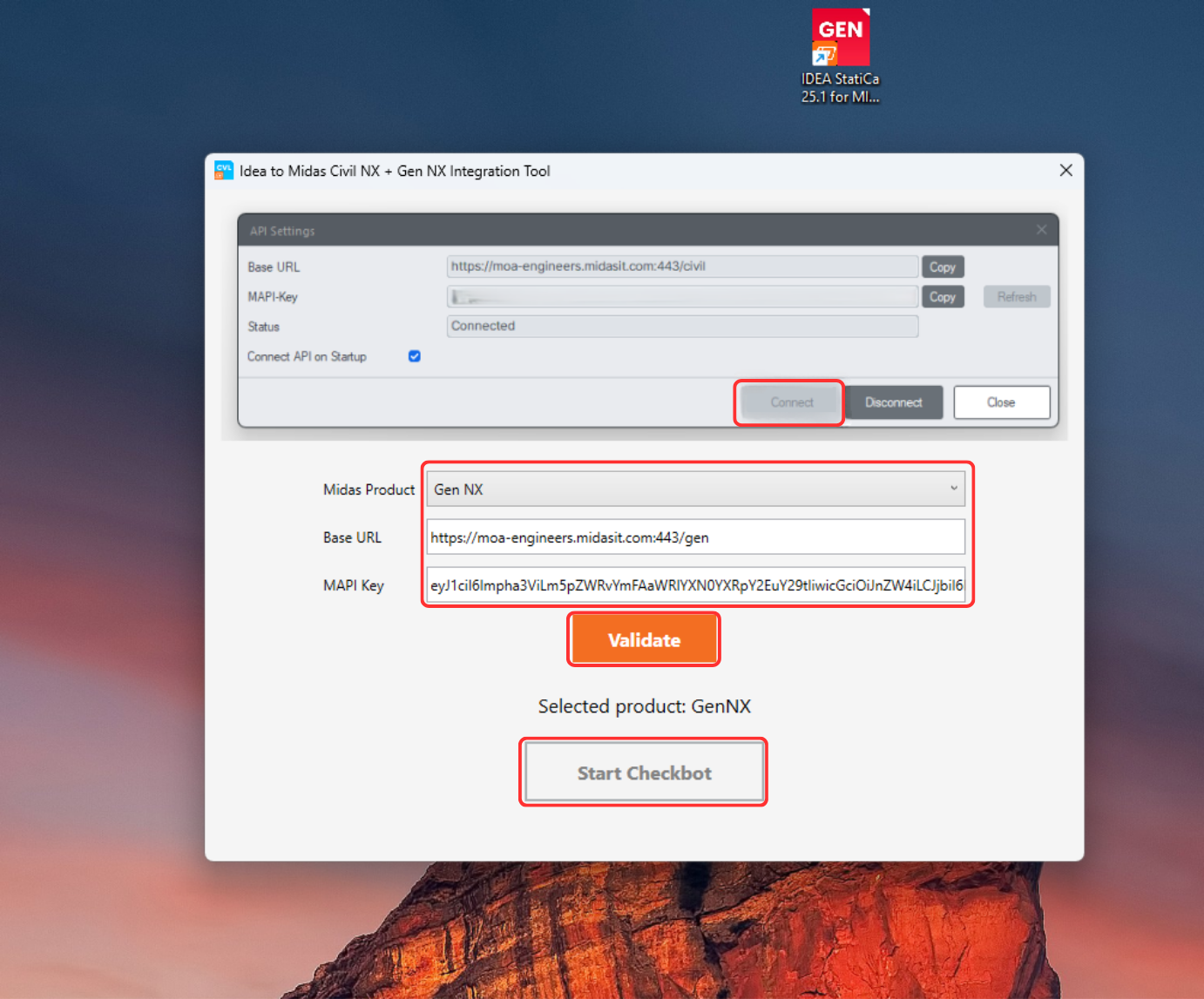
Subsequently, the new icon appears on the Desktop.

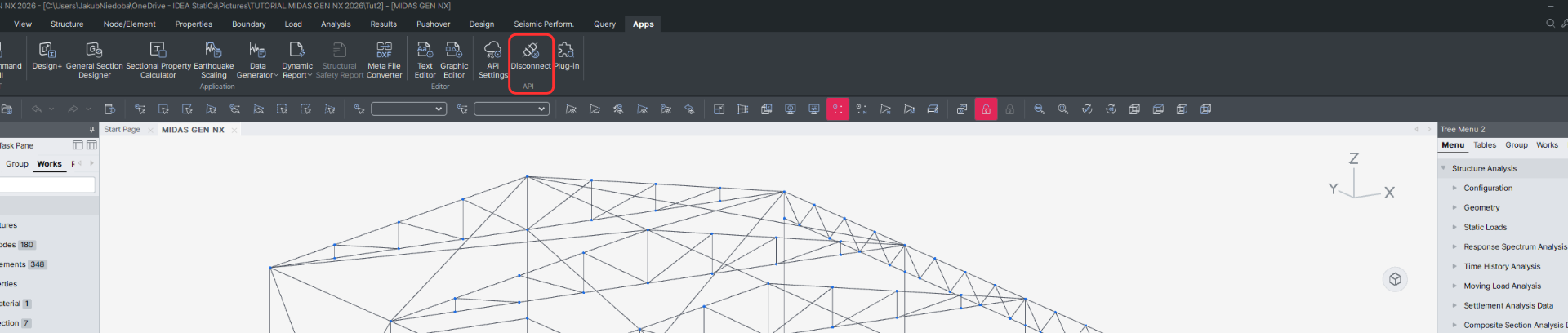
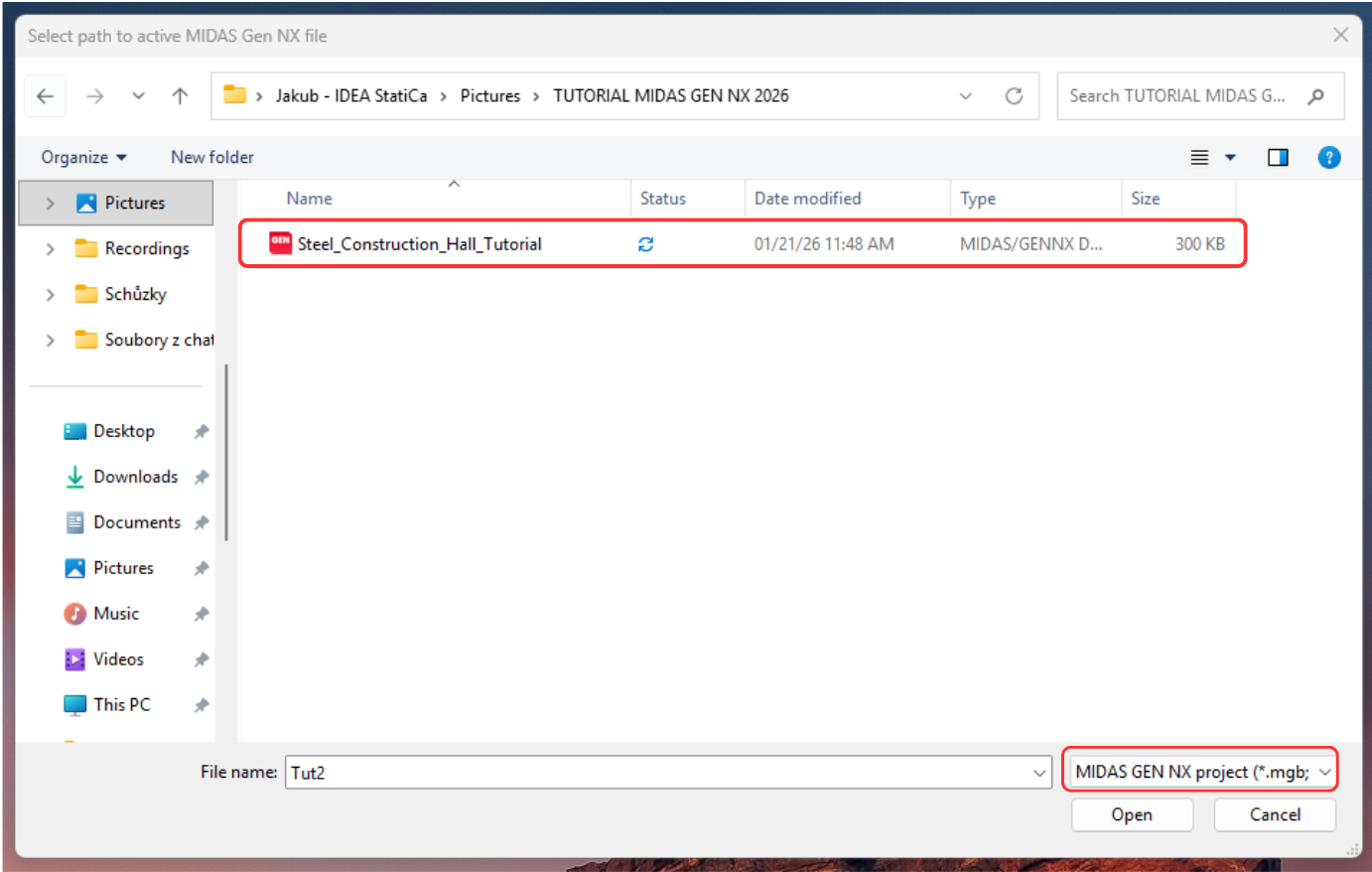
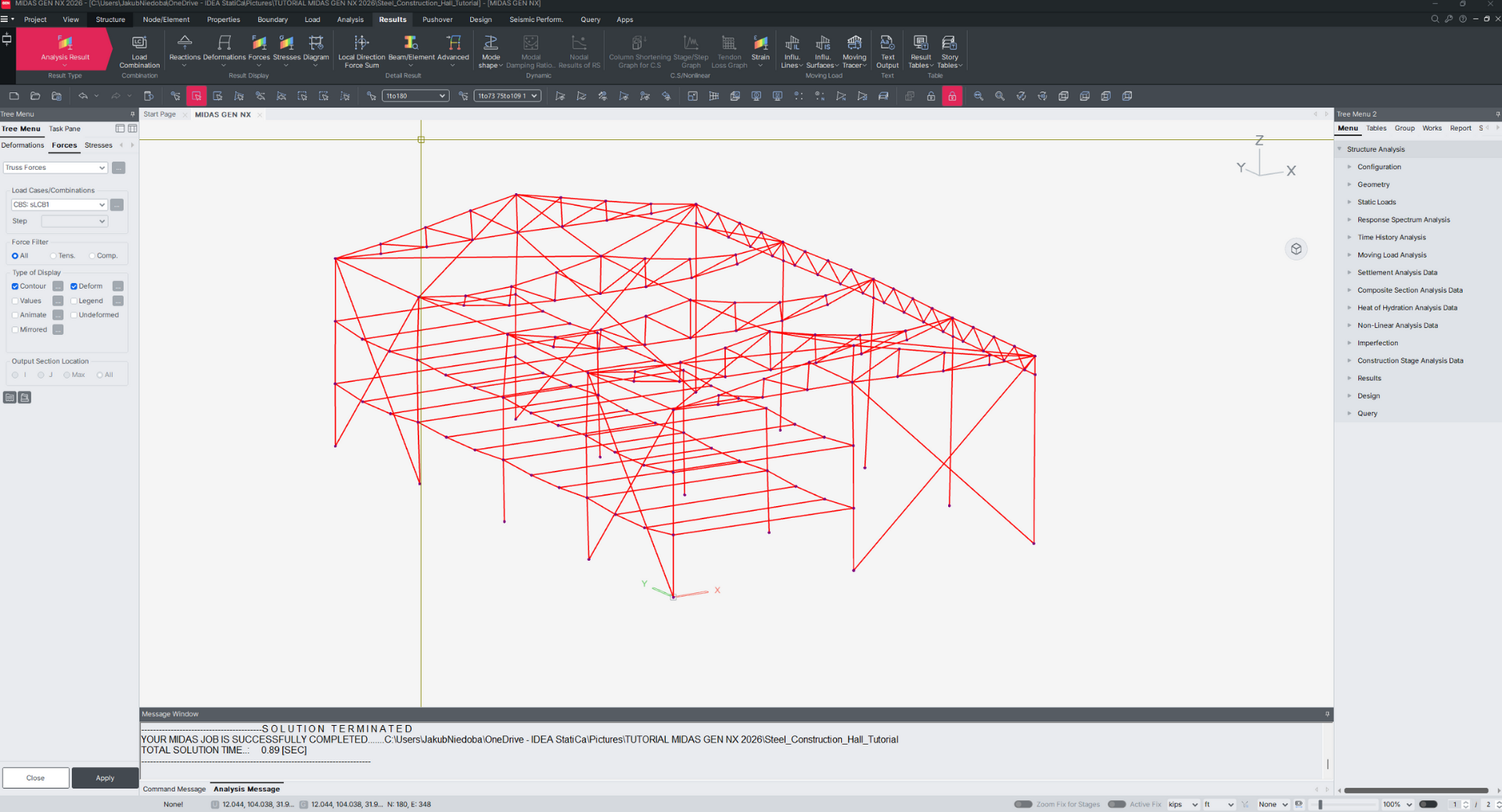
Now run Midas GEN NX and open the new or existing project.
In the ribbon, in the last tab APPs, there is API Settings, where the Base URL and MAPI-Key are given. At first, the MAPI-Key is blank; it must be generated by clicking the Refresh button. The MAPI-Key is unique for every user and shouldn´t be shared with others. The Copy button can be used to copy them.
Connect to the API.
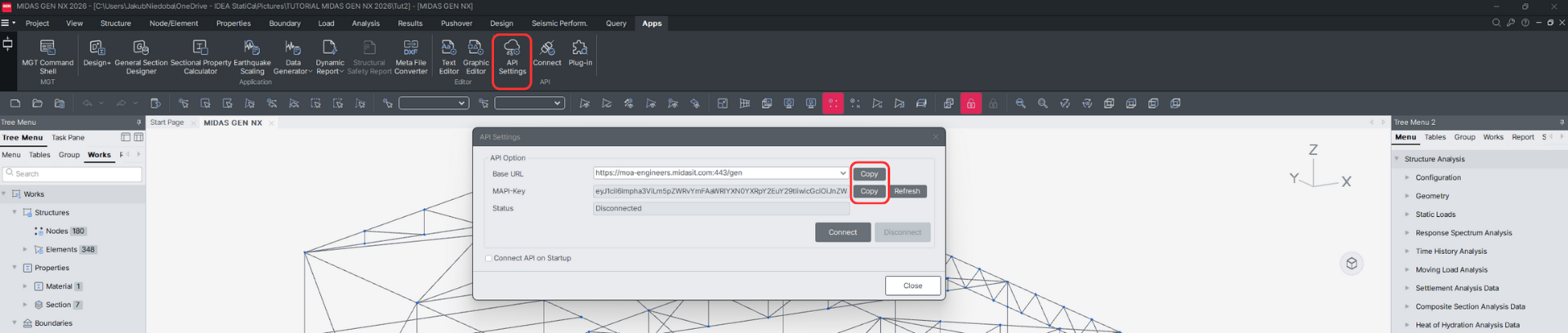
*NOTE: Enabling Connect API on Startup automatically establishes the link between MIDAS GEN NX and IDEA StatiCa Checkbot upon launch, eliminating the need for manual API activation.