Code-check steel-to-concrete anchoring in one workflow
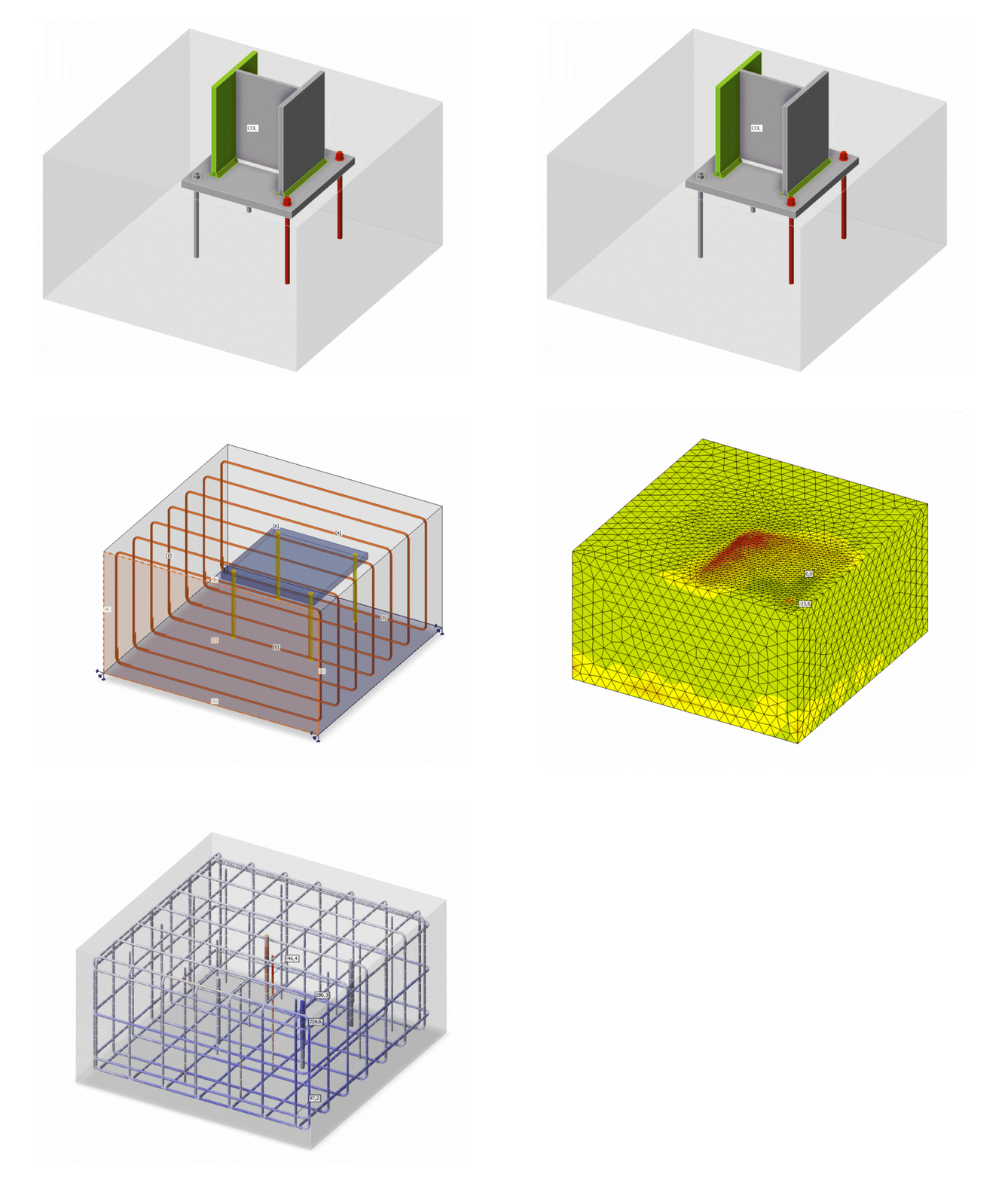
Design steel-to-concrete anchoring in 3D for any member, including edge-sensitive conditions, real reinforcement, stiffness, and all shear transfer types.
- Cover anchoring steel structures to concrete foundations, members, and walls
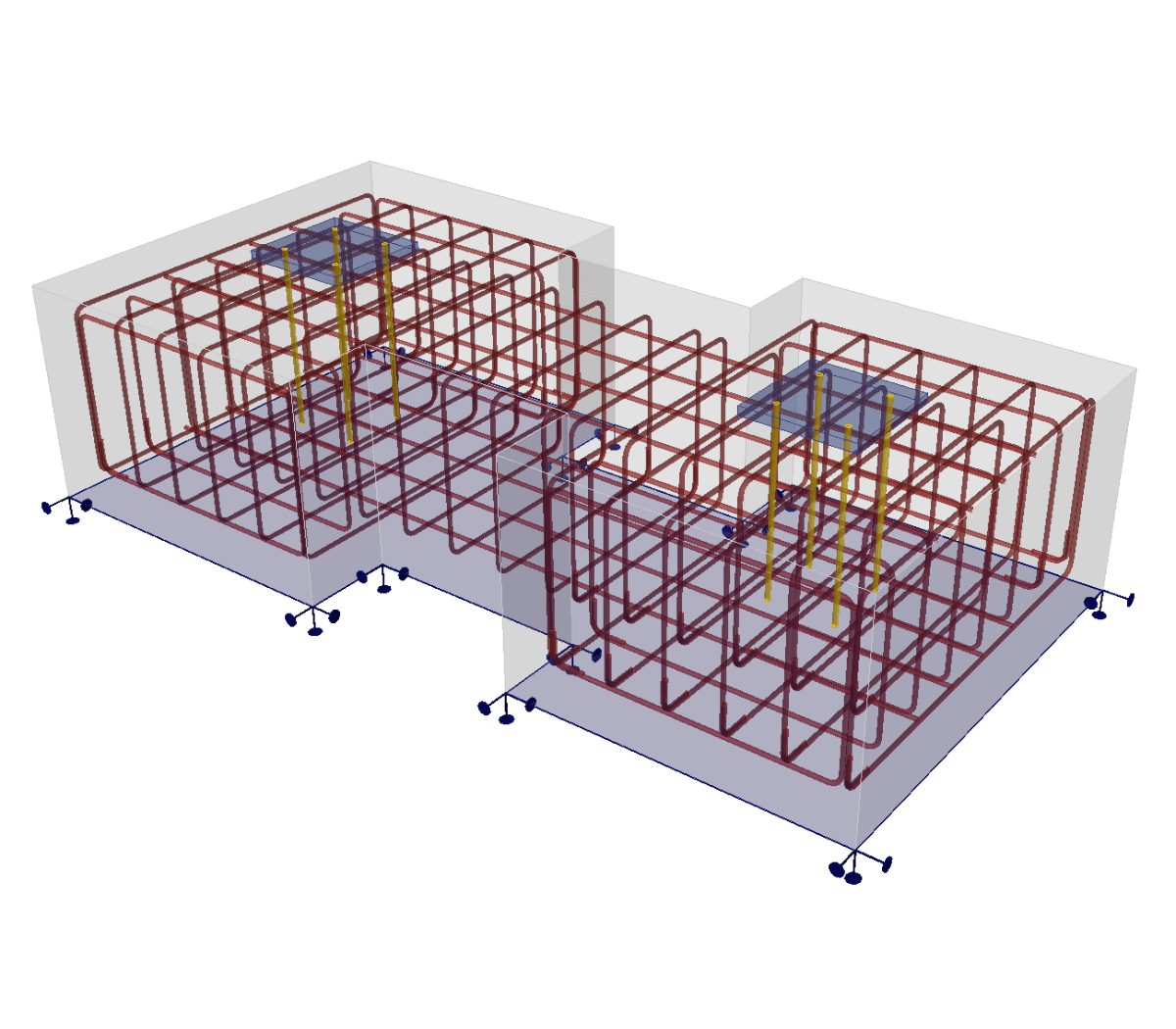
- Apply cast-in plates, column pedestals, and non-standard foundation geometry
- Analyze shear transfer through anchors, lugs, and friction
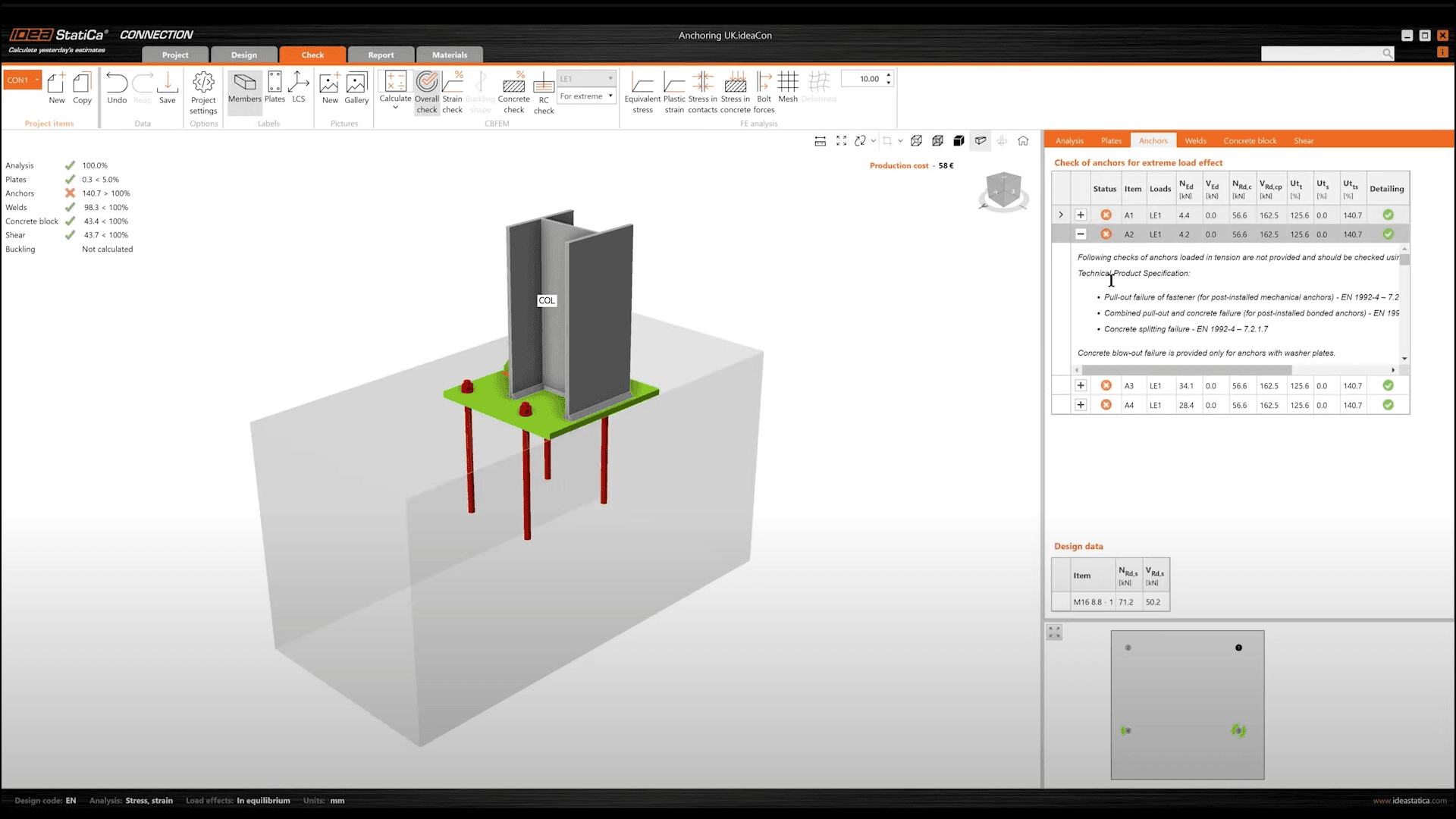
- Use Eurocode formulas (EN 1992-1-1, EN 1992-4, EN 1993-1-8) for checks of steel parts, anchors, concrete, and rebars
- Identify stress flow mechanisms between concrete and steel rebars
WHAT CAN I *DESIGN AND ANALYZE?*
Save hours with standard anchoring templates, code check any non-standard designs
1 din 6
Irregular foundation shapes

Cast-in plates

Non-standard anchoring
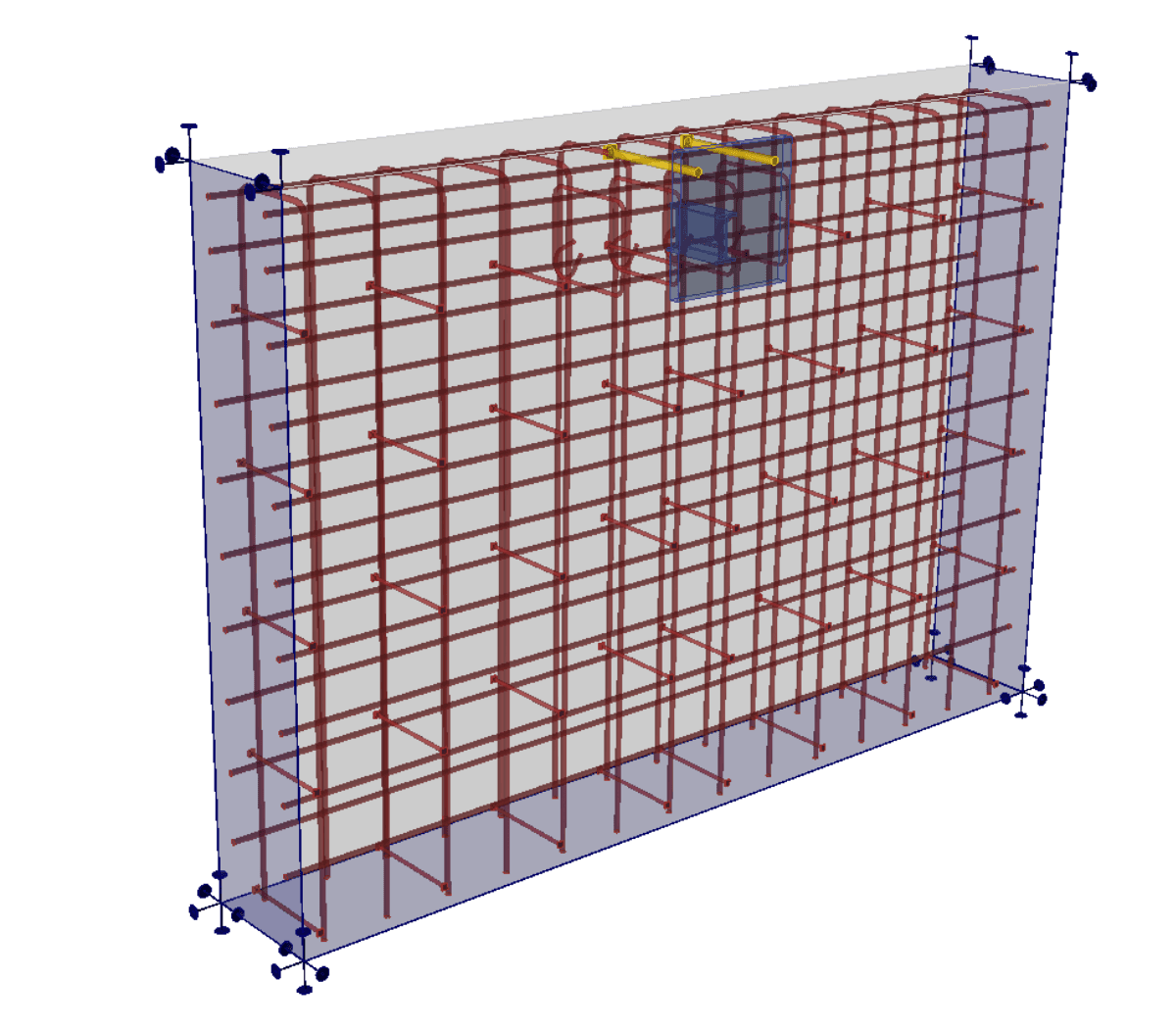
Custom reinforcement
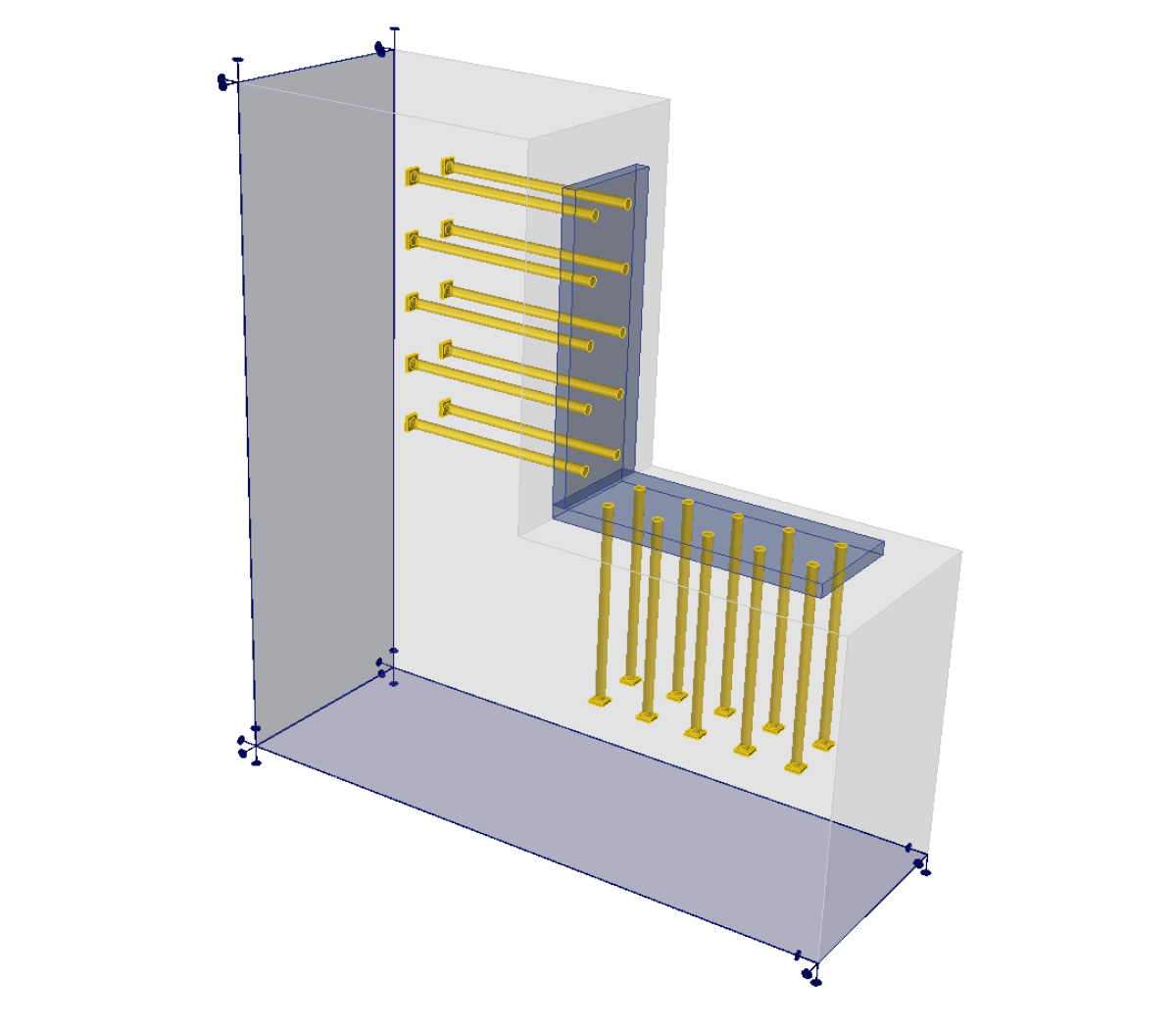
Corner anchoring
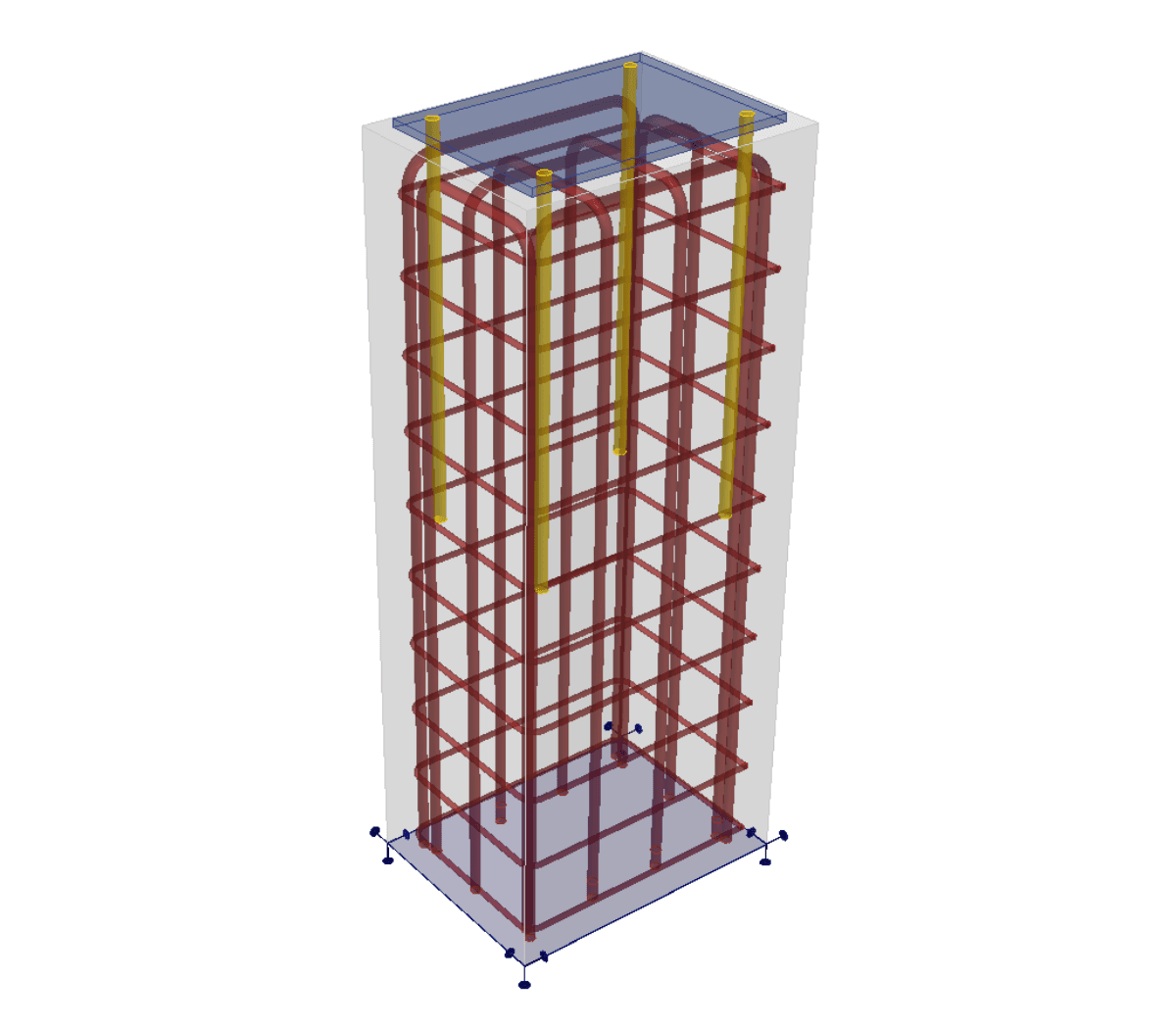
Anchoring to columns
Structural design *workflow*
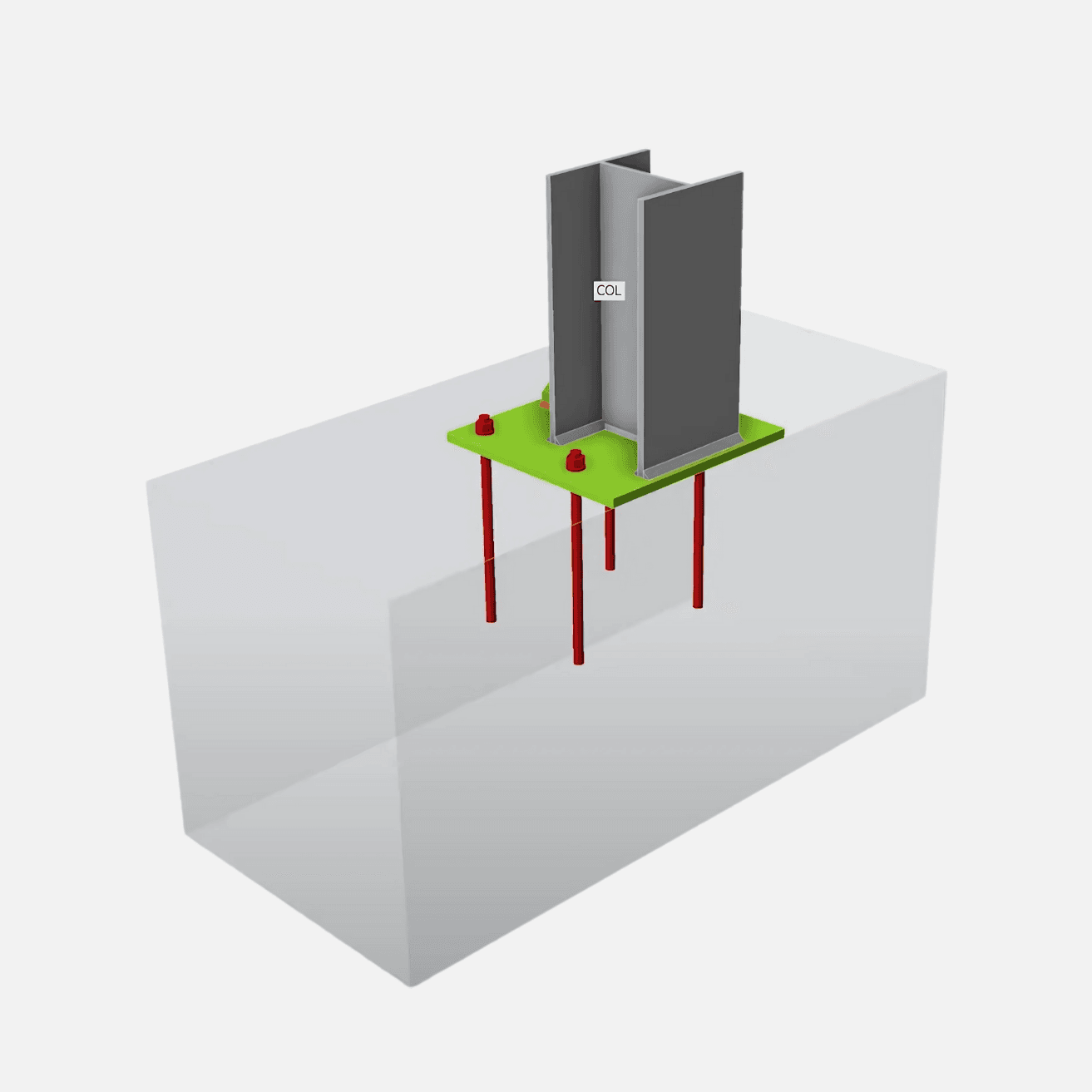
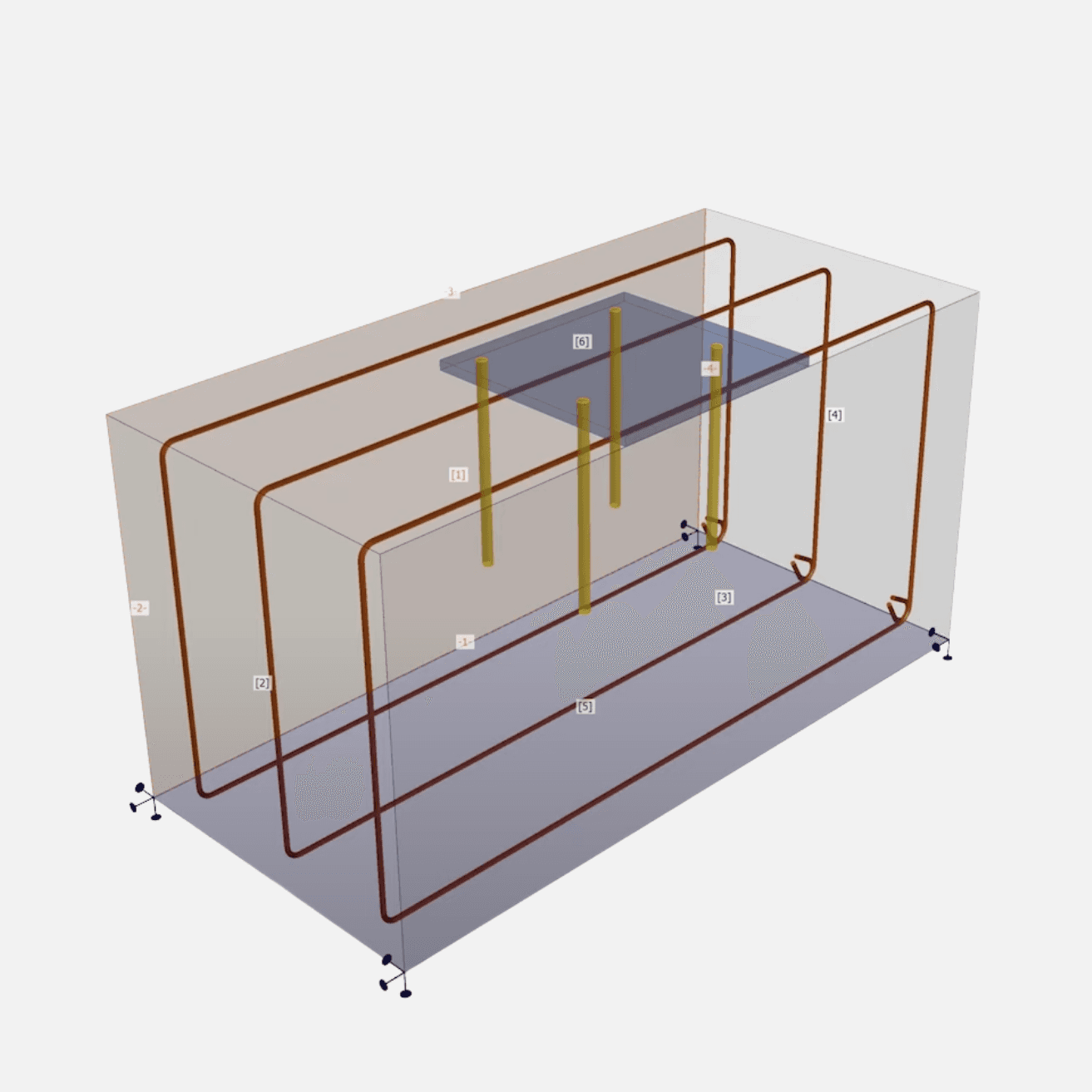
Model anchoring details in the Connection app
Export to Detail app for reinforcement modeling
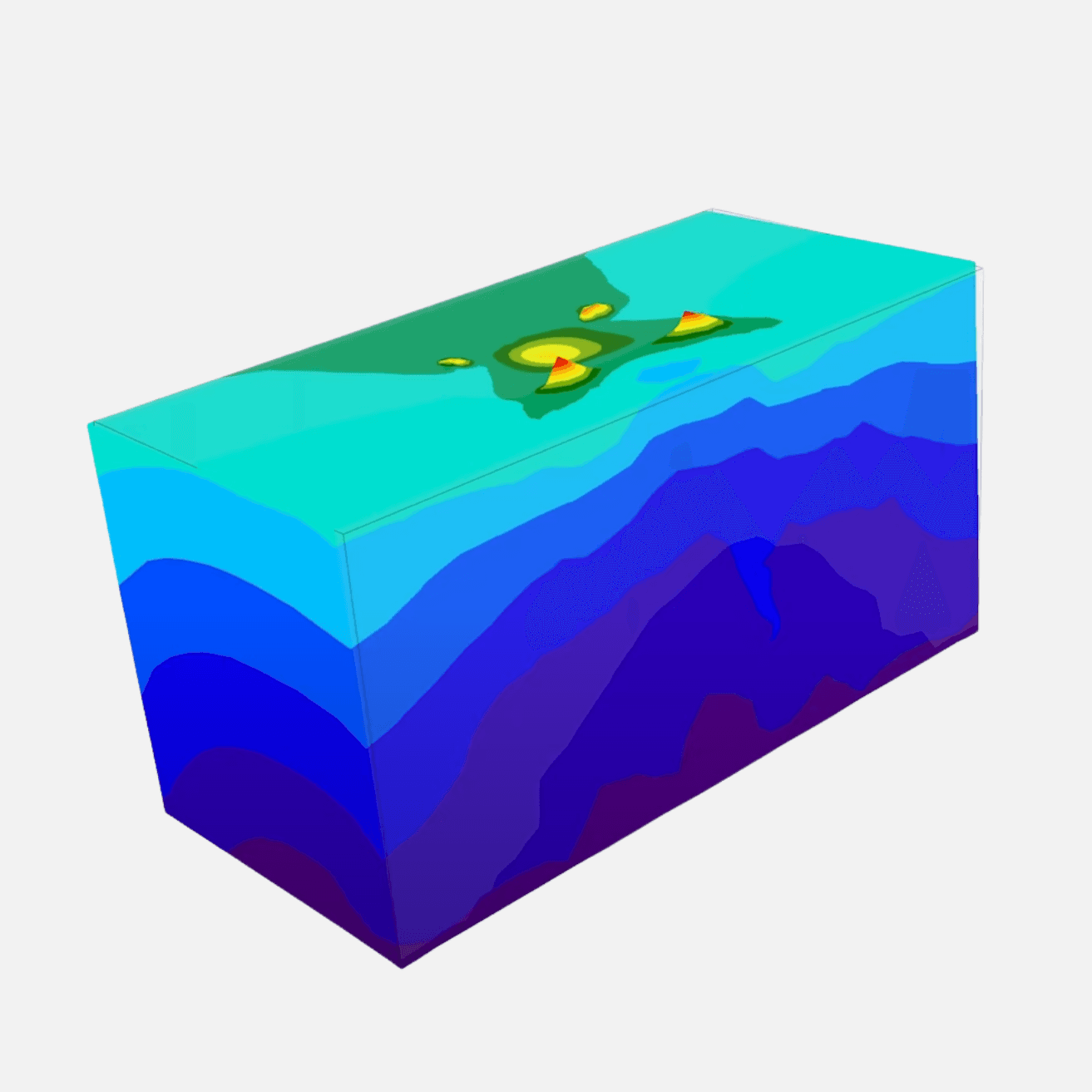
Get non-linear analysis results in 3D
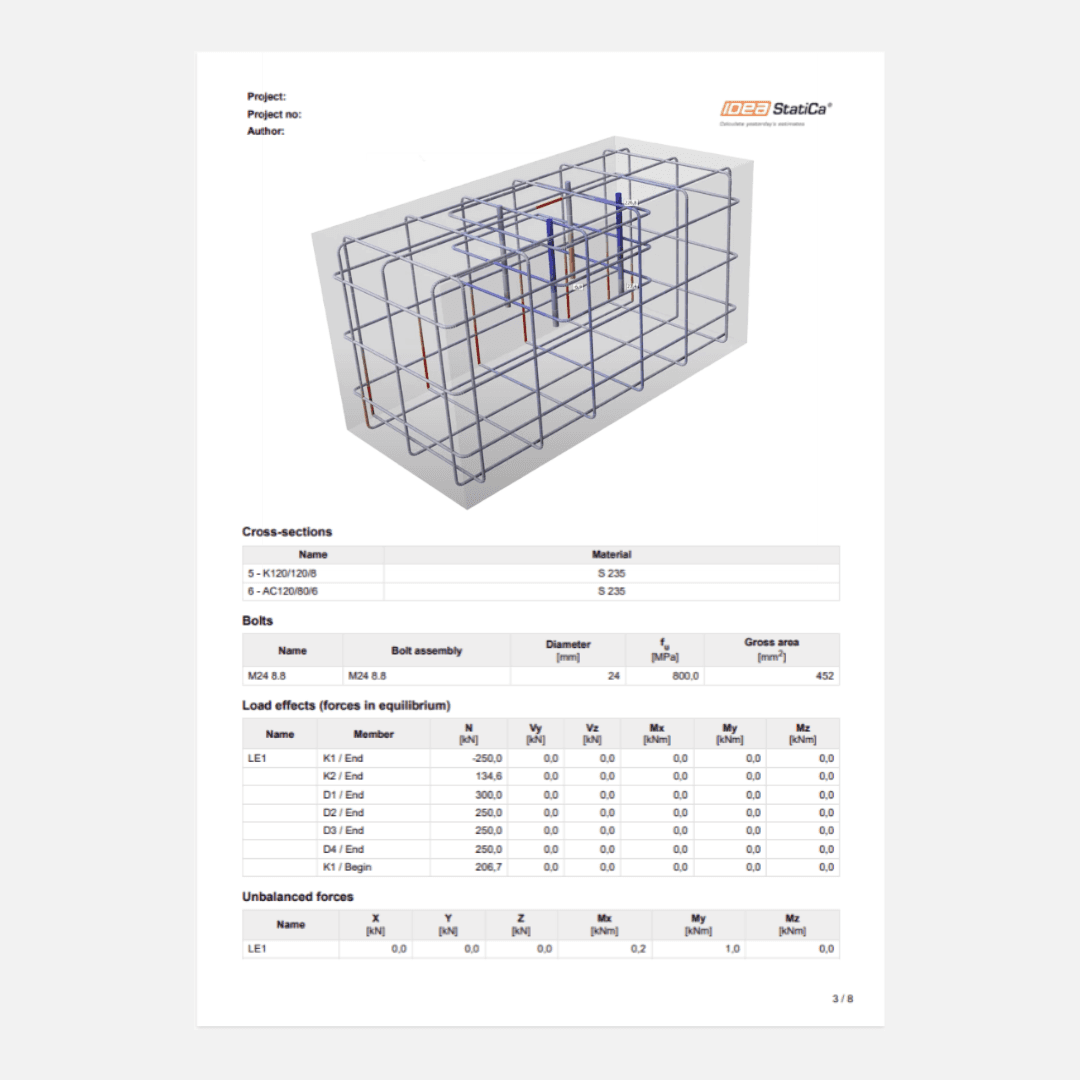
Optimize design and generate report
Model anchoring details in the Connection app
Export to Detail app for reinforcement modeling
Get non-linear analysis results in 3D
Optimize design and generate report
Visualize reinforcement to identify weak points
Get detailed analysis of concrete and reinforcement under real loading. Visualize and interpret complex RC behavior using section views and precise data.
- Conduct non-linear 3D calculations for reinforced concrete
- Calculate stress and strain in concrete and steel bars
- Use section views to identify critical failures
- Optimize materials and prevent overdesign with real reinforcement and accurate baseplate stiffness properties
Concrete
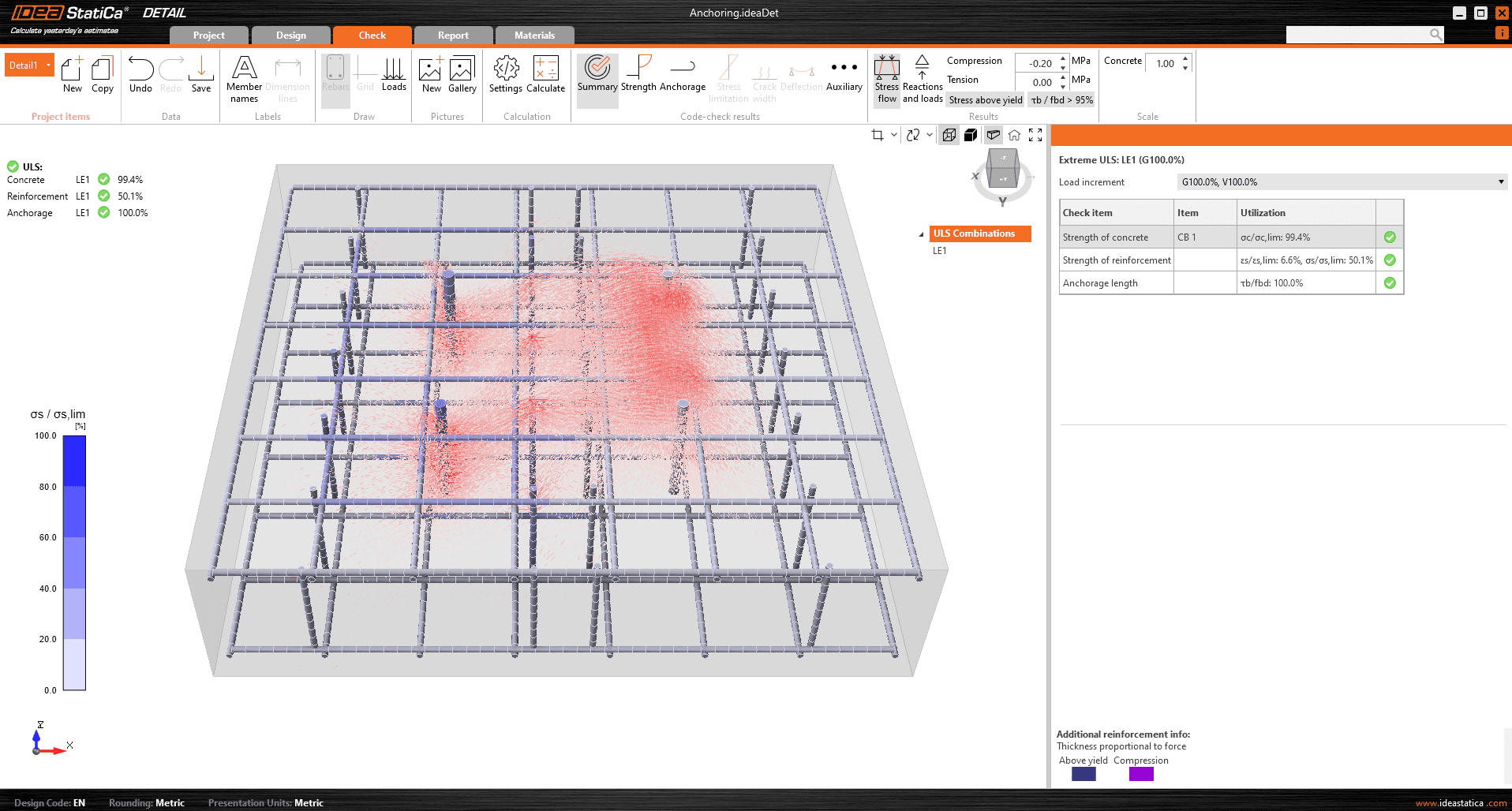
Transfer Design Data in just a few Clicks
Save time and reduce errors by transferring structural data between Connection and Detail without the need for manual re-entry.
- Import baseplate and anchors directly from the Connection app
- Transfer the geometry, material properties, and loads
- Add reinforcement, analyze, and optimize in Detail
- Use data exchange to eliminate rework and errors
*WHAT RESULTS* WILL I RECEIVE?
1 din 6
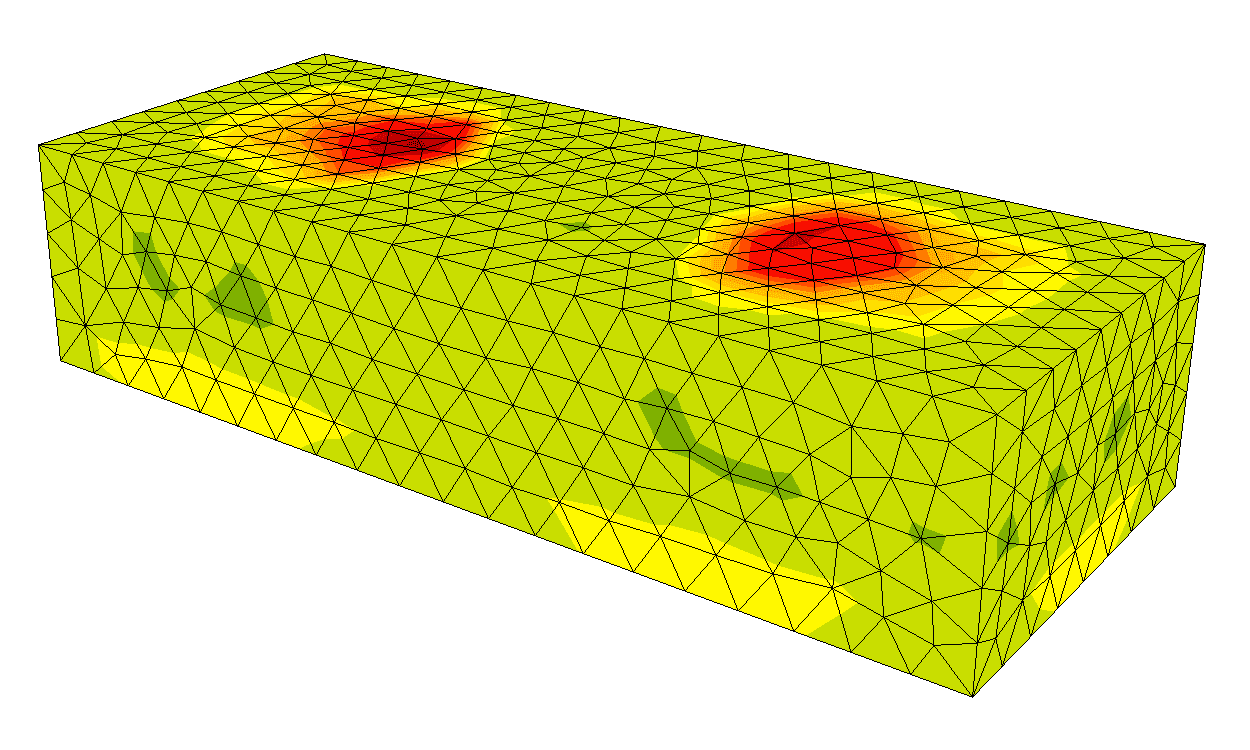
Stress/strain in concrete
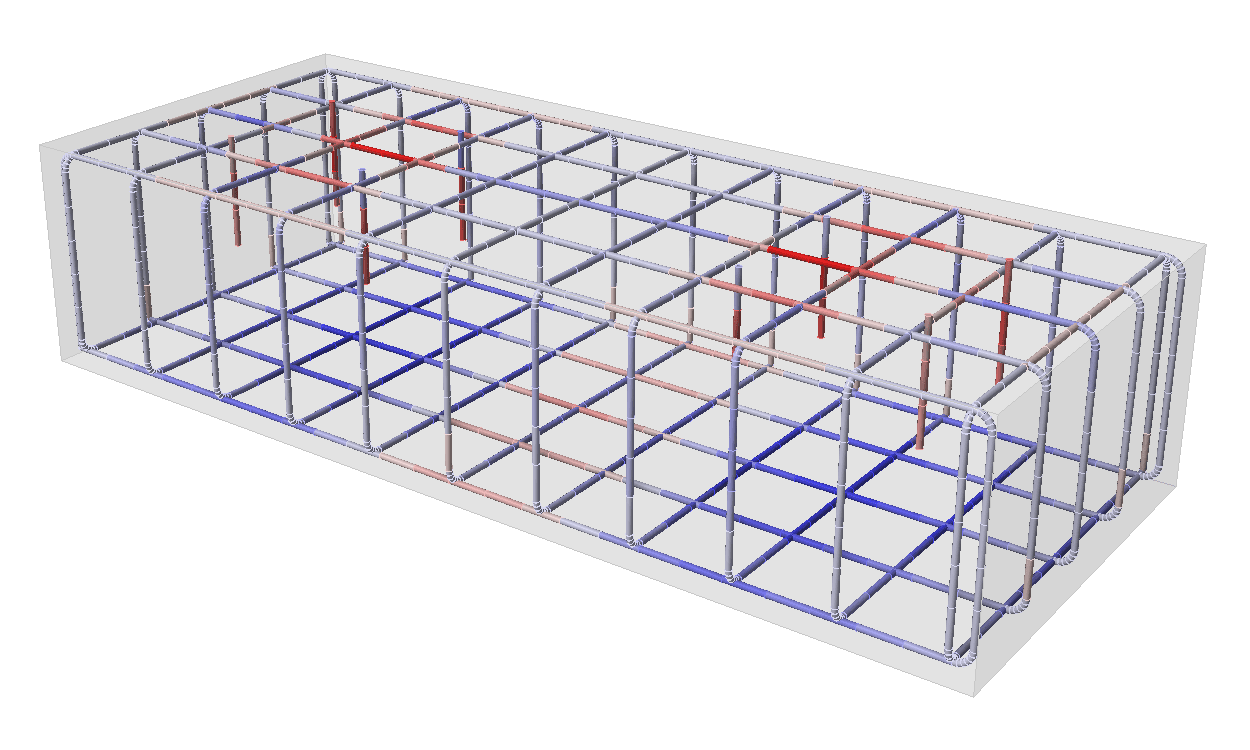
Stress/strain in reinforcement
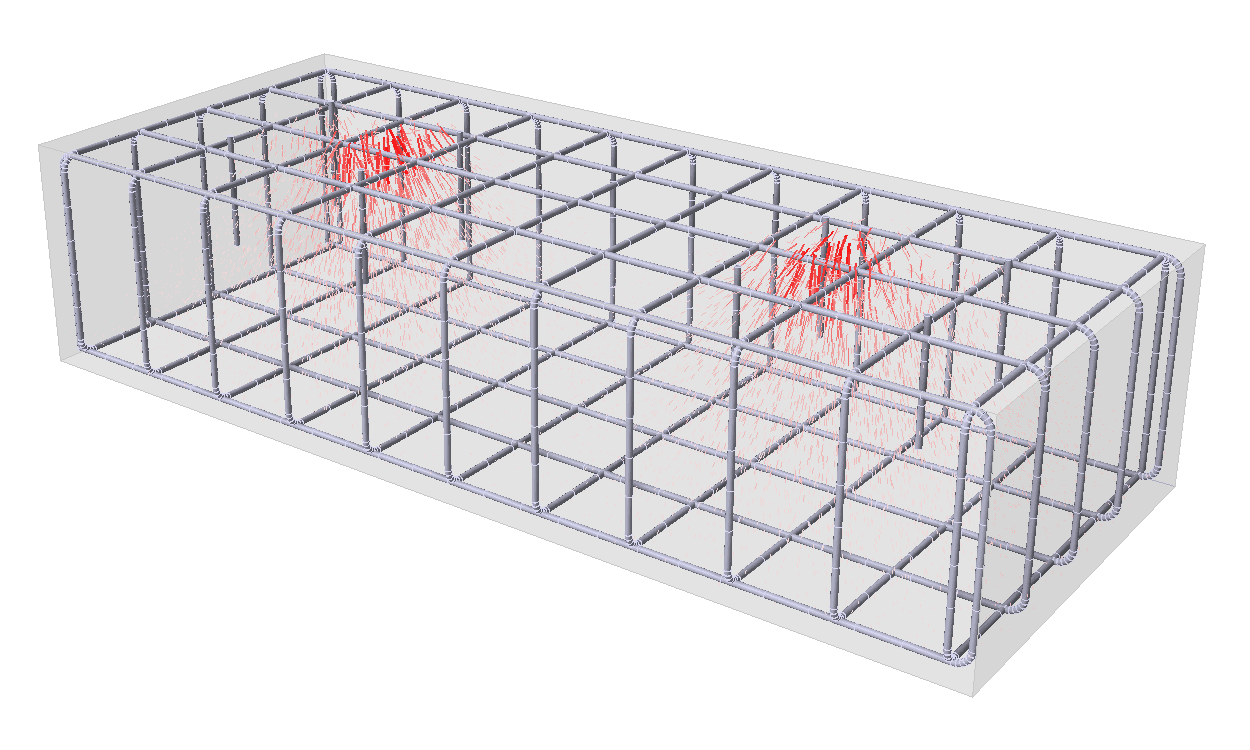
Stress flow
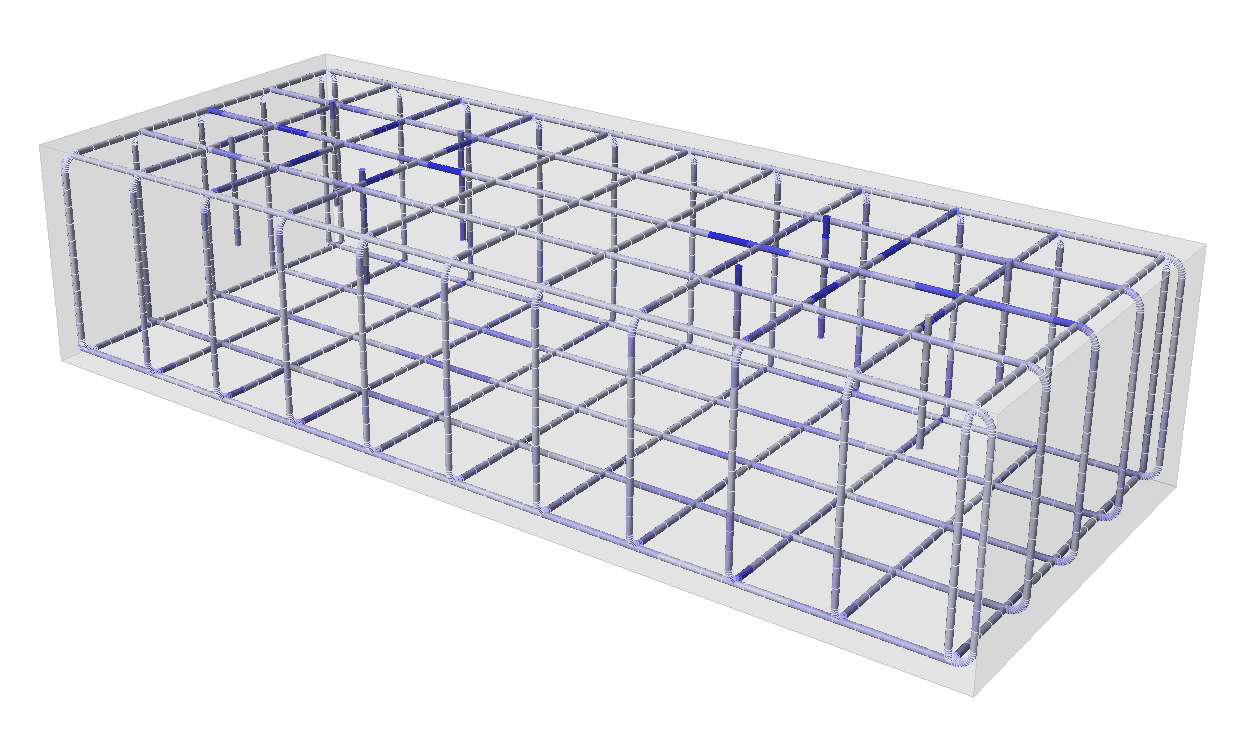
Anchorage of bars
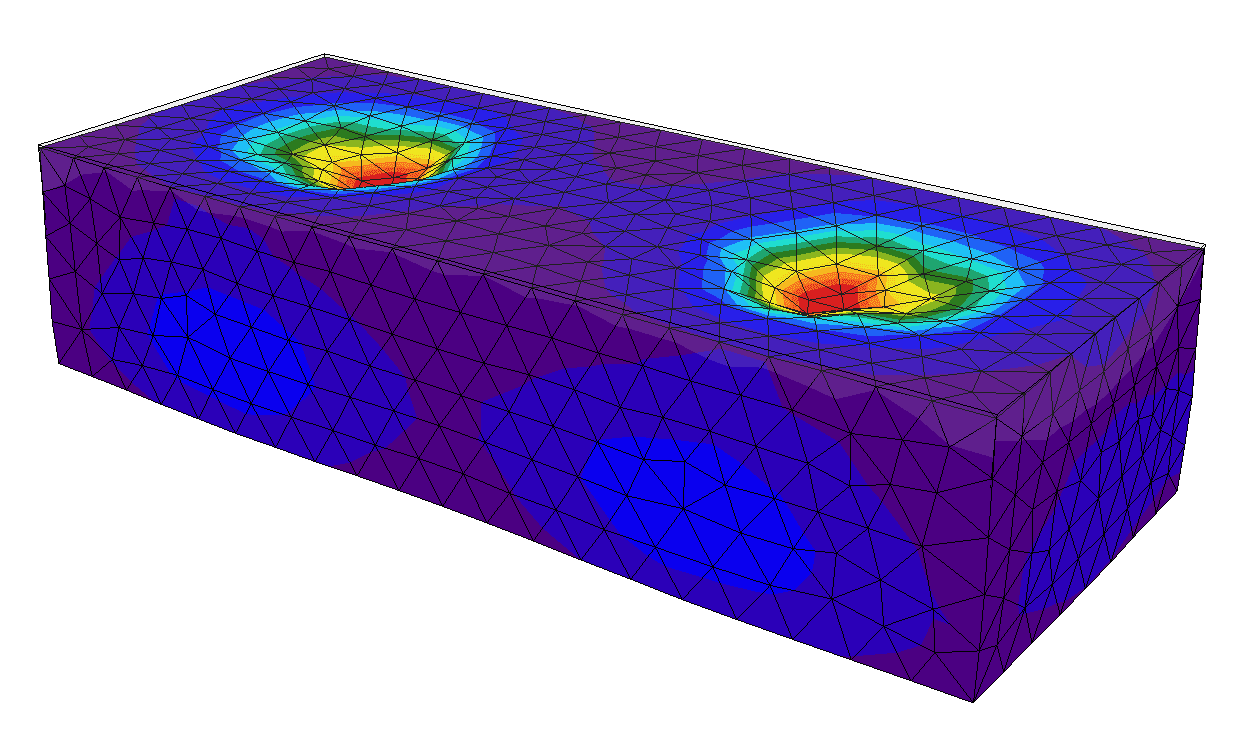
Deflection
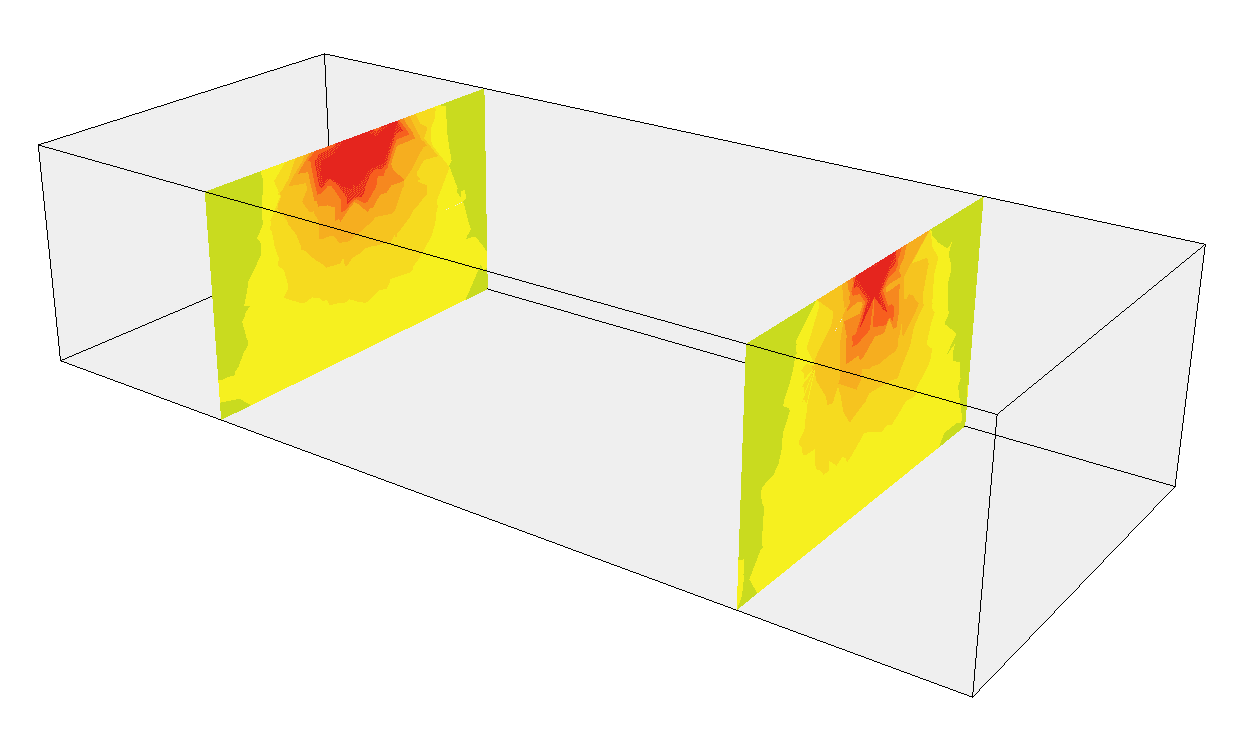
Results in sections
Widget #10: eshop_banner
Name: f396deb3-941b-0145-9c9c-86faa88bcbd3
ID: f396deb3-941b-0145-9c9c-86faa88bcbd3
Show Raw Data
{
  "eshop_banner_type": {
    "name": "Eshop-Banner-type",
    "type": "taxonomy",
    "value": [
      {
        "name": "Compact Form",
        "codename": "compact_form"
      }
    ],
    "taxonomyGroup": "eshop_banner_type"
  }
}