- Milyen típusú BIM kapcsolatok érhetők el az IDEA StatiCa Connection-ben
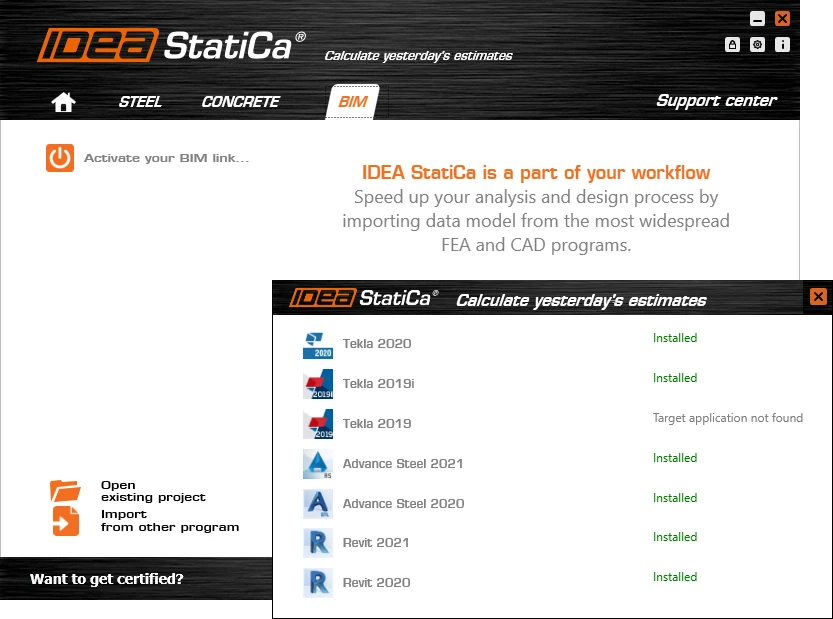
- Hogyan kell integrálni a CAD BIM kapcsolatot és először futtatni
- Hogyan lehet egy vagy több kapcsolatot exportálni
- Mit kell tenni, ha a modell frissítése szükséges
- Hogyan lehet kombinálni a kapcsolat CAD és FEA modelljét
- Milyen eredményeket kapok és hogyan lehet jelentést nyomtatni
- Mi a teendő, ha a kapcsolat integrációja sikertelen
- Miért egyedülálló megoldás az IDEA StatiCa Connection a szerkezeti csomópontokhoz
WebináriumSteelConnection designBIM linkAdvance SteelTekla Structures
Connection Wednesdays – Latest features of CAD BIM links
Ez a webinárium a következő nyelven is elérhető:


Közvetítve ekkor:
(a helyi idő szerint, 24 órás formátumban)
Az IDEA StatiCa Connection egyik legnépszerűbb funkciója a kapcsolat részletezésére dedikált programokhoz való BIM kapcsolat.
Nézze meg a webináriumot, és tudjon meg többet a következőkről


Nem csoda. Természetesen semmi értelme nem lenne a kapcsolat részletes modelljét újra a semmiből létrehozni. Használja ki az IDEA StatiCa + CAD kapcsolatot, és takarítson meg időt más feladatokra. A webináriumon részletesen bemutatjuk a kapcsolatot, és lépésről lépésre megmutatjuk, hogyan lehet kihasználni az összes ma elérhető funkciót.
Webinárium tartalma
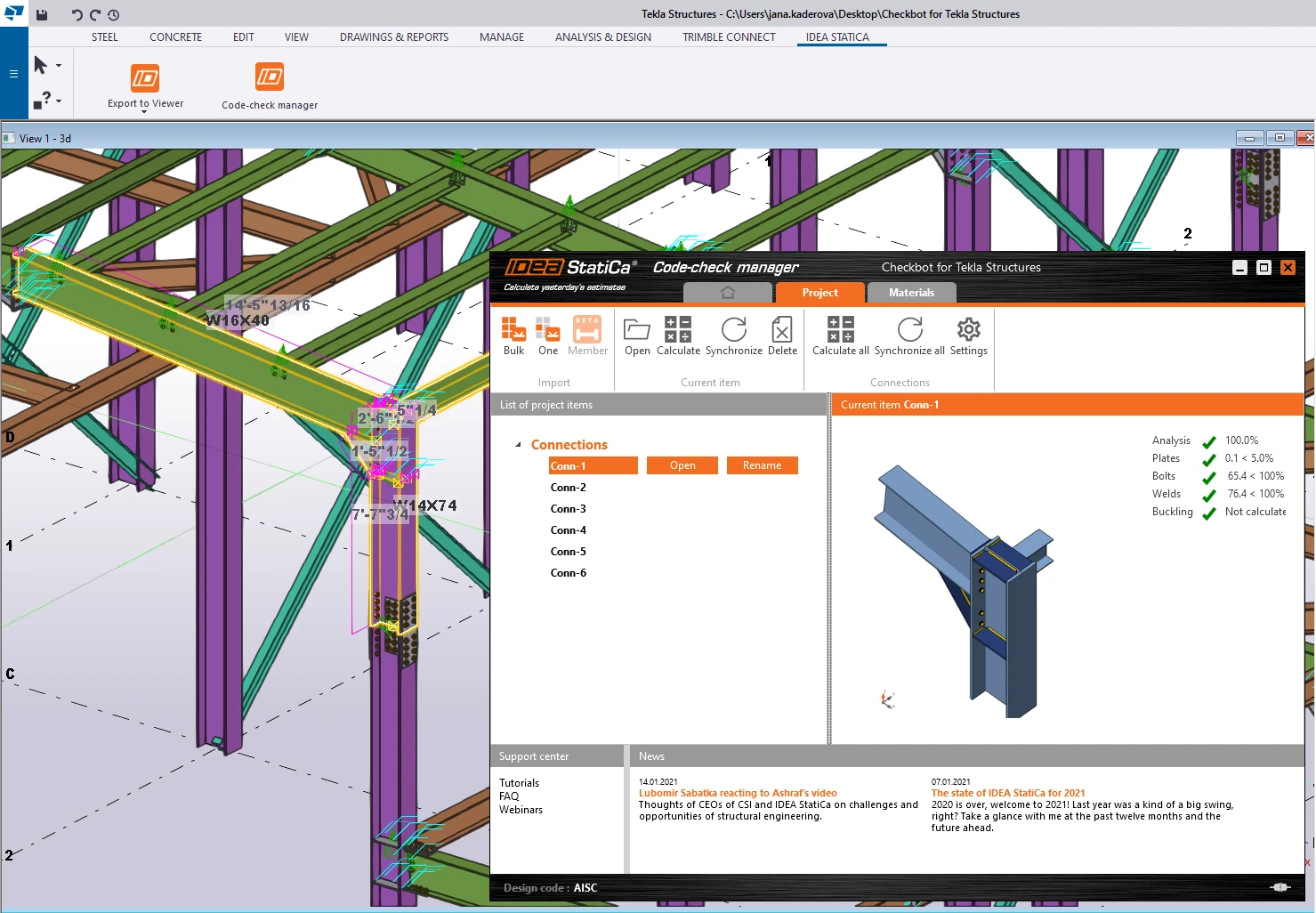
A CAD kapcsolatok rengeteg időt takaríthatnak meg az összes lemez, csavar és hegesztés gyors átvitelével a Tekla/Advance Steel/Revit modellből az IDEA StatiCa-ba, ahol a mérnök megadhatja a szerkezeti modellből származó terheket. Az IDEA StatiCa-ban ez a kettő összeolvad, és egy reális kapcsolatmodellt eredményez, amelyet valós belső erők terhelnek. Most a csomópont elemezhető és ellenőrizhető a kiválasztott szabvány szerint CBFEM számítással. Változások történtek a Tekla modellben? Ne aggódjon, a kapcsolat néhány lépésben automatikusan szinkronizálhatja az exportált modellt.
Mint általában, a webinárium második részében egy "HelpDesk kiemelést" is áttekintünk: Ezúttal megvizsgálunk néhány gyakori problémát a CAD BIM kapcsolat integrációjával kapcsolatban, és azt, hogyan lehet ezeket egyszerűen megoldani saját maga.