Have you just started using Detail, and you're not quite familiar with modeling yet or don't know how to set it up? Are you already an advanced user, and would you like to use the app to its full potential?
Tips on the best possible settings for accurate and fast results
Common errors and how to avoid them
Introducing recent features with practical examples
Helpful workarounds
Do you feel that you hit the limits of the software and that not everything can be modeled as you wish? Maybe you just don't know how. Does it take you an unreasonable amount of time to model? Maybe you haven't tried everything the software has to offer. Let's take a look at some useful tips and workarounds to make your tasks easier.
We will focus mainly on:
Differences between Beam and Wall Elements
Special Types of Supports
Input of reinforcement
Modeling of parts of structures and boundary conditions
Be on the safe side
Are you sure you understand everything in the settings and have everything set up correctly? What are the real limits of the Compatible Stress Field Method implemented in Detail, and which mistakes should you avoid?
In this webinar, we'll present tips and tricks to speed up your modeling and get the most out of the app. We'll also focus on proper setup and explain the most common mistakes to avoid so you can use IDEA StatiCa Detail safely.
Look forward to:
Tips on how to speed up the calculation
Reasons why the calculation does not finish
Unclear results and how to interpret them
Find out more
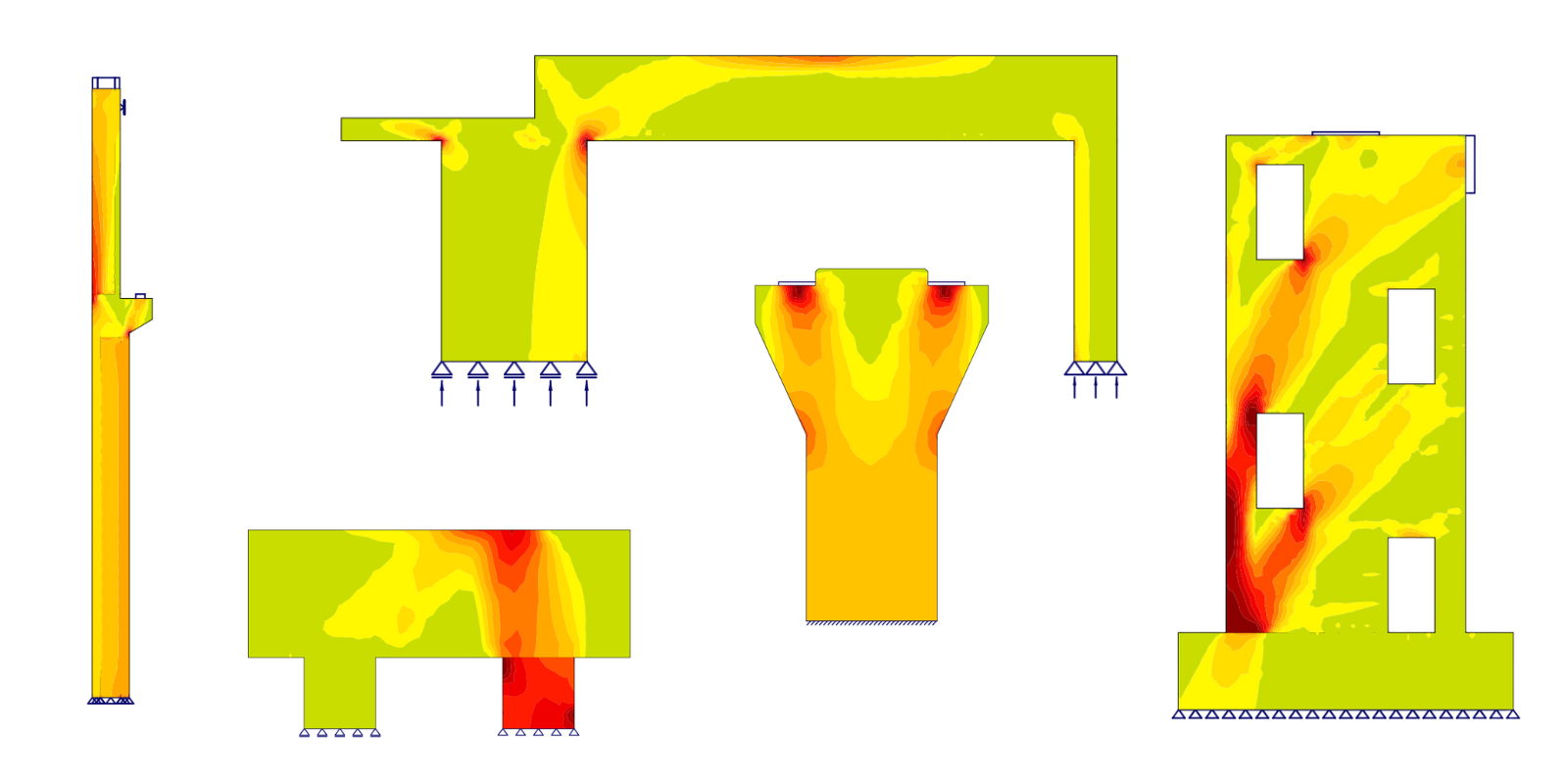
IDEA StatiCa Detail is a tool for designing discontinuity regions in concrete structures. Thanks to the innovative CSFM, it can be widely used. Read an article about CSFM to fully understand the potential - CSFM explained.
If you want to see more of Detail in action, watch one of our already streamed webinars. You can see the modeling process from scratch. Here are the most recent ones: