IperSpace BIM to IDEA StatiCa workflow

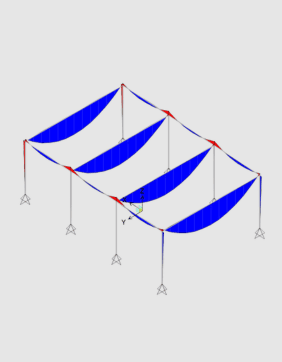
Provádění globální analýzy v programu FEM-Design

Export souboru SAF a import do IDEA StatiCa
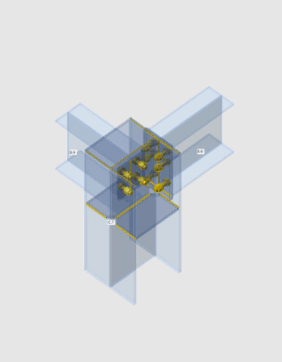
Návrh vybraných přípojů
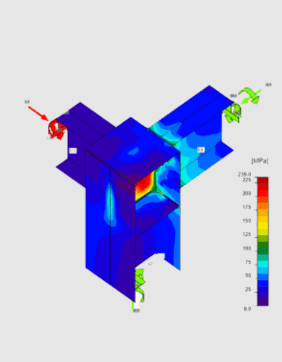


You can export parts of your IperSpace BIM model in SAF format containing the model geometry, materials, and cross-sections used, as well as the internal force results for specified load cases and combinations. This allows you to model, design, load, and check steel connections of any topology and loading. IDEA StatiCa and IperSpace BIM give you an efficient workflow for your structural steel design that saves time, minimizes errors, helps with optimization, and makes the data available to your colleagues or subcontractors doing detailing and fabrication.
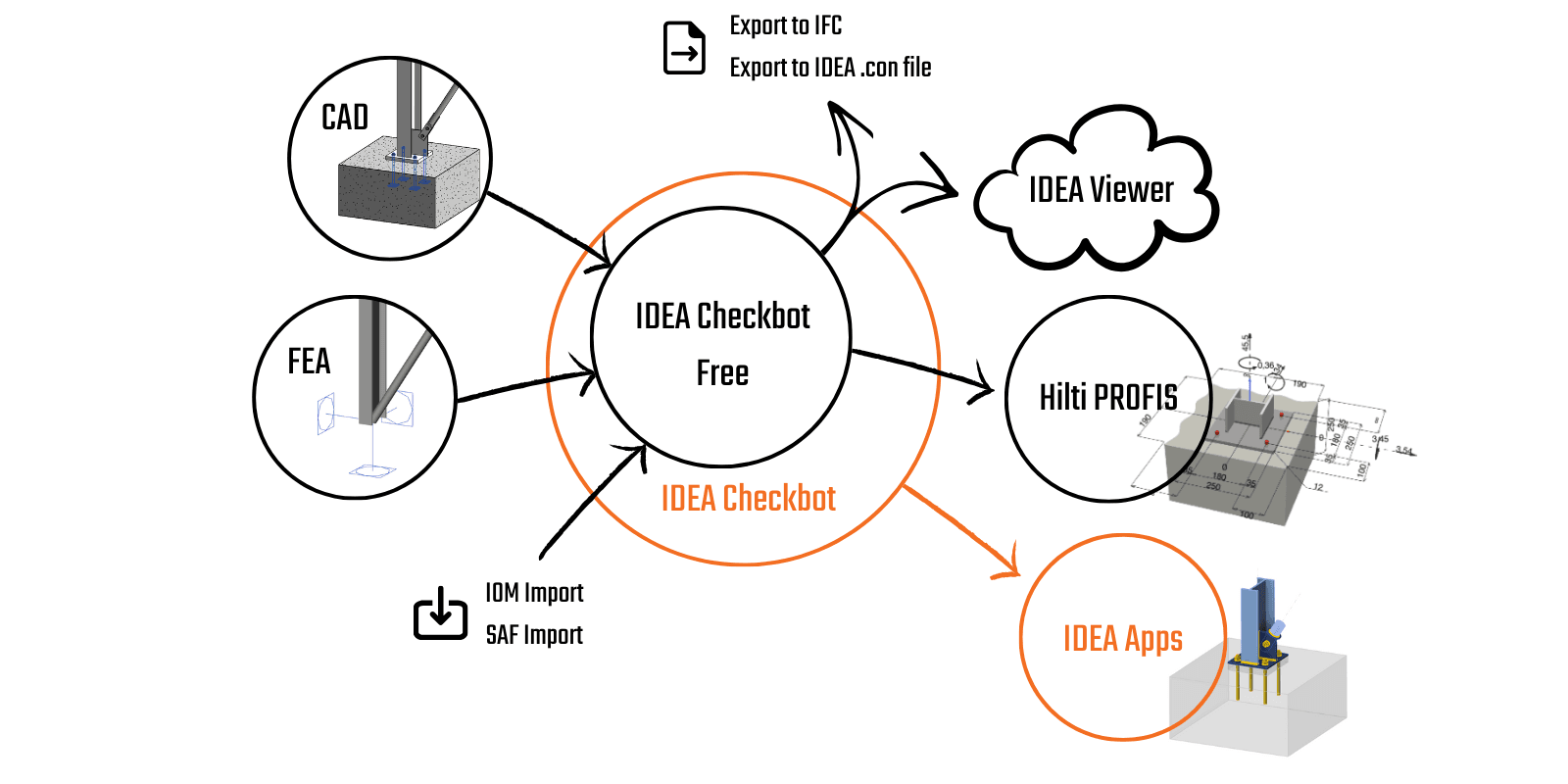
After creating a New project in IDEA Checkbot, you can proceed with importing your model. Simply use the SAF Import command and select the SAF file generated by IperSpace BIM. Then you can run IDEA StatiCa Connection and start detailing the nodes of your choice. IDEA StatiCa and IperSpace BIM give you an efficient workflow for your structural steel design that saves time, minimizes errors, and opens up optimization possibilities.
This SAF-based integration is developed and maintained by IperSpace BIM. IDEA StatiCa does not take primary responsibility for maintaining this integration. All technical requirements and questions should be addressed to the link developer directly.
Linked applications: IDEA StatiCa Connection, IDEA StatiCa Member
For the BIM link with IperSpace BIM you need to activate its SAF Module, more information at:
Getting started is easy!
Learn about how Checkbot works.
Sdílených projektů za posledních 12 měsíců
Počet uživatelů IDEA StatiCa v posledním roce
Počet zákazníků celosvětově