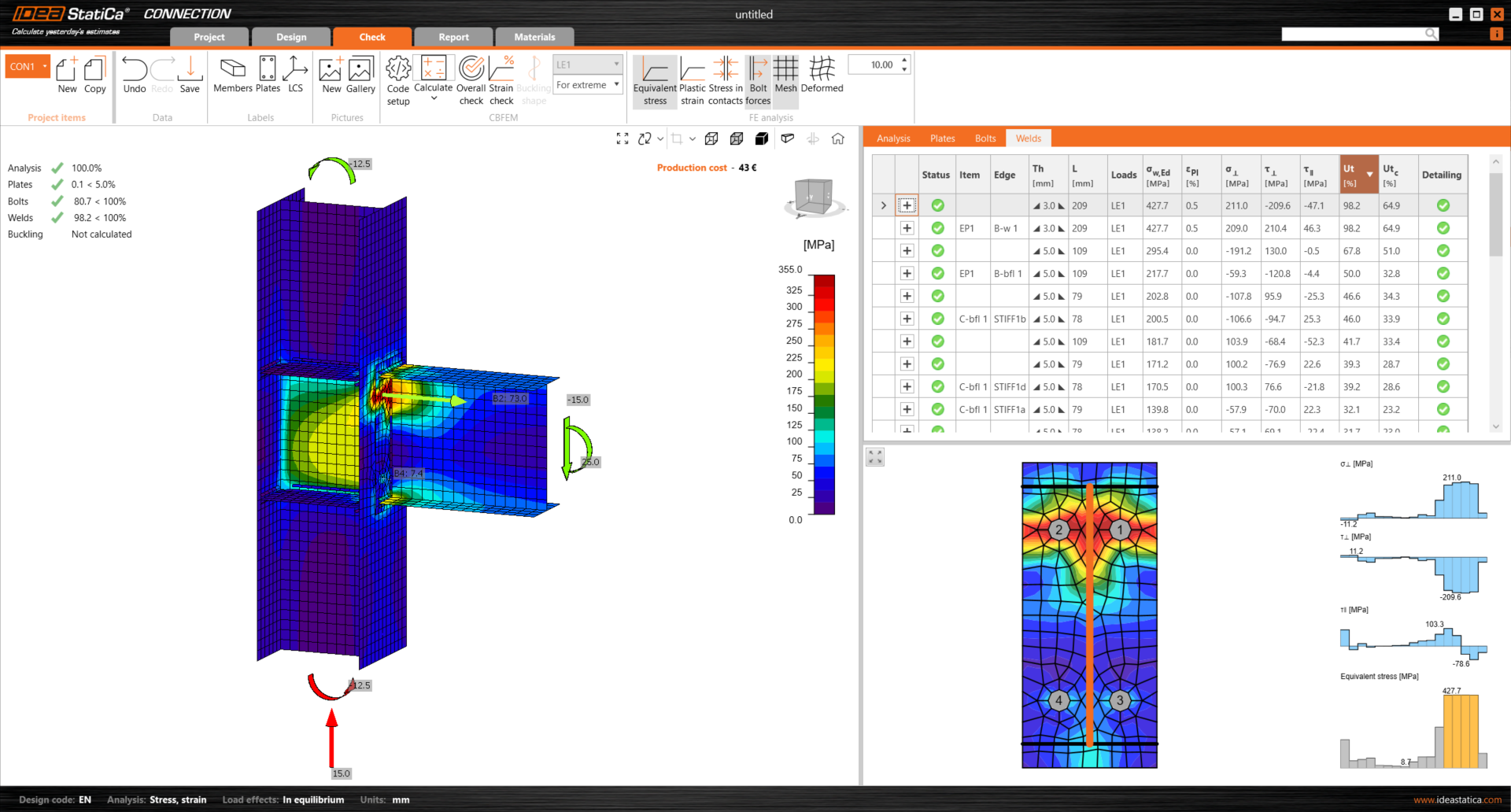
Starting and learning how to use a new software may not be easy. But don't worry! This first webinar of the series is focused on getting started with IDEA StatiCa Connection. After the webinar, you'll feel confident to handle the basics.
Working with the User Portal and license manager in the application
Creating a new project using the pre-defined templates
Shared settings across all applications
IDEA StatiCa Connection's UI
How to design a connection using members, load effects, and operations
Results interpretation and final report
Congratulations on selecting IDEA StatiCa Connection - the best and world-leading solution for steel connection design!
In this webinar, we'll focus on the first steps with the software, specifically how to activate the license, create a project using more than 250 ready-made templates, work with the application's UI, design a connection, add more members, load effects, and manufacturing operations. And last but not least, how to run the analysis, evaluate the results, and create a top-class report.
In the meantime, if you want to see more of IDEA StatiCa Connection in action, you can watch other recorded webinars or browse our Support center for tutorials and read the theoretical background.
Master your connections webinar series
Master your connections is a series of five short webinars for (not only) beginners to get quickly familiar with the IDEA StatiCa Connection application.
From the very first steps to using the BIM links, learn how to use the software to be more efficient, and ensure the safe design of your steel connections.
There will be five webinars with relevant content: