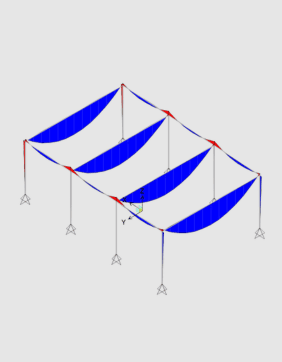
SCIA Engineer to IDEA StatiCa workflow

Efetuar uma análise global no seu FEA

Partilhar a estrutura e as forças com IDEA StatiCa

Conceber elementos selecionados


You can select any concrete member or part of the whole SCIA Engineer model and export it to IDEA StatiCa for structural design. All the members, cross-sections, and internal forces are also completely synchronized if the SCIA Engineer model changes. IDEA StatiCa and SCIA Engineer give you an efficient workflow for your structural concrete design that saves time, minimizes errors, and opens up optimization possibilities.
There are two ways to connect IDEA StatiCa and SCIA Engineer.
The first way is to directly connect the selected beam from SCIA Engineer to IDEA StatiCa Beam, where the reinforcement or complex prestressing design, including TDA, is possible.
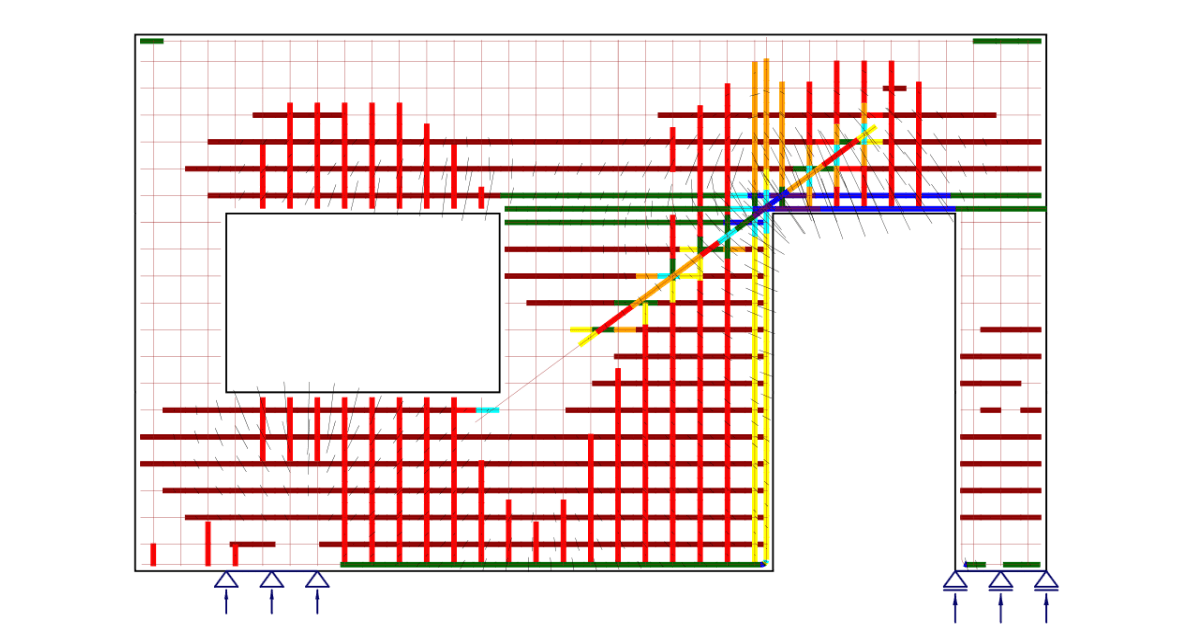
The second option is to export part of the structure or the whole structure into IDEA StatiCa Member through Checkbot.
The BIM link is managed by Checkbot - an application for the management of BIM workflows. This means:
Read more about How Checkbot works.
You do not need anything special to get started - just download and install both applications on the same PC, and activate the BIM link in a few easy steps. And you can start exporting and designing concrete members right away.
Projectos partilhados nos últimos 12 meses
Pessoas que utilizaram as ferramentas de ambiente de trabalho IDEA StatiCa nos últimos 12 meses
Empresas que utilizam o IDEA StatiCa