
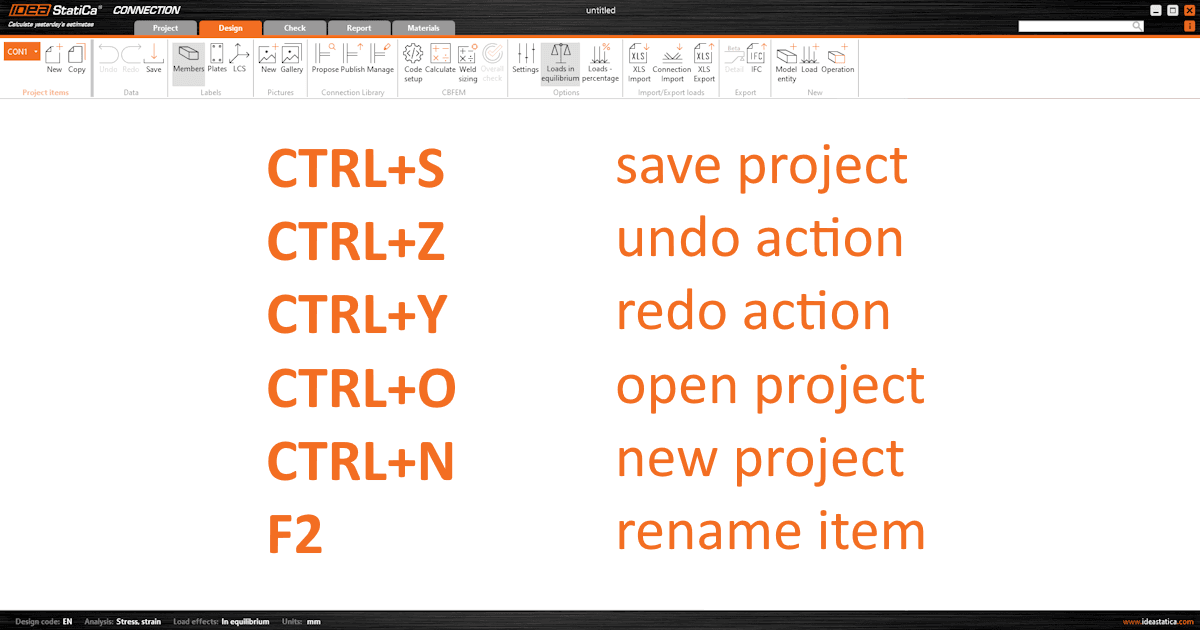


Available keyboard shortcuts:
- Save (Ctrl + S): Initiates the "Save" function for projects that have been previously saved. For new projects, it opens the "Save as" dialog.
- Undo (Ctrl + Z): Performs a single undo step, allowing users to revert the last actions in steps.
- Redo (Ctrl + Y): Enables a single redo step, facilitating the reapplication of the most recently undone action.
- Open Project (Ctrl + O): Launches the "Open browser" in the backstage menu, displaying also the list of recent projects for quick access.
- New Project (Ctrl + N): Launches the "New project" in the backstage menu, to start a new project file. It does not create a new project item within the current project.
- Rename (F2): Allows to rename the currently selected item in the project tree, providing a quick way to organize and identify project components.
Released in IDEA StatiCa version 24.0.