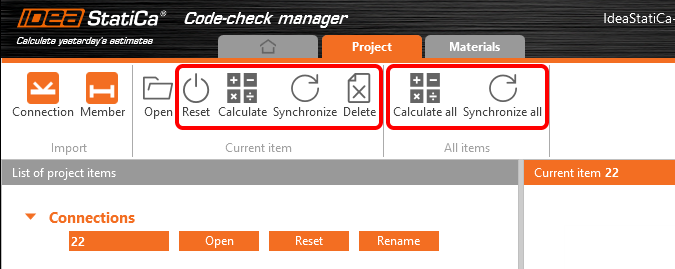
We believe, introducing thoroughly our IDEA Statica Code-check manager would be just wasting your time. This BIM plugin helps you to manage and synchronize structural details (connections, members) imported to IDEA StatiCa from other programs. It is launched directly from the 3rd party software.
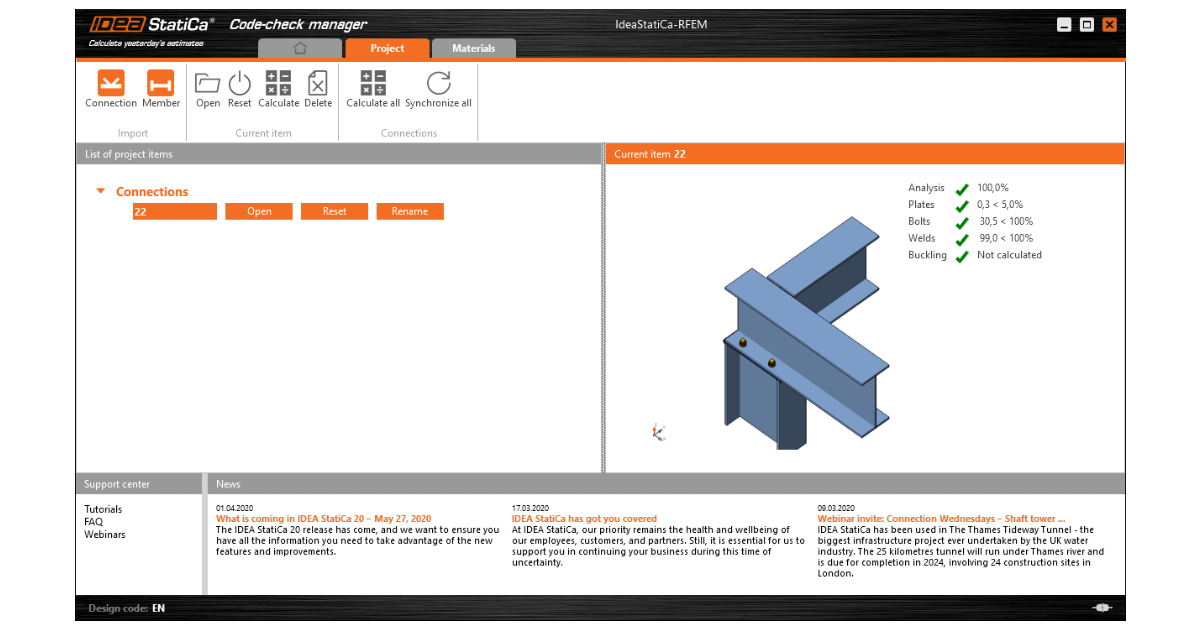
As we mentioned in one of our previous posts, reusing imported data from another application instead of modeling and/or loading the connection from scratch translates into 5-15 % of the time saved on connection design depending on if you are using CAD BIM link (5-10%) or FEA BIM link (10-15%). With the new bulk import feature, you can even double the time savings.
Bulk selection and export from FEA software
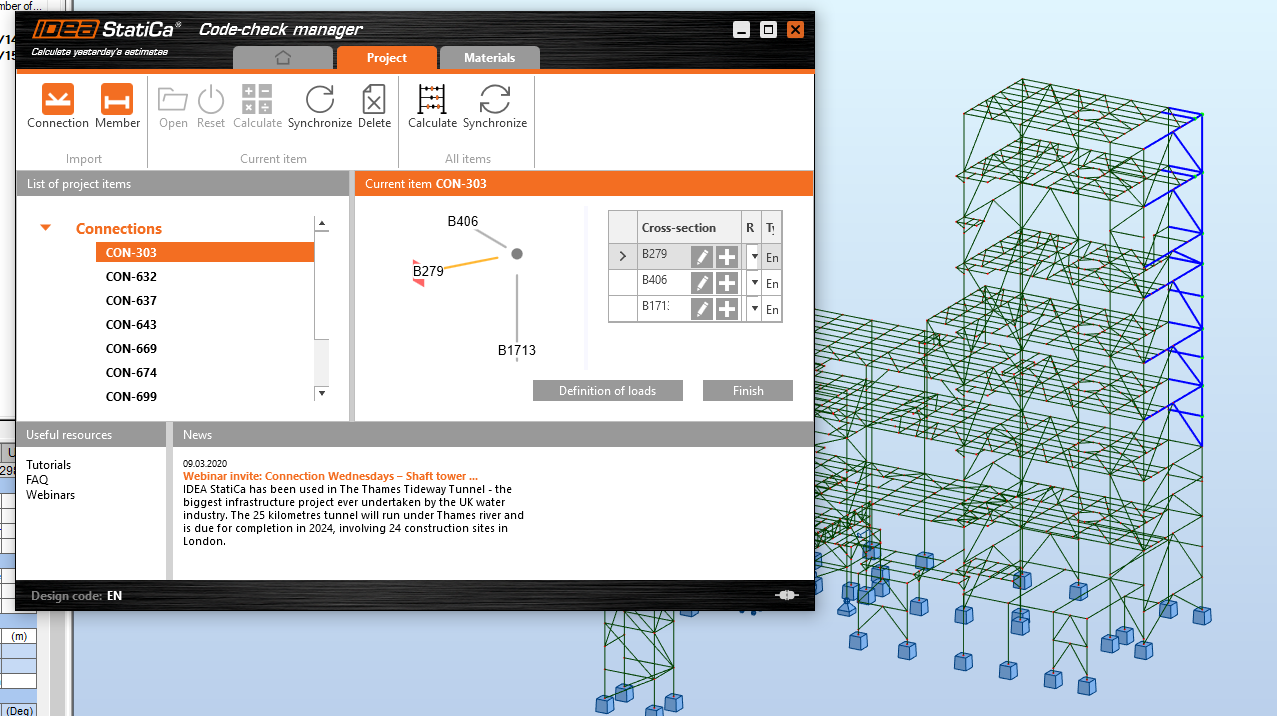
Import from FEA applications is now easier than ever, the user can select multiple nodes, and the Code-check manager will import all of them as unique connections.
You can export nodes from your FEA model including their data, such as cross-sections, load cases, or materials. The multiple item import can be done by selecting individual nodes one by one or by dragging over more nodes with a mouse and select them as a bulk.
After opening and designing the imported joints one by one, you can run the bulk analysis to code-check all the connections at once.
See how it works
Watch the part of our unique webinar where multiple export feature is being showcased on a connection designed in Robot Structural Analysis software.