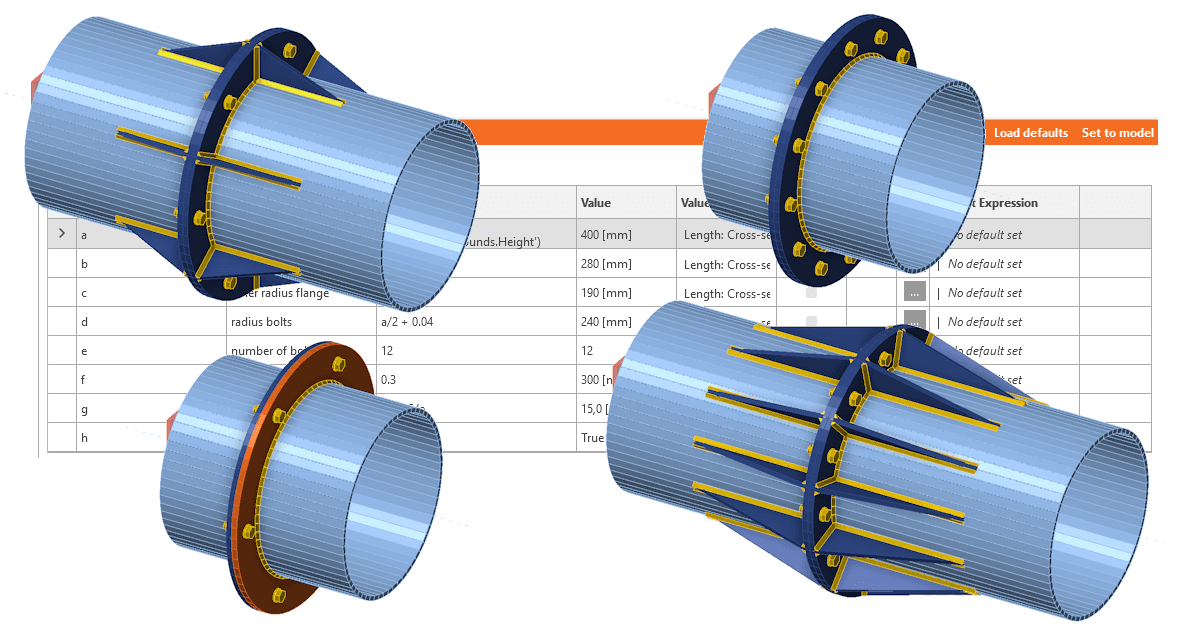
Create model
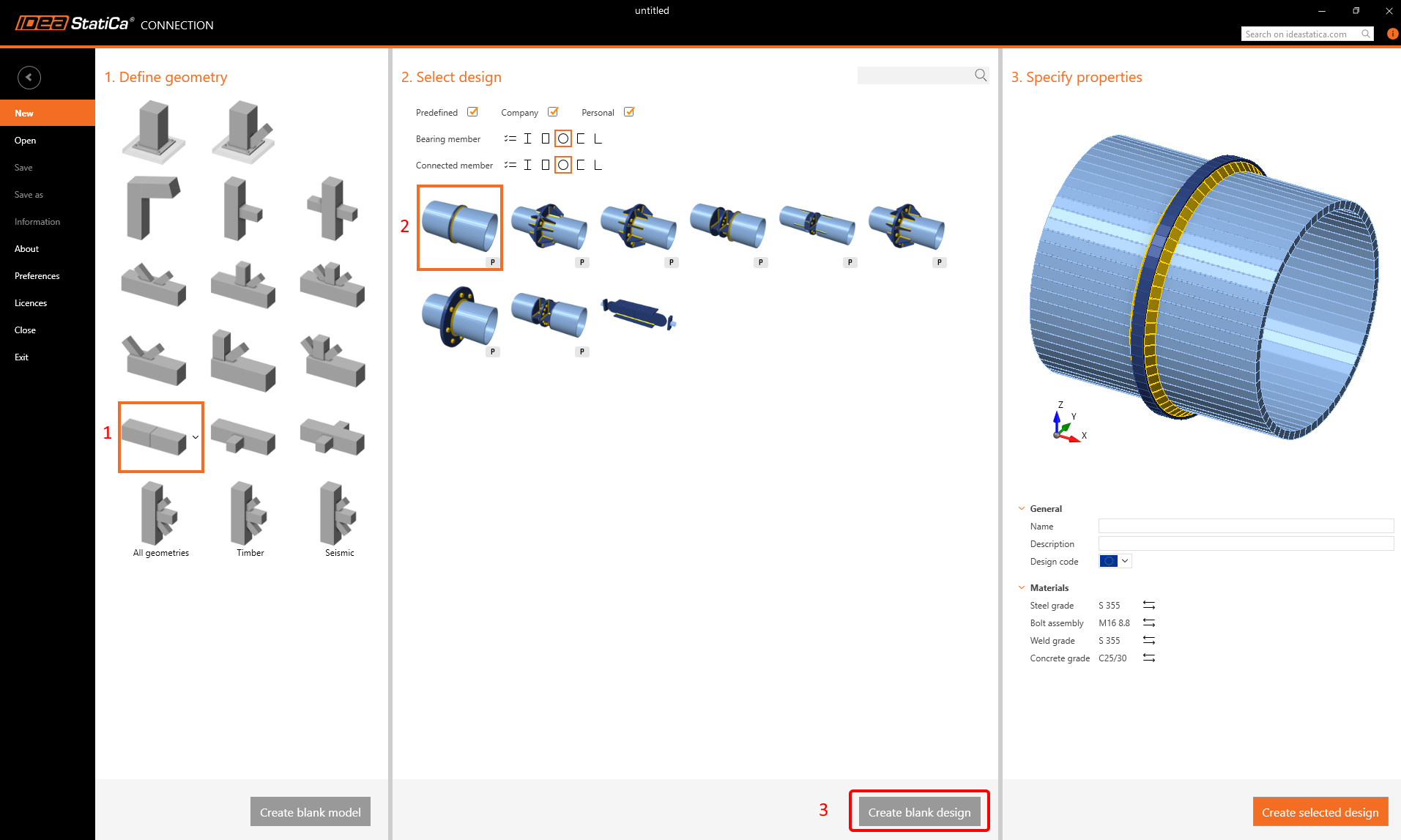
Start the Connection application and choose the following template and initial parameters (click on Blank design):
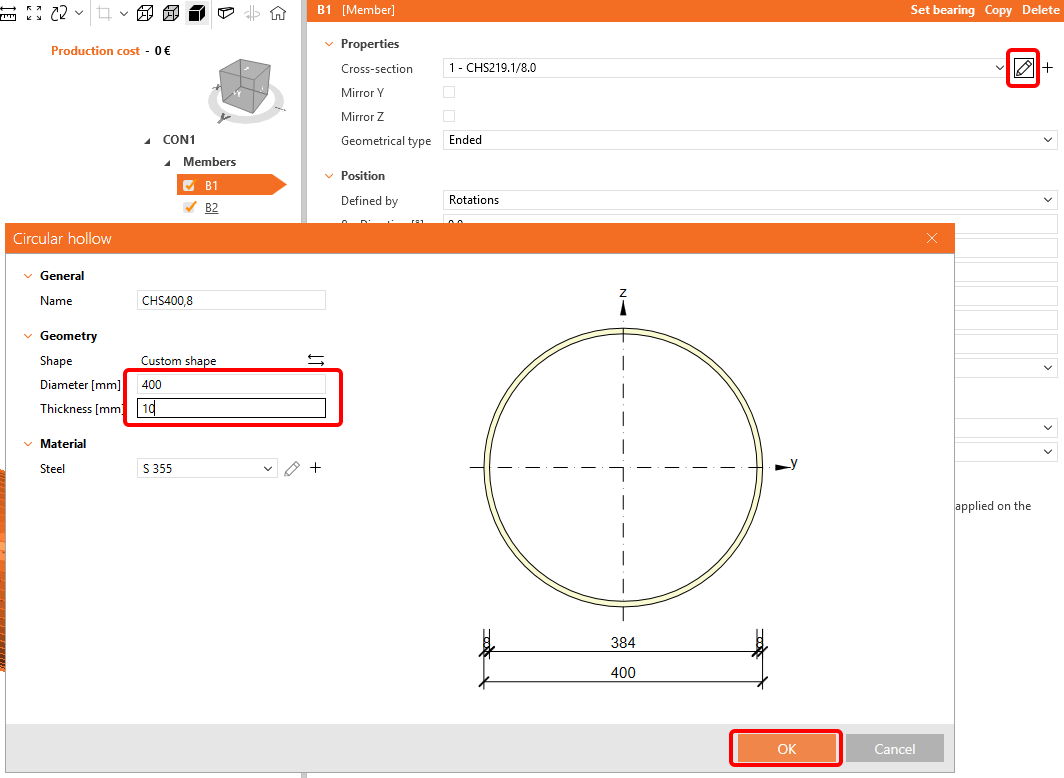
Change the dimensions of the cross section for B1 and B2 to d = 400 mm and t = 10 mm:
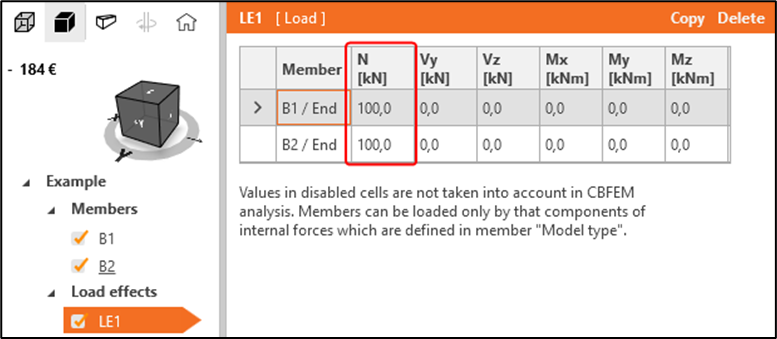
Go to LE1 and modify as follows:
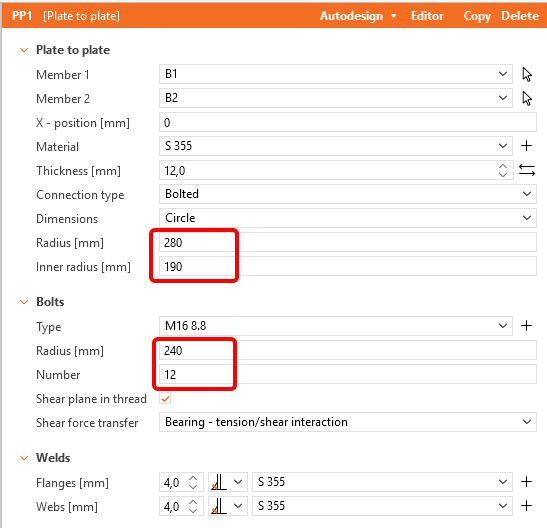
Add a new Plate to Plate operation and change te values according the picture:
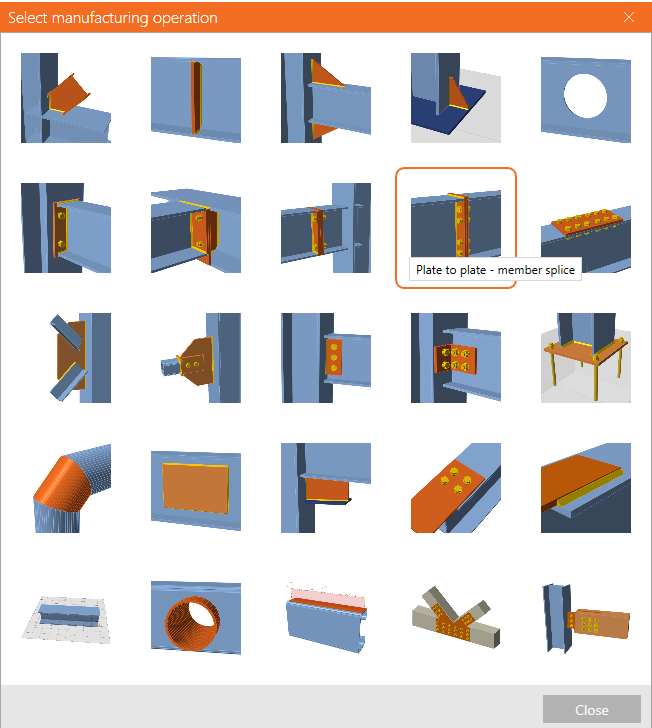
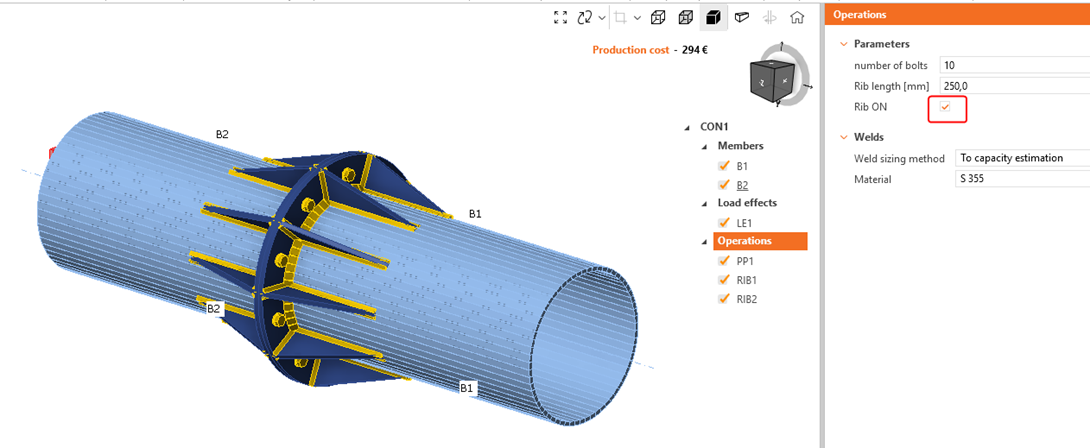
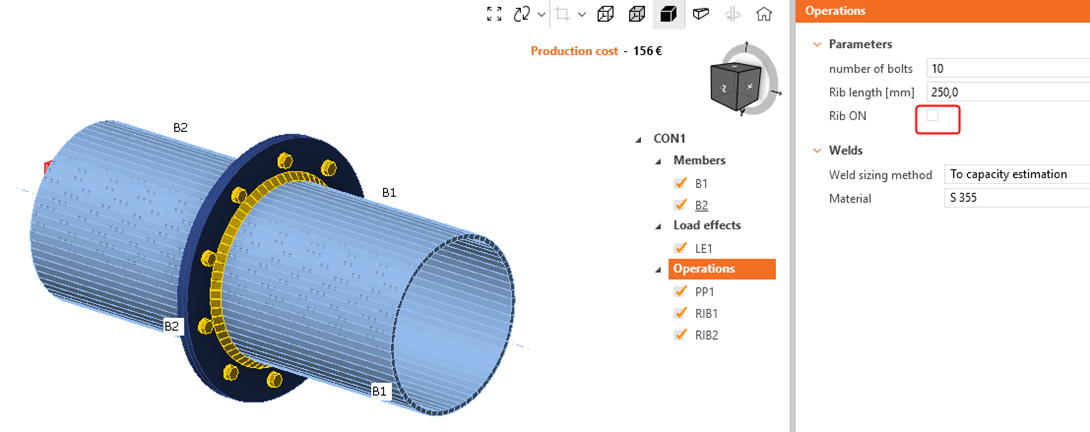
Add a new Rib operation member B1 and PP1a:
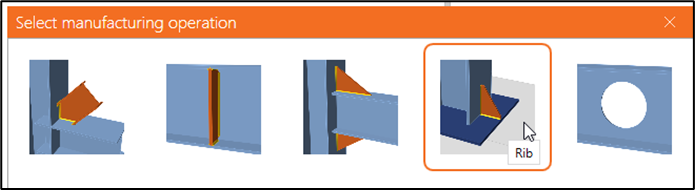
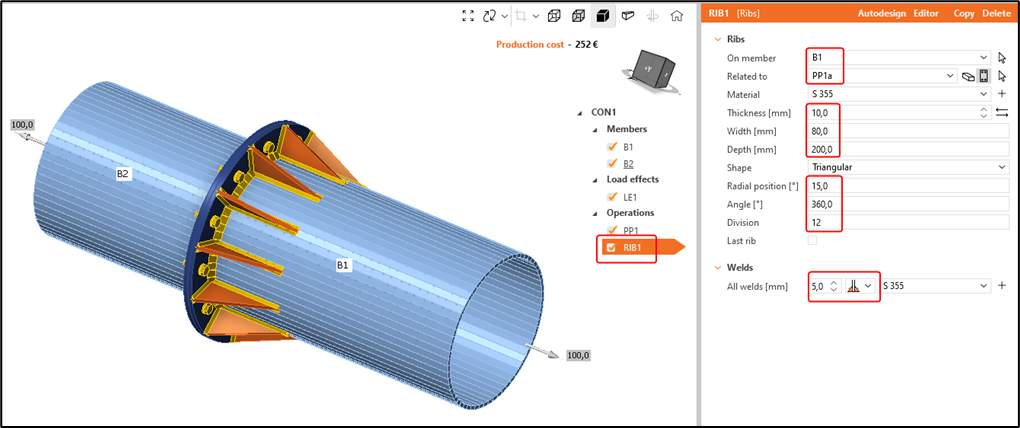
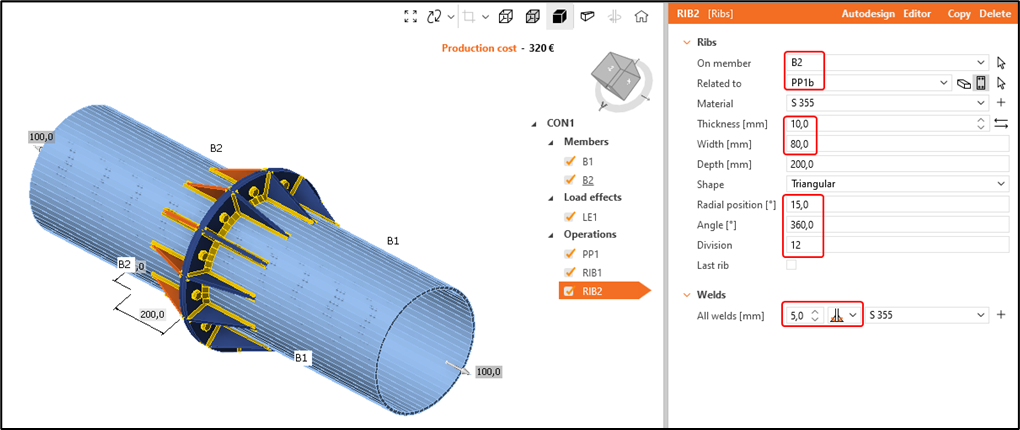
Copy operation RIB1 to create RIB2 and apply it to B2 and PP1b:
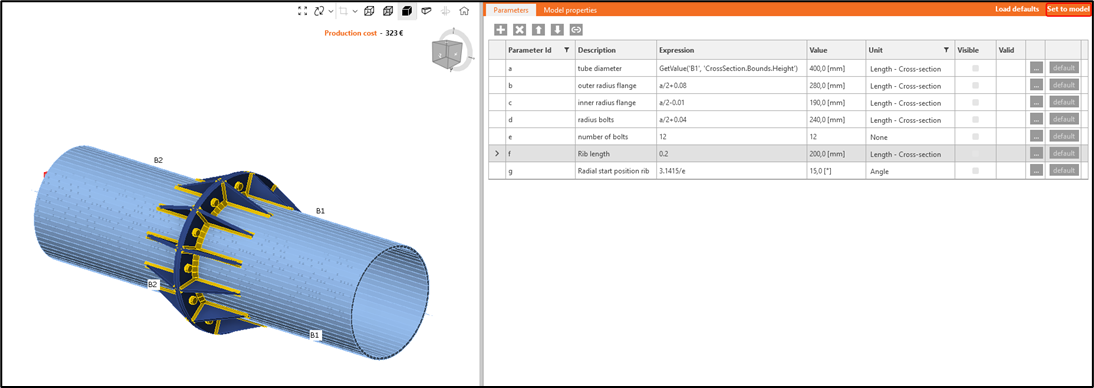
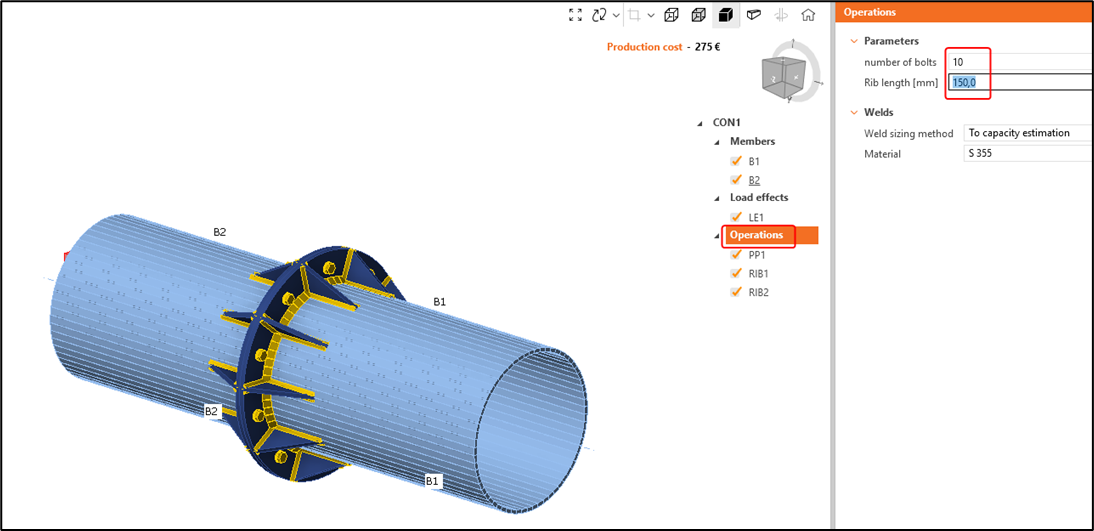
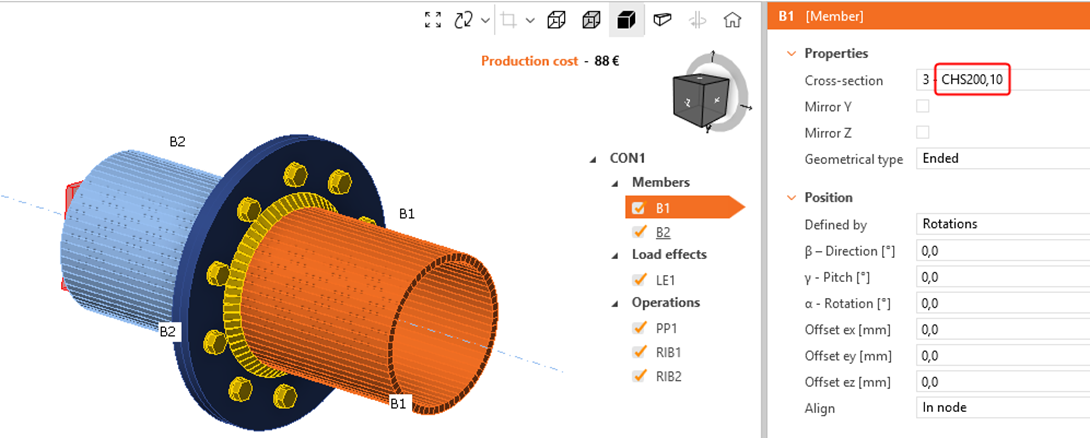
The initial model is finished now. It looks like quite a simple model with few operations and there is nothing wrong with it. However, see how long it takes to create a different variant of the connection where: