
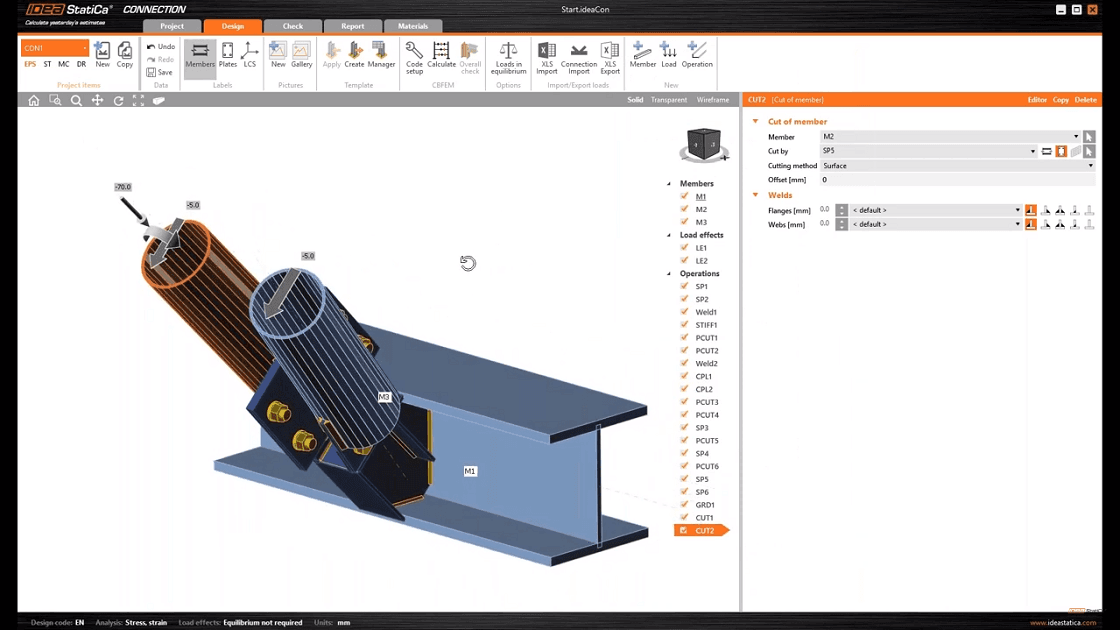


The operation Stiffener has 3 modes for adding stiffening plates to the hollow-cross section.
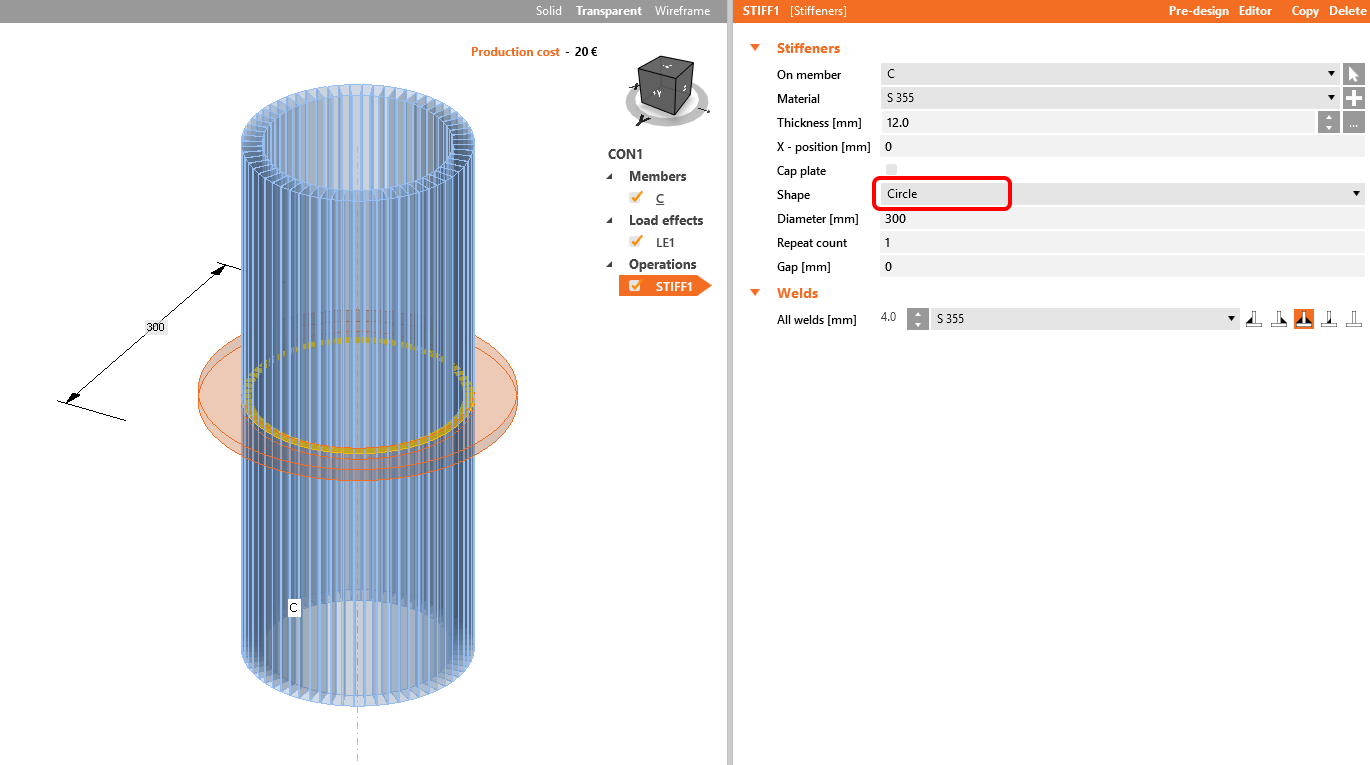
The first one is Circle, where you create an outside stiffening:
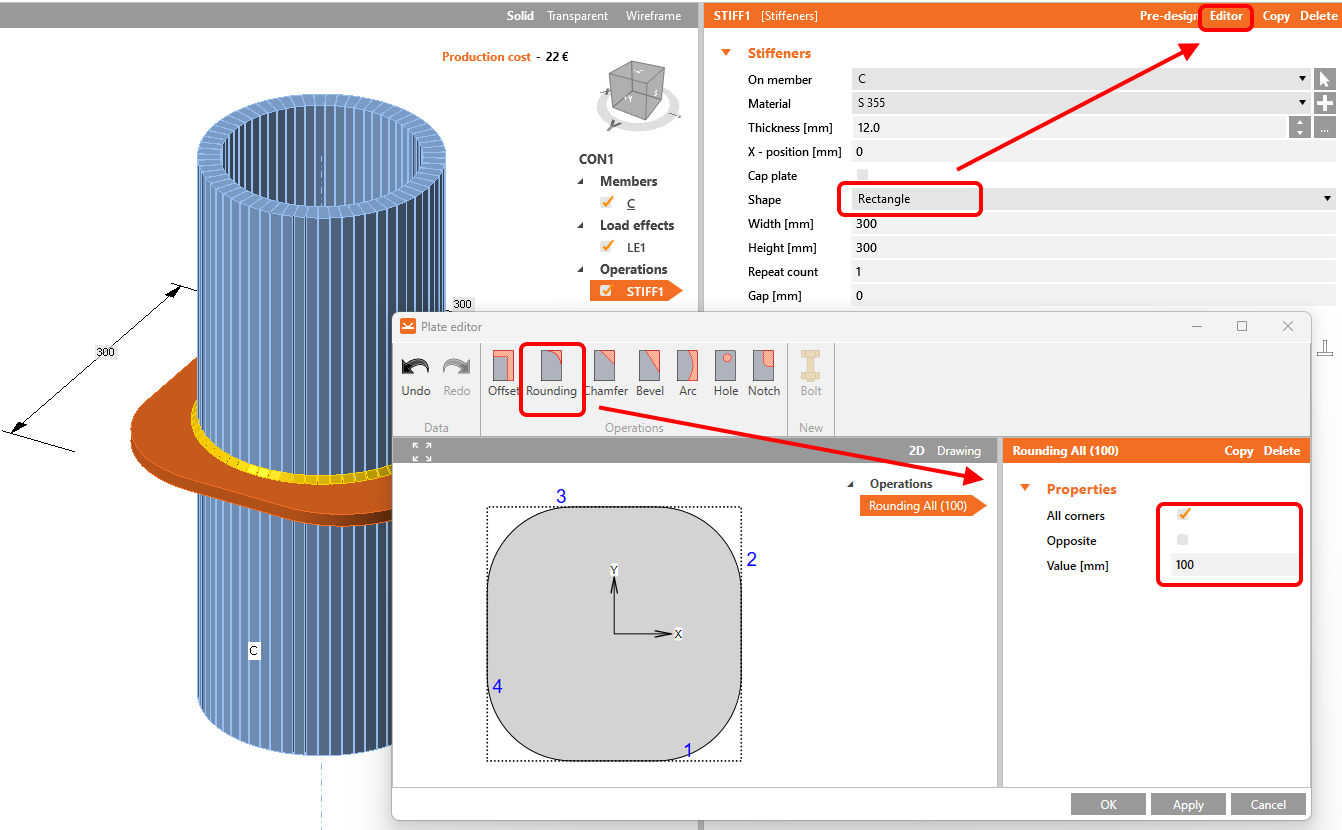
You can use also the selection Rectangle, which allows you to shape the plate according your needs using the Editor button:
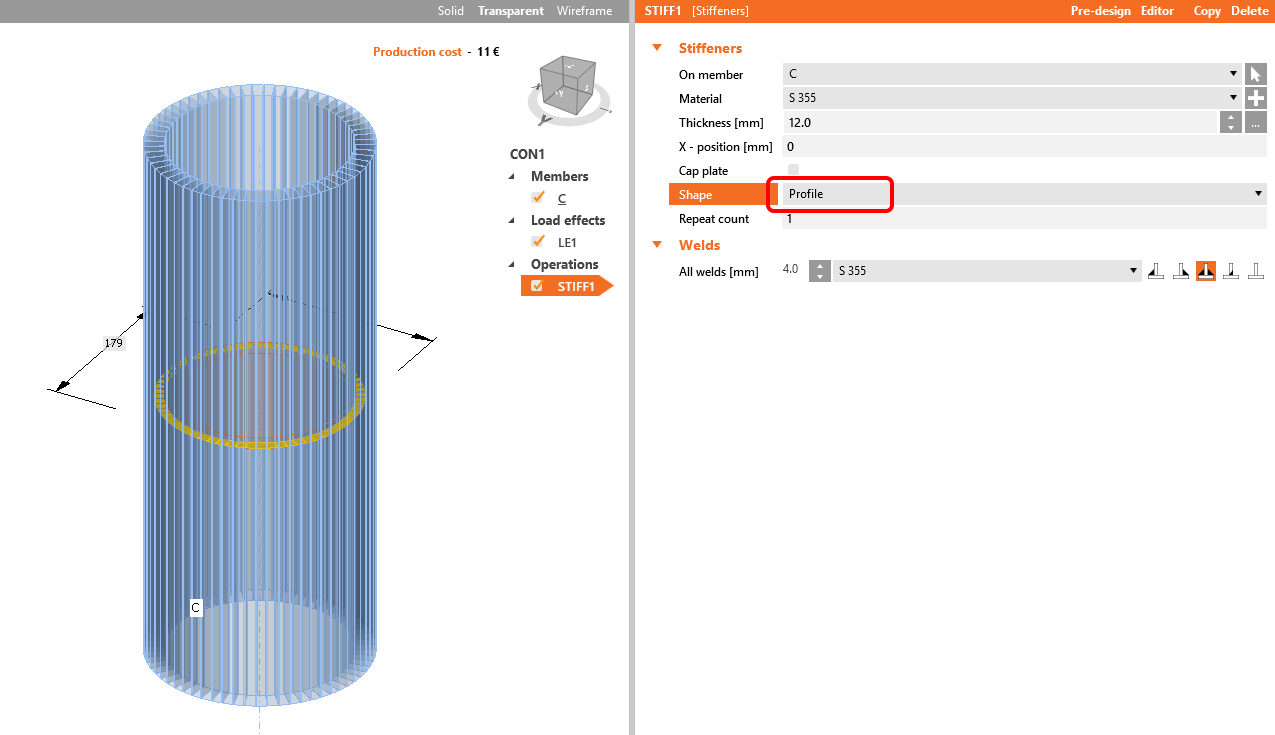
The next one is Profile, which creates inner stiffening:
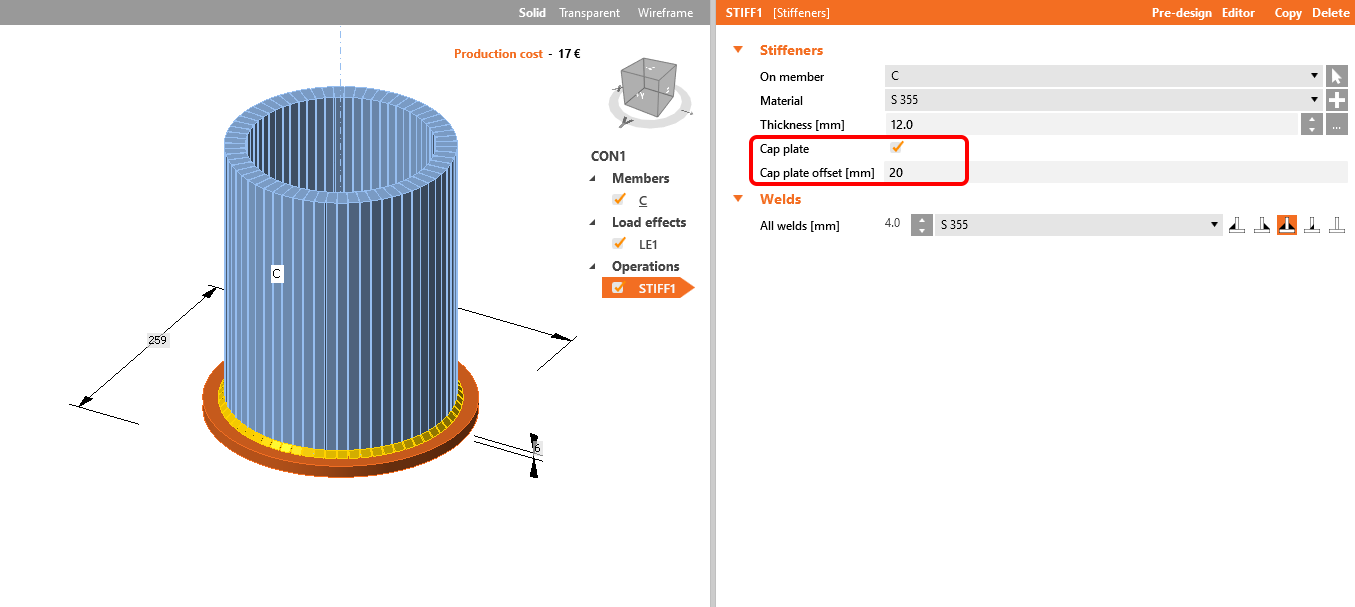
In case of Ended member or Stiffening member, we have also the possibility to add a Cap to the end of the hollow-cross-section:
Watch our webinar recording to learn this simple workflow.