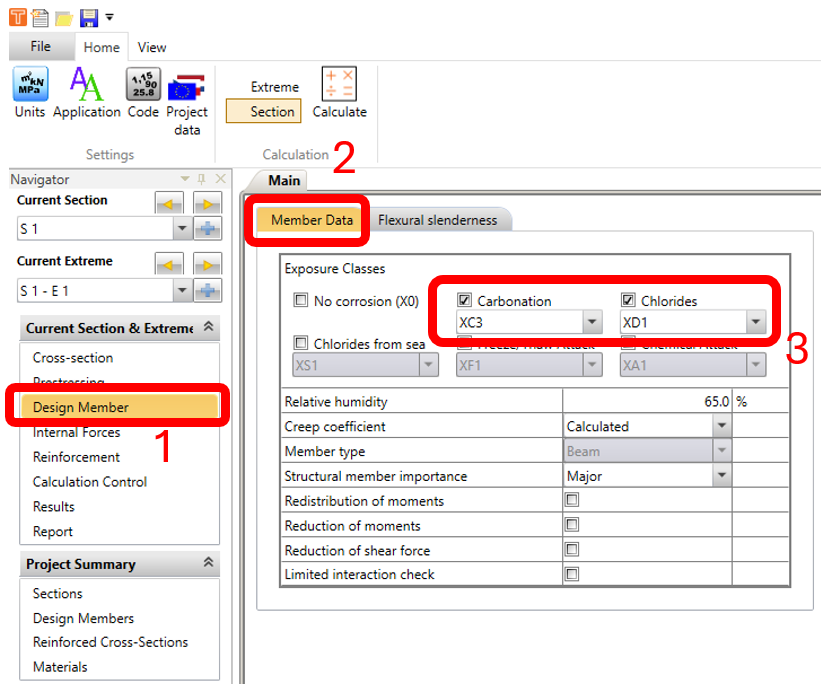
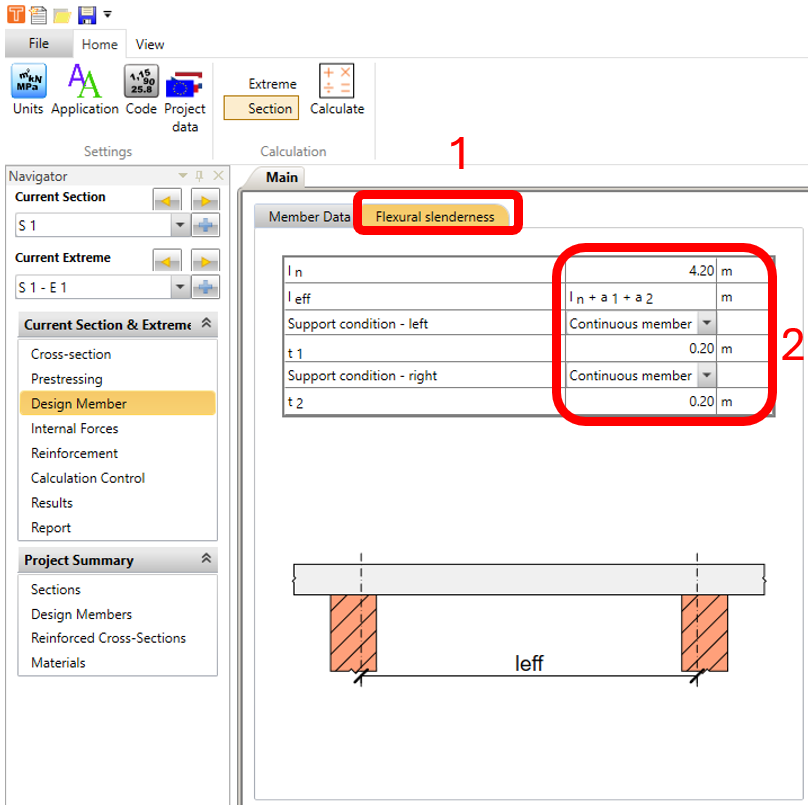
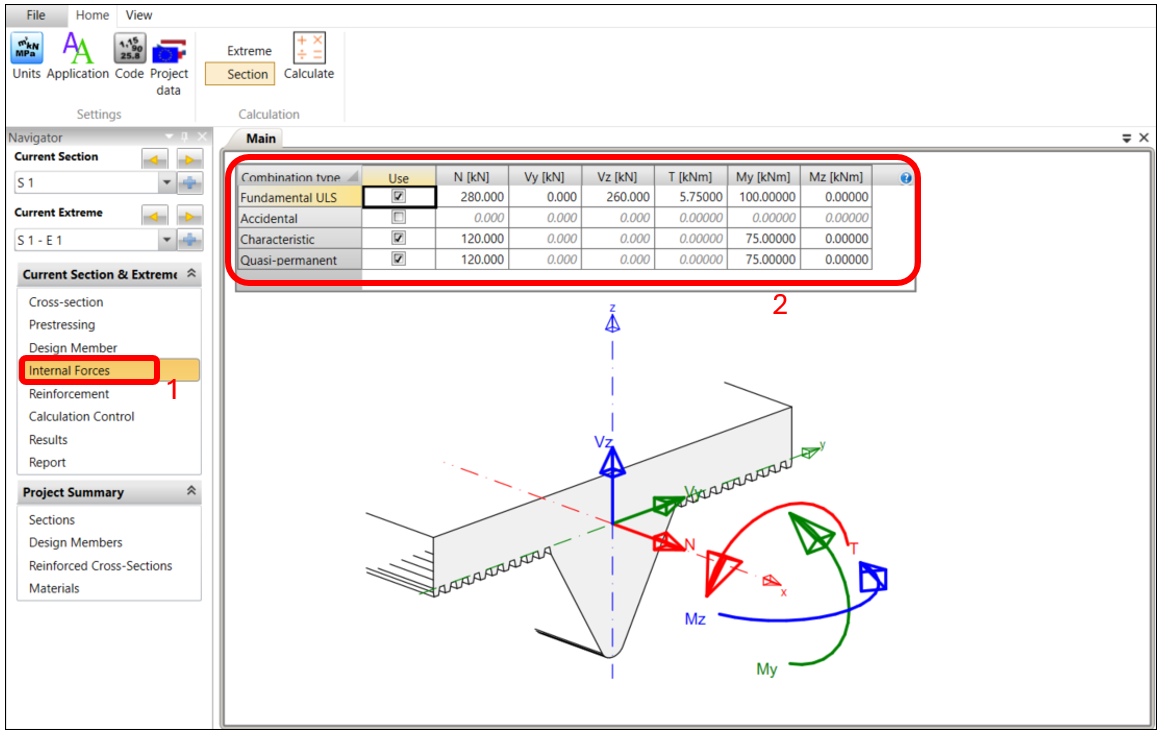
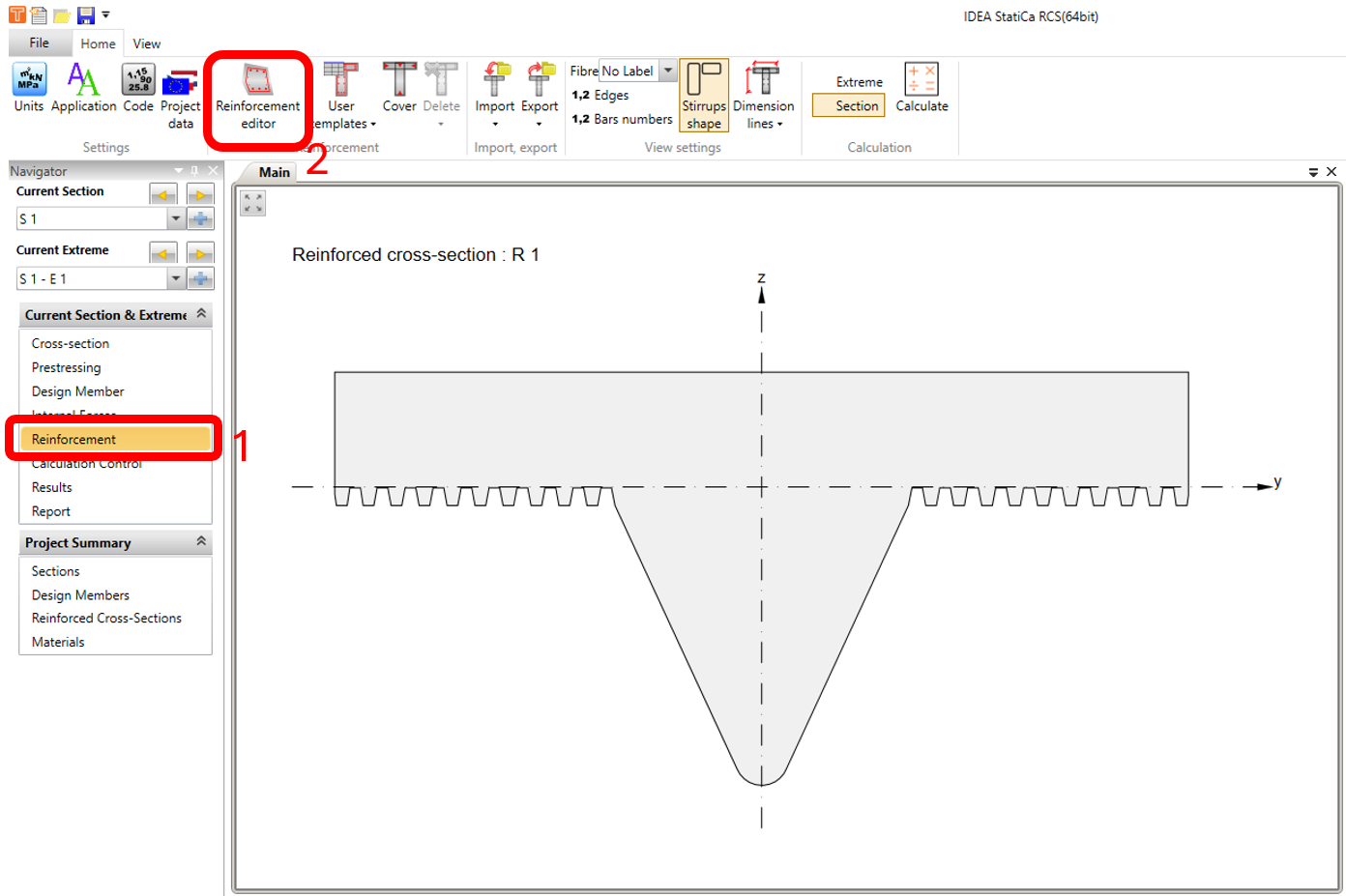
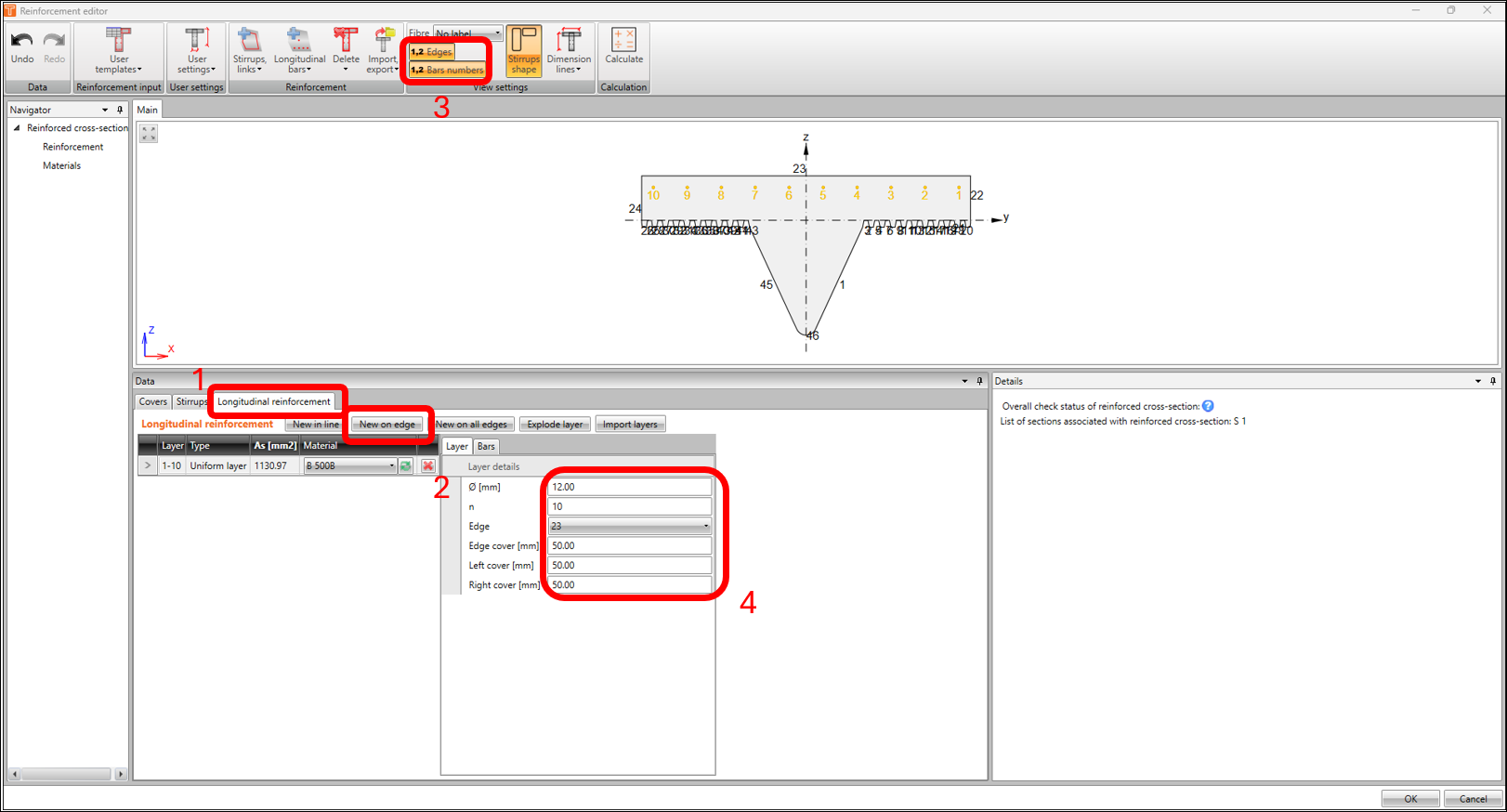
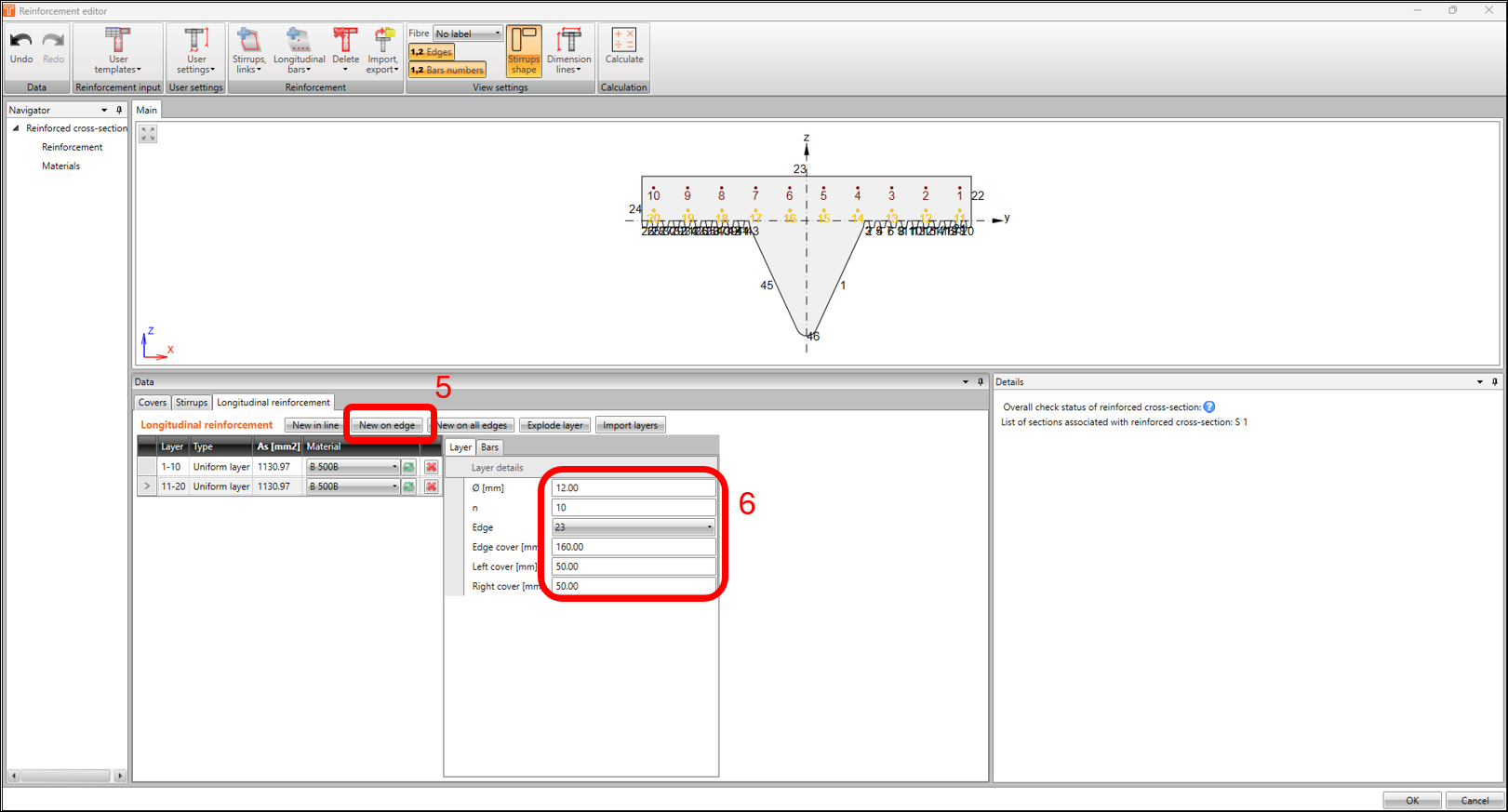
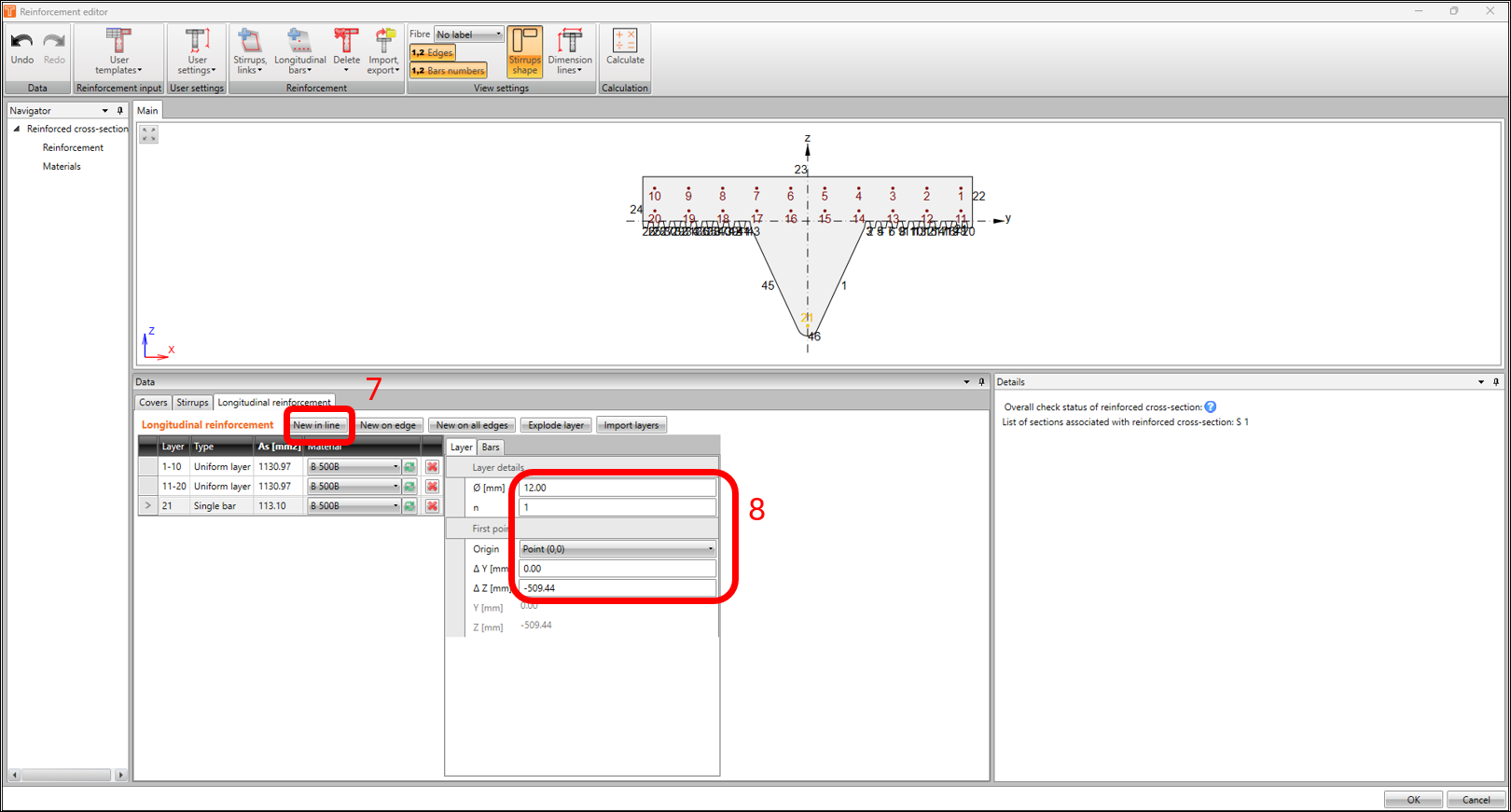
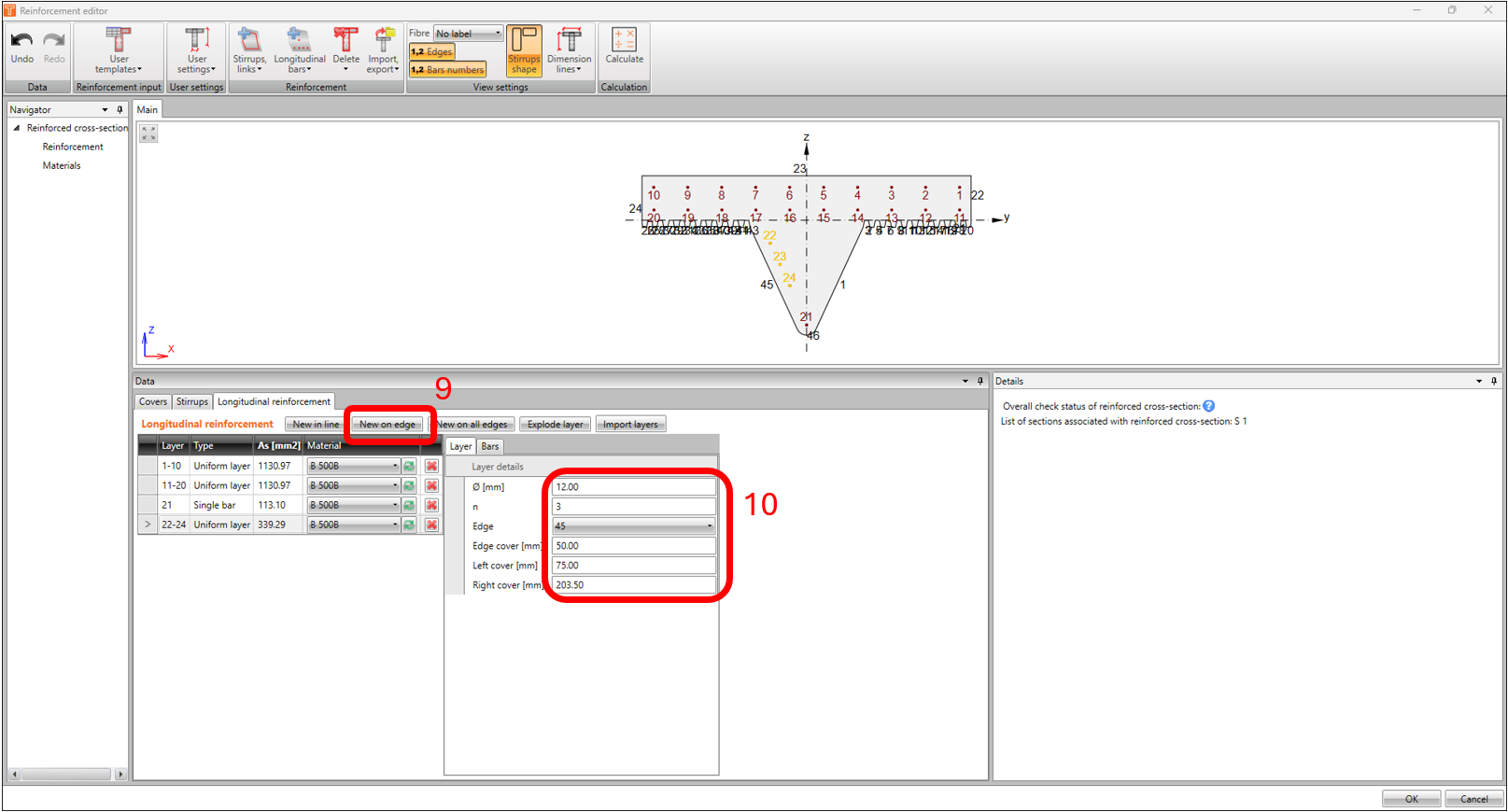
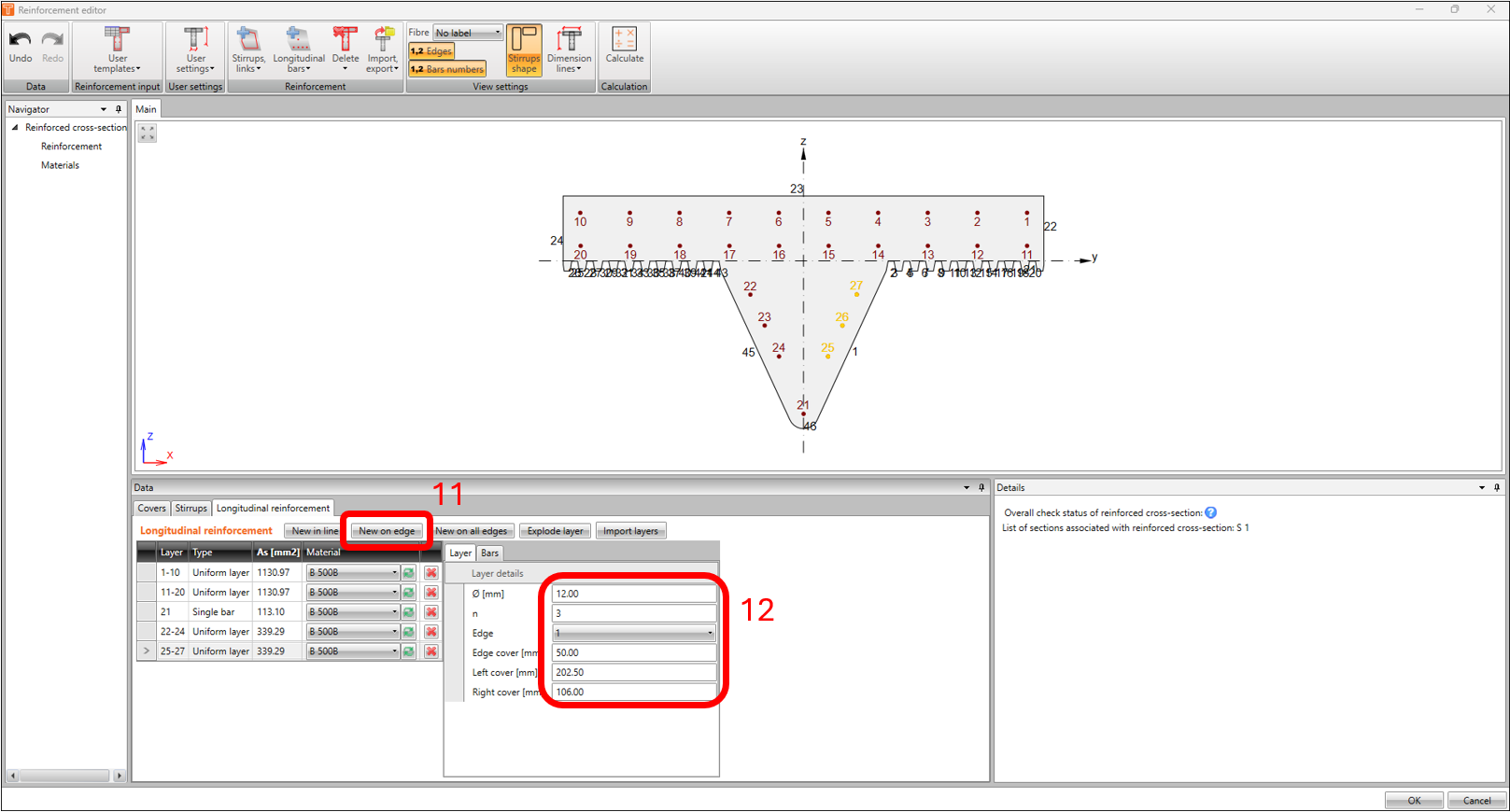
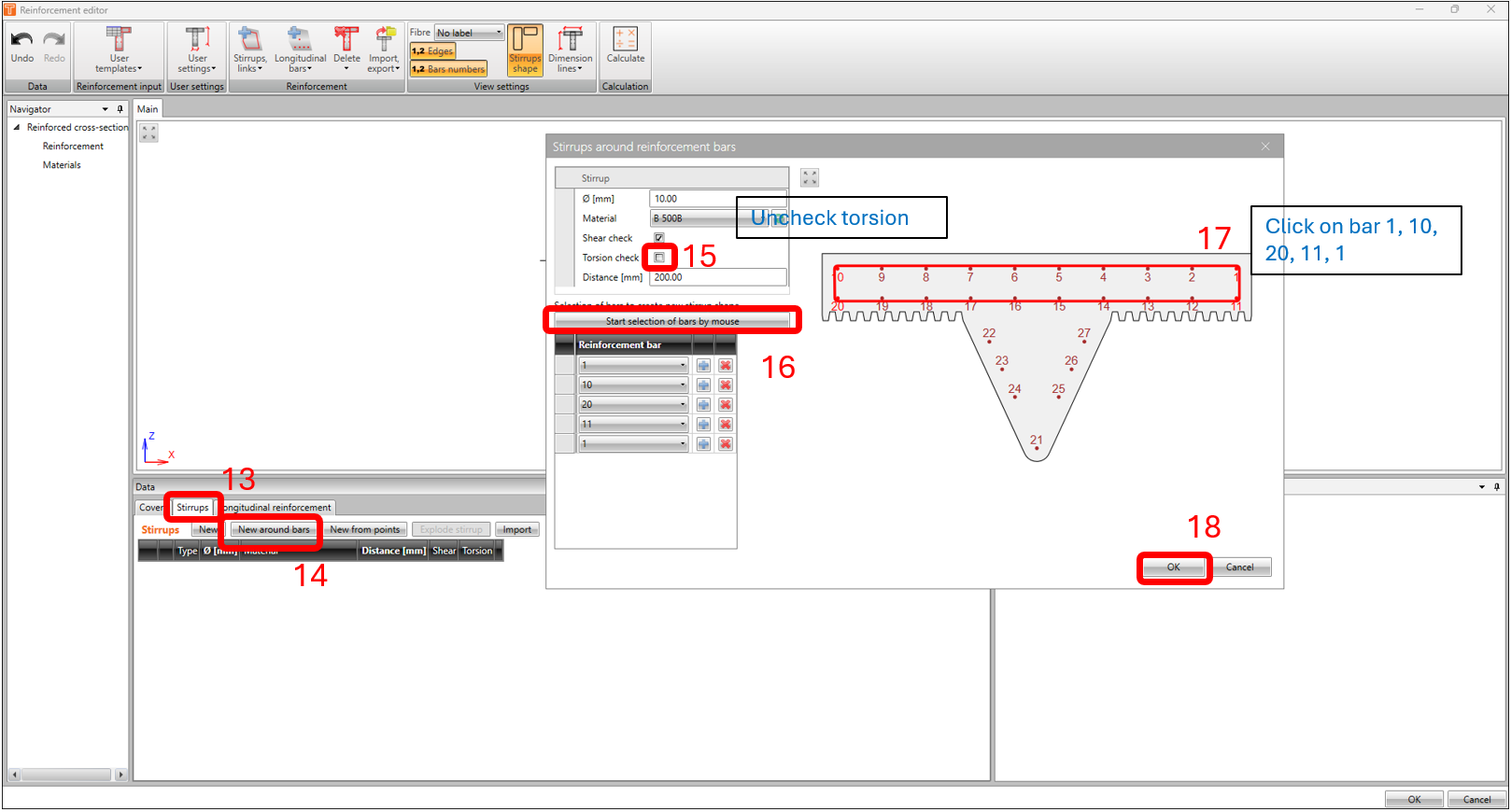
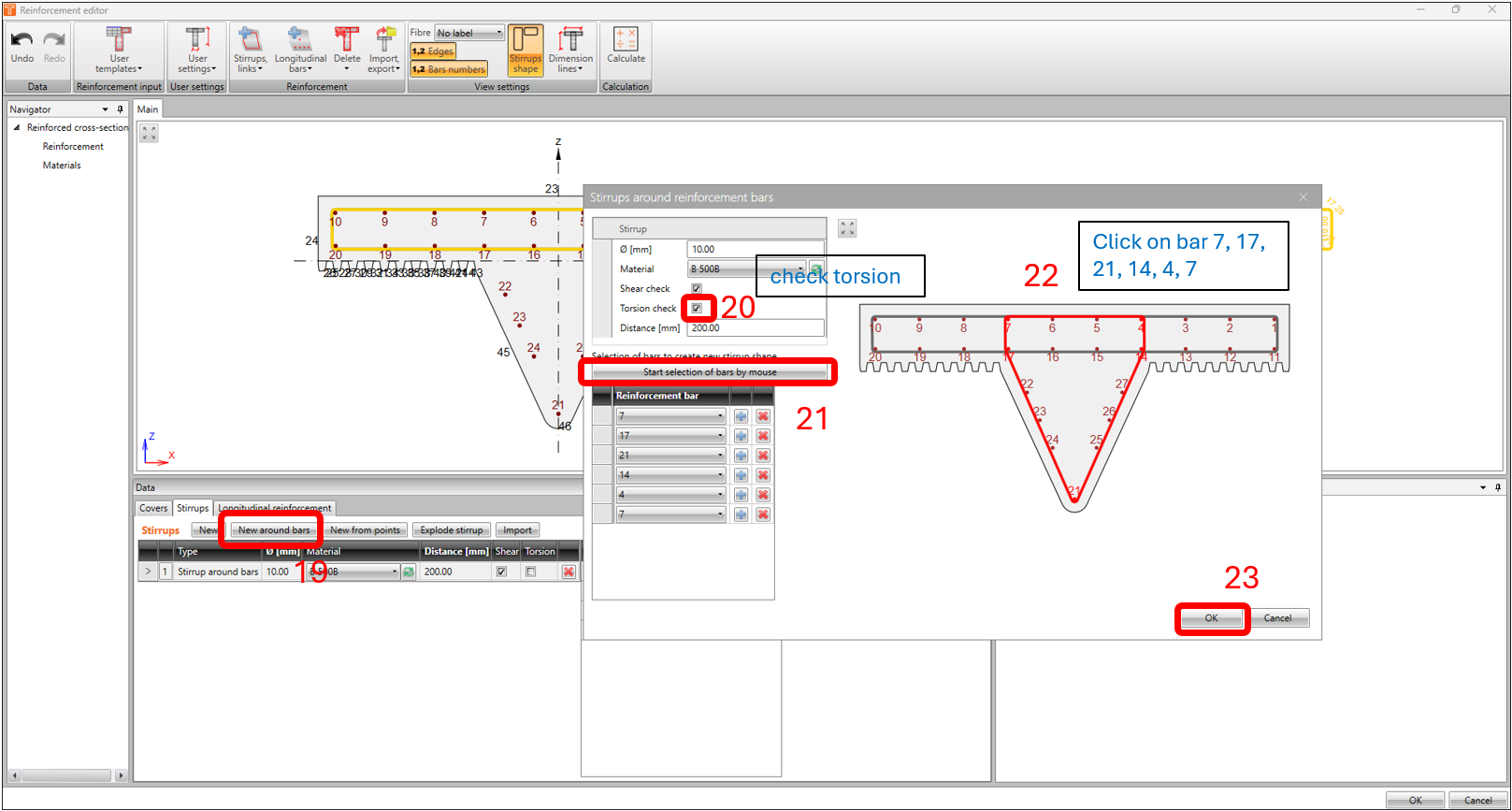
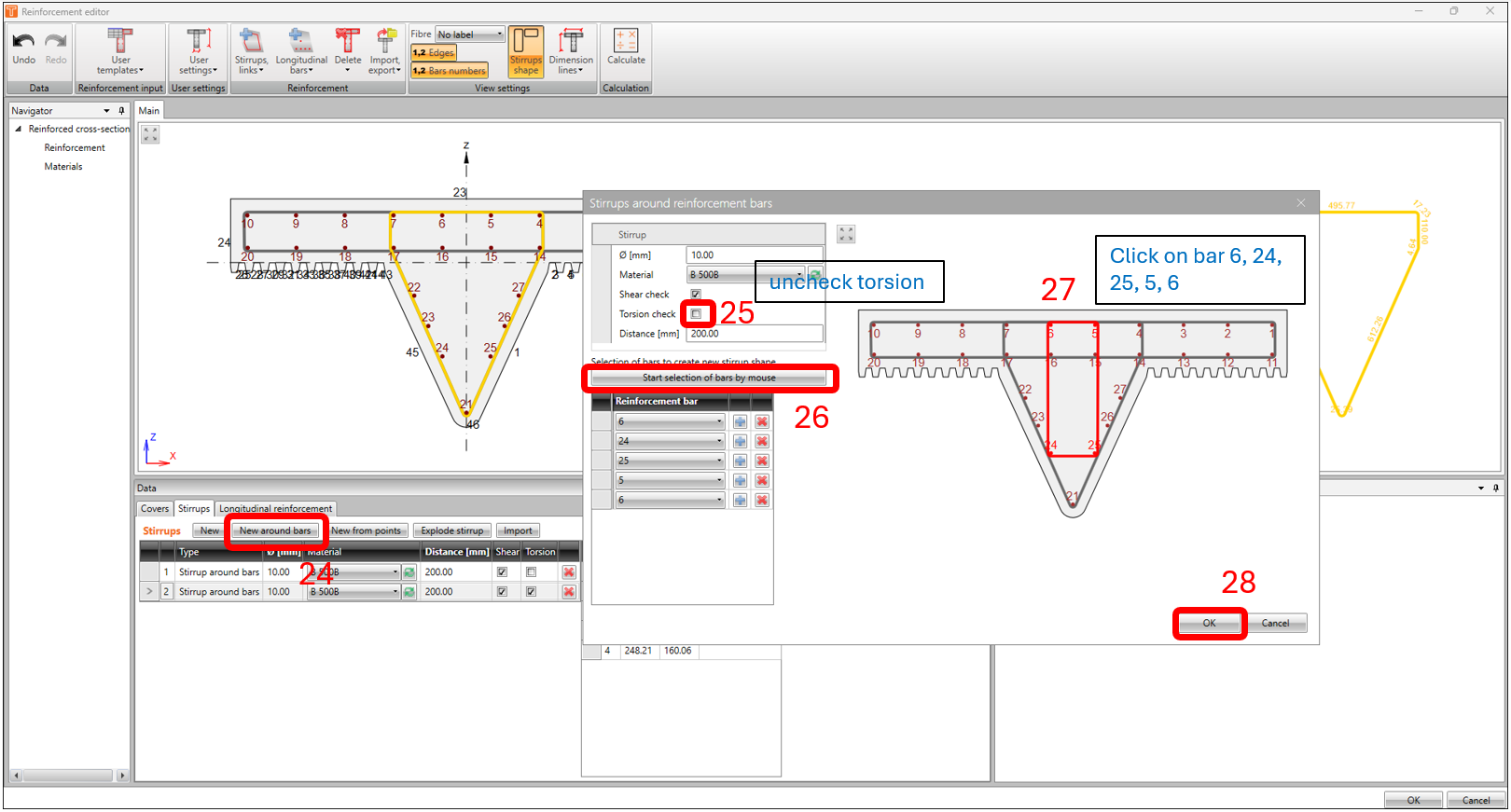
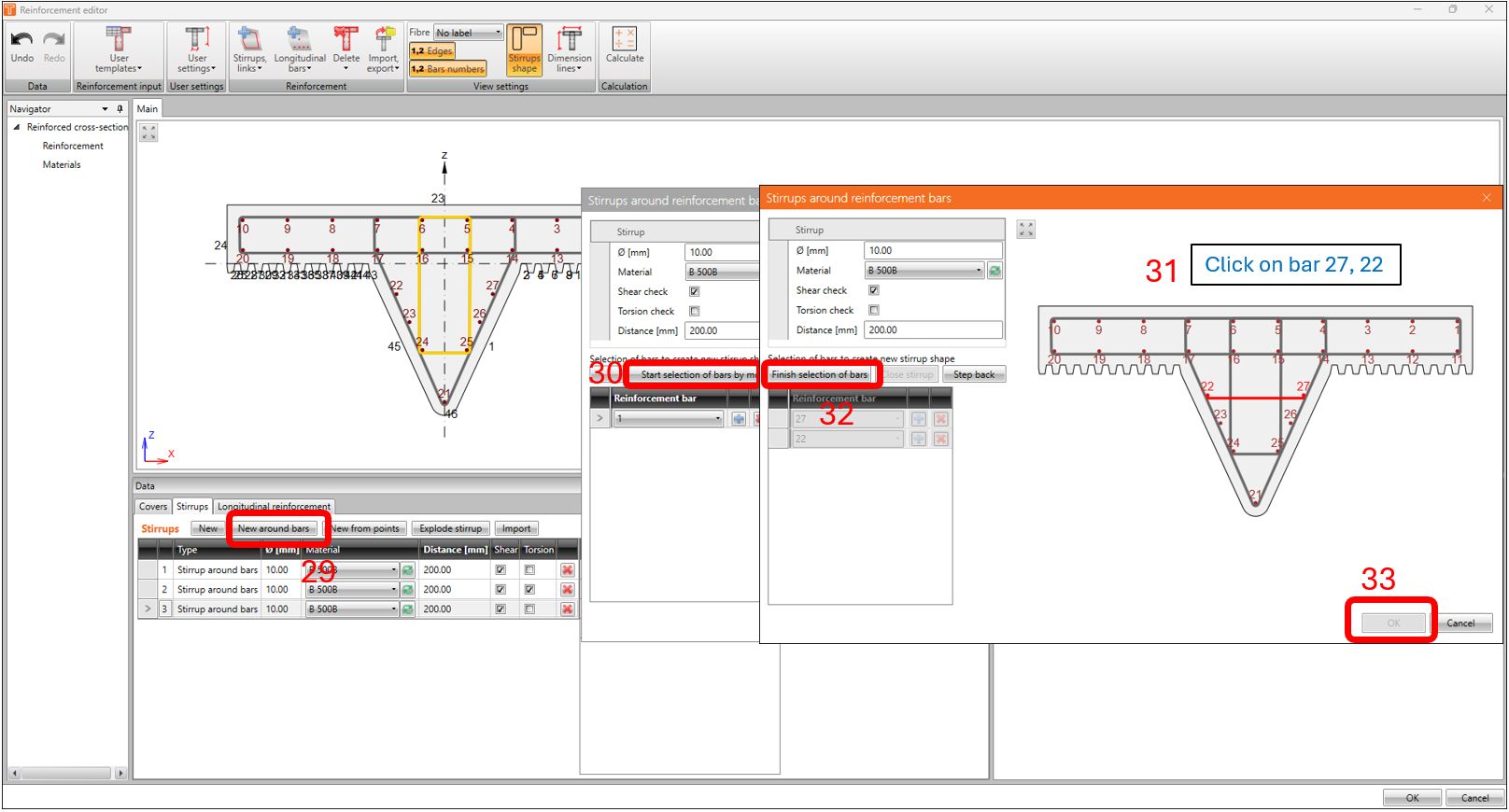
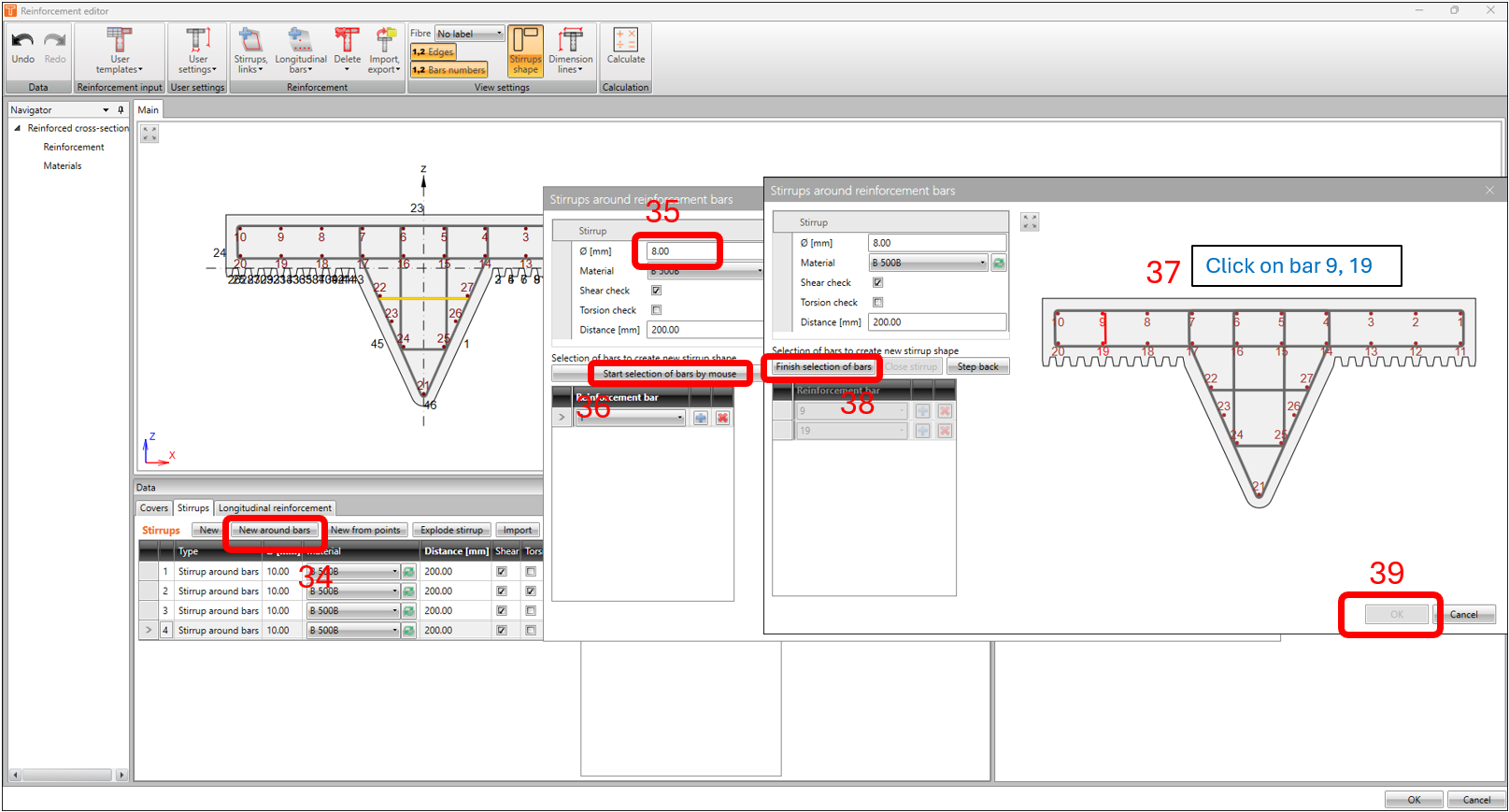
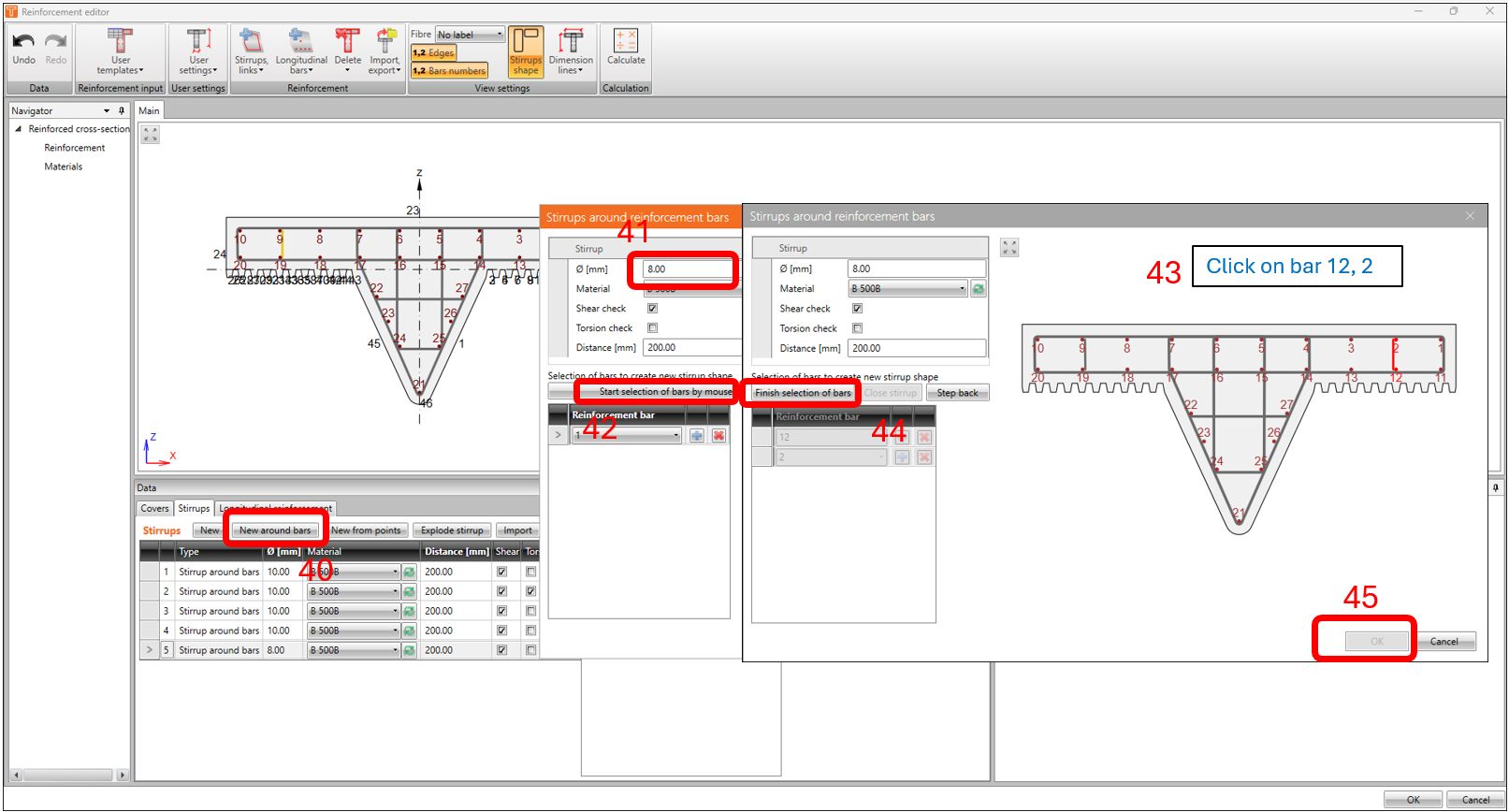
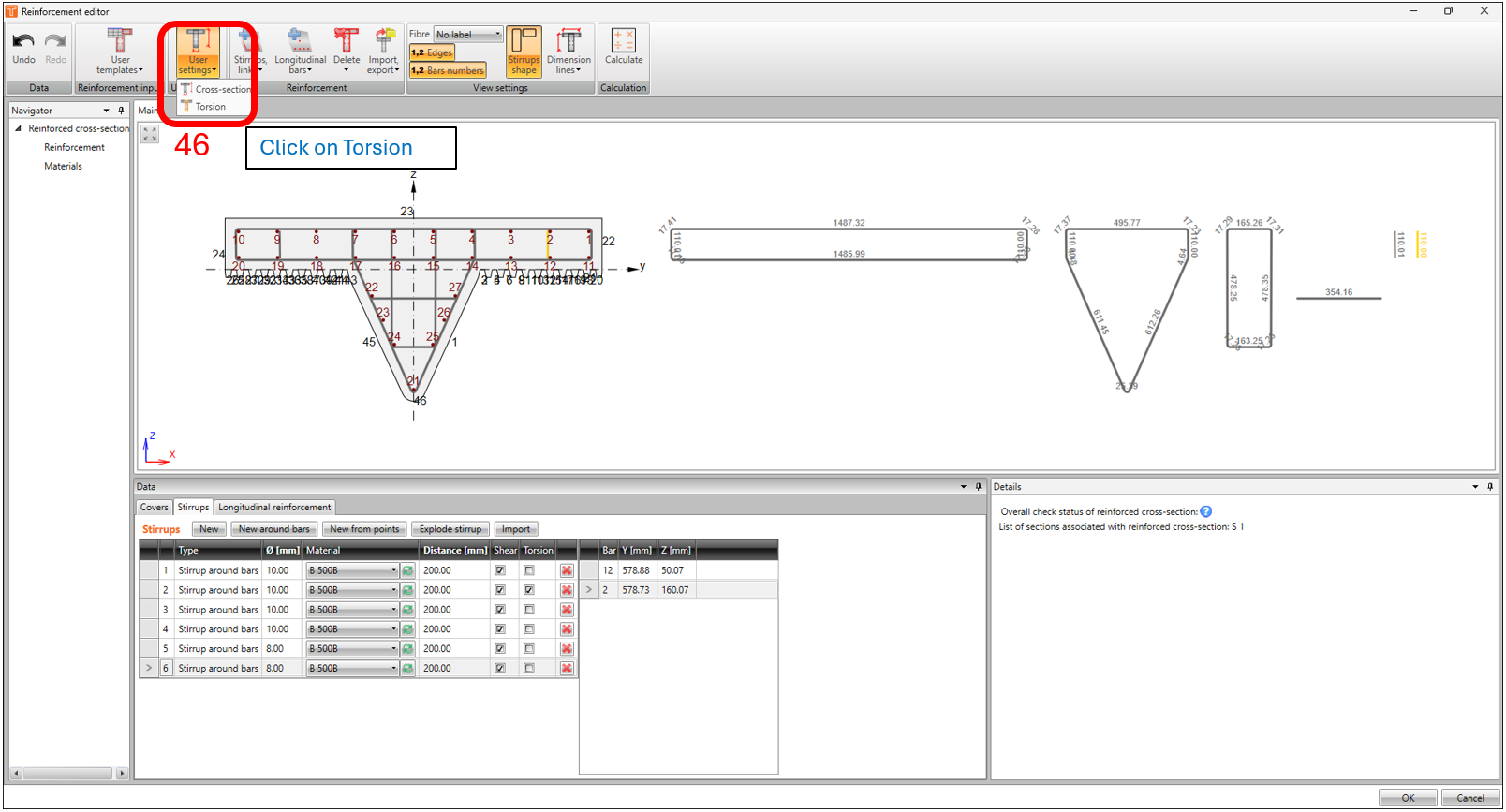
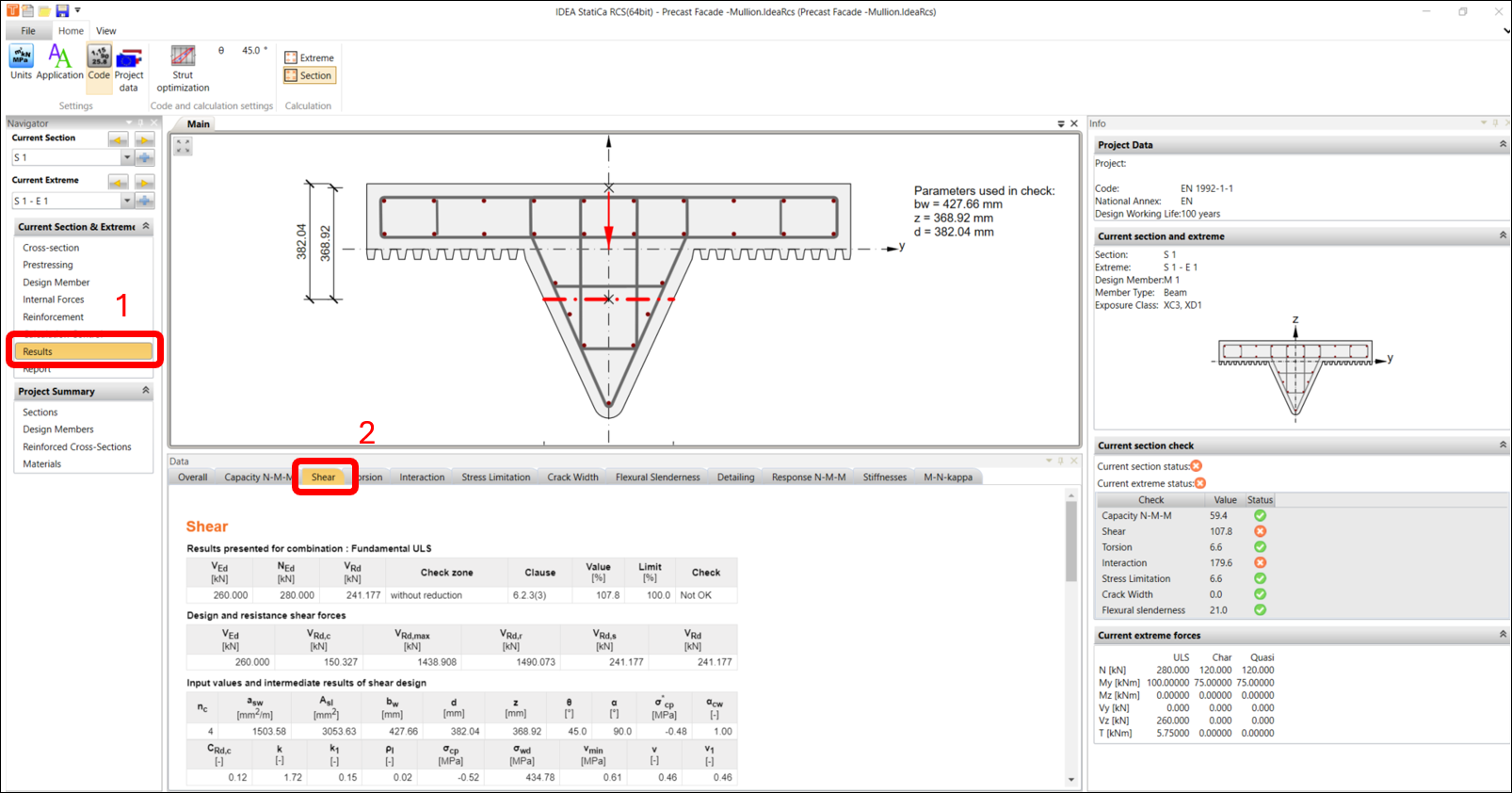
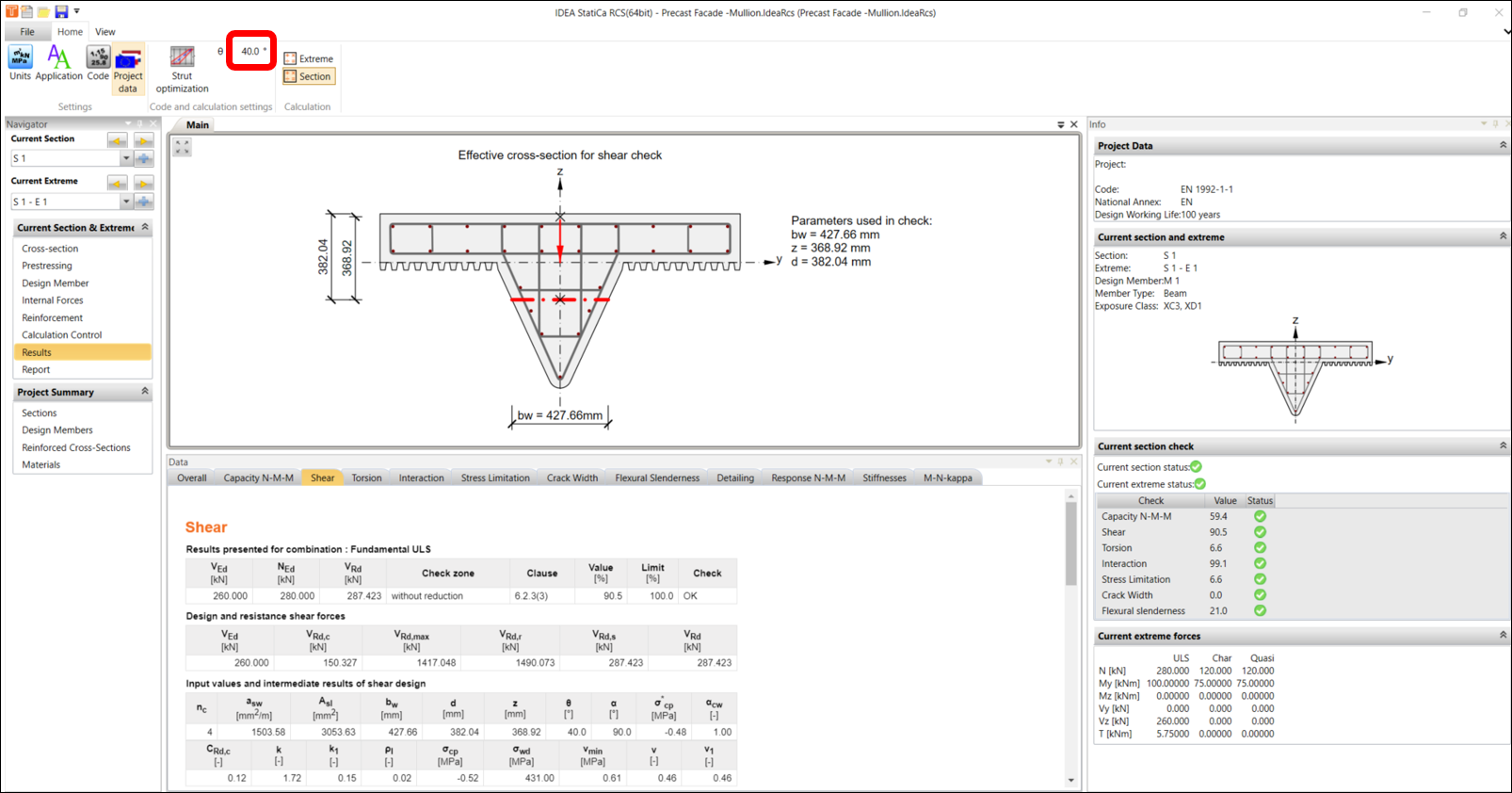
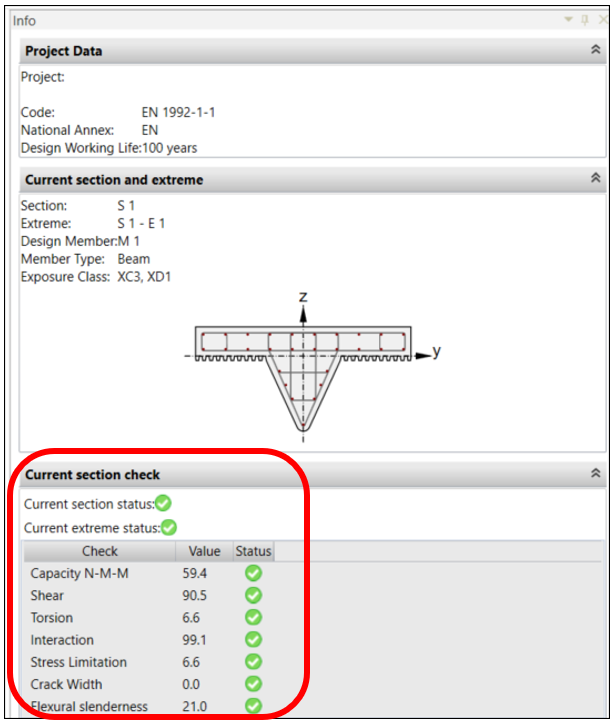
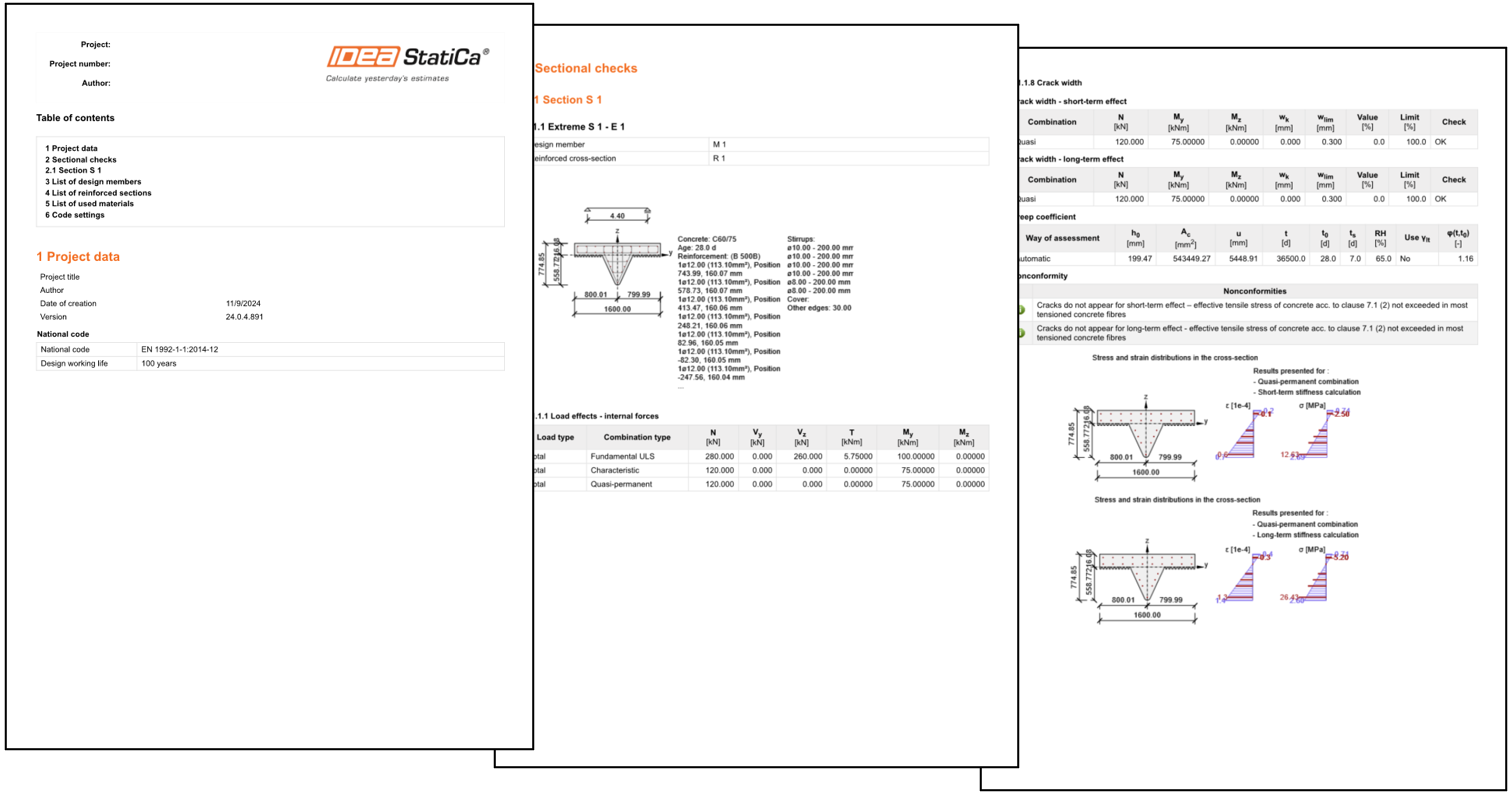
Learn how to design and code-check this type of condition with a breeze in IDEA StatiCa using the RCS application.
In this tutorial, the end-user will learn through a step-by-step guide on how to design and code-check a user-defined reinforced concrete cross-sections according to Eurocode.
1. Creating a new project
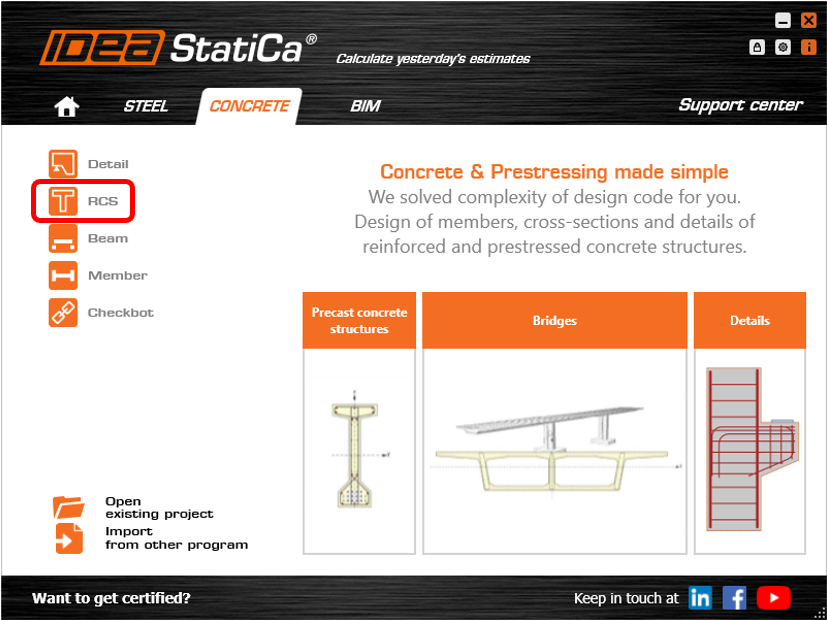
Open IDEA StatiCa and click on CONCRETE tab and select the application RCS.
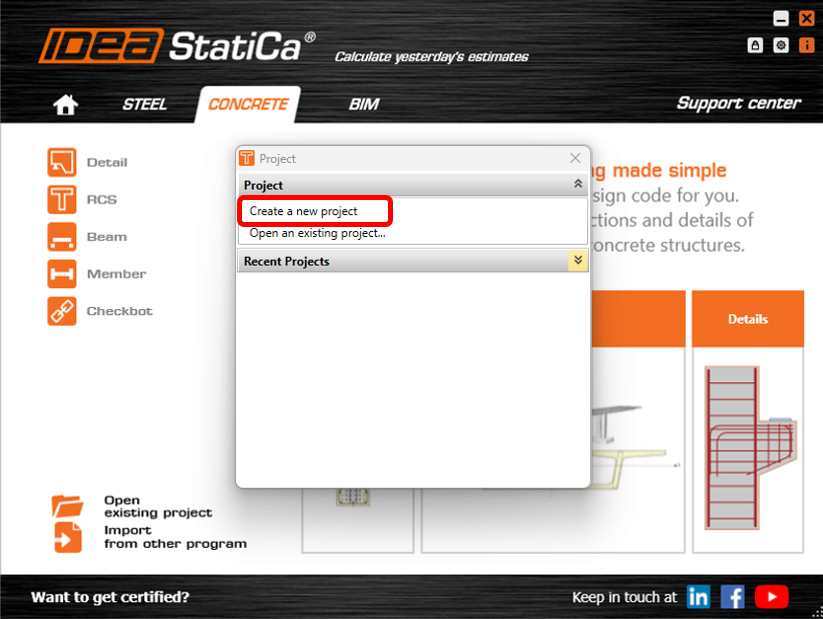
-In the Project window, click on CREATE NEW PROJECT.
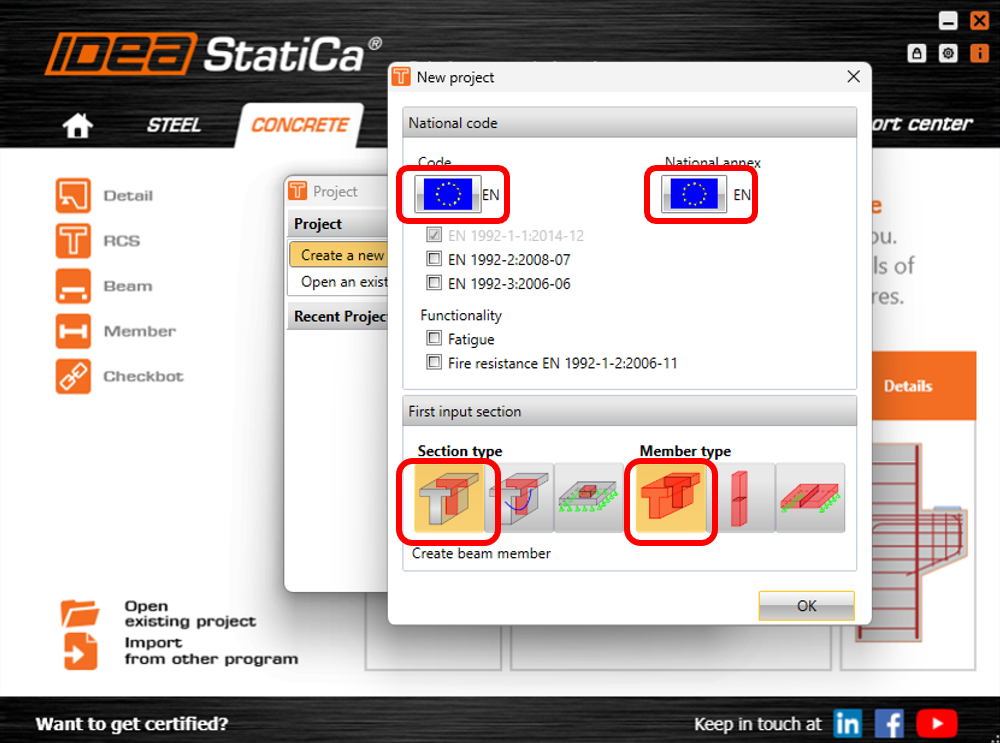
Next, you need to select the code and the national annex. In this example, we will leave the default settings to Eurocode. Select 1D REINFORCED SECTION under section type and select BEAM under member type.
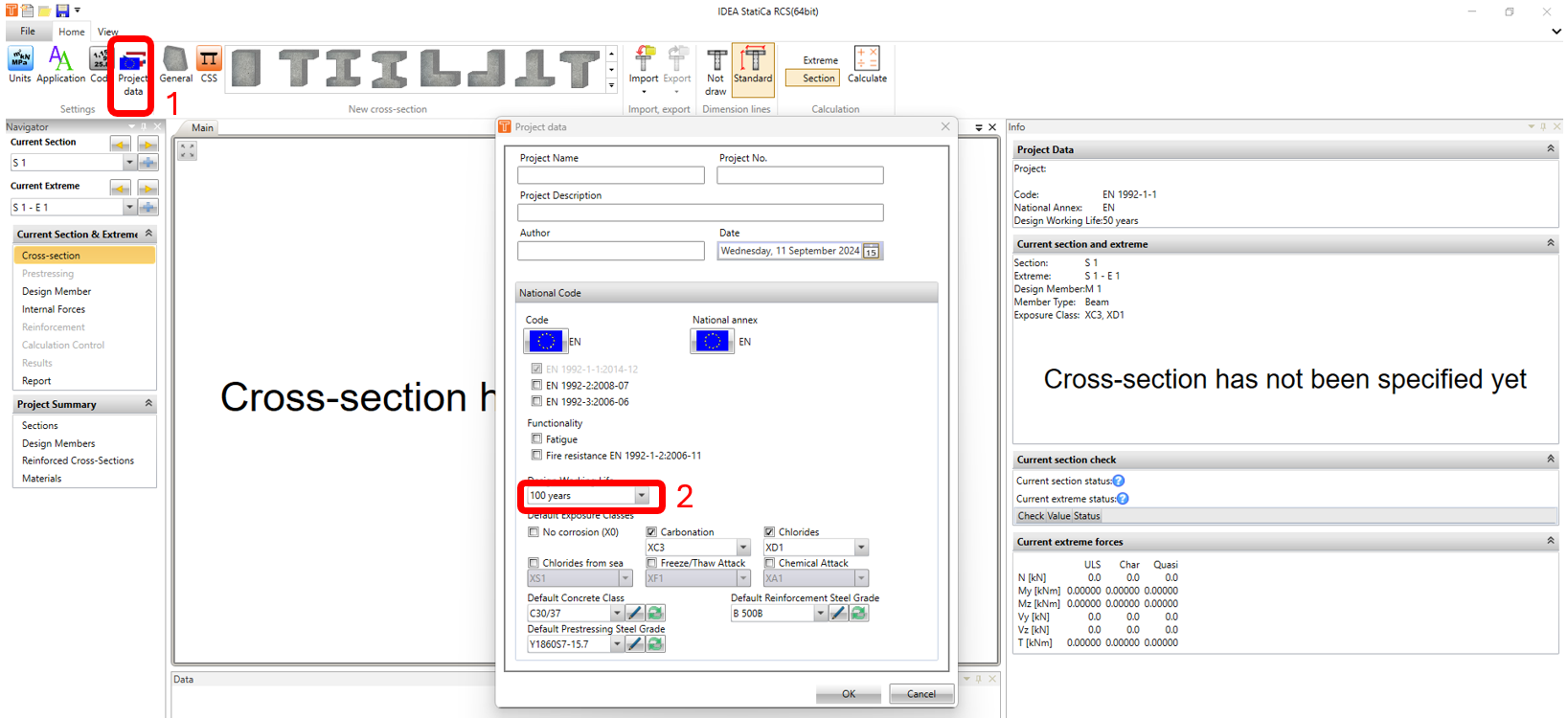
In the Cross Section Navigator window, click on Project Data icon. In Project Data window, change the design working life to and click on OK.